


Answered
Getting complementary colors inside Photoshop during photo editing
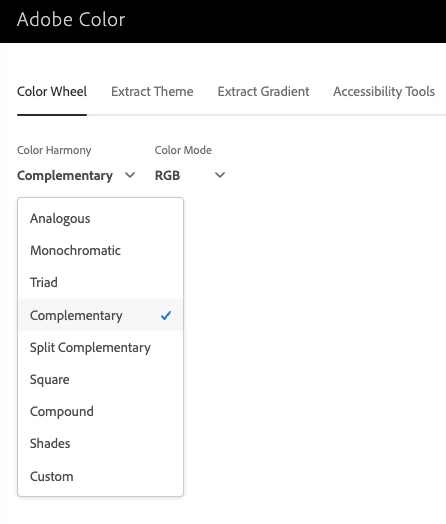
I want to edit a photo and while editing, check for the complementary colors for the some specific color inside the image. This would be so that I can check and edit parts of the image so that they match the complementary color that I want. Is this possible without the color theme tool that Adobe removed a few years back? I don't really want to create a jpeg, use the Adobe color online tool and again come back to photoshop etc.

 AdChoices