


How to create a color themes from just one base color?
Hello everyone! I am brand new to Adobe Color and don't know how to use it or any of the features on it, so I apologize if my question may seem simple or basic to everyone here. If there is a user guide/manual that has instructions on how to use Adobe Color that someone can point me towards, I would be extremely grateful for that.
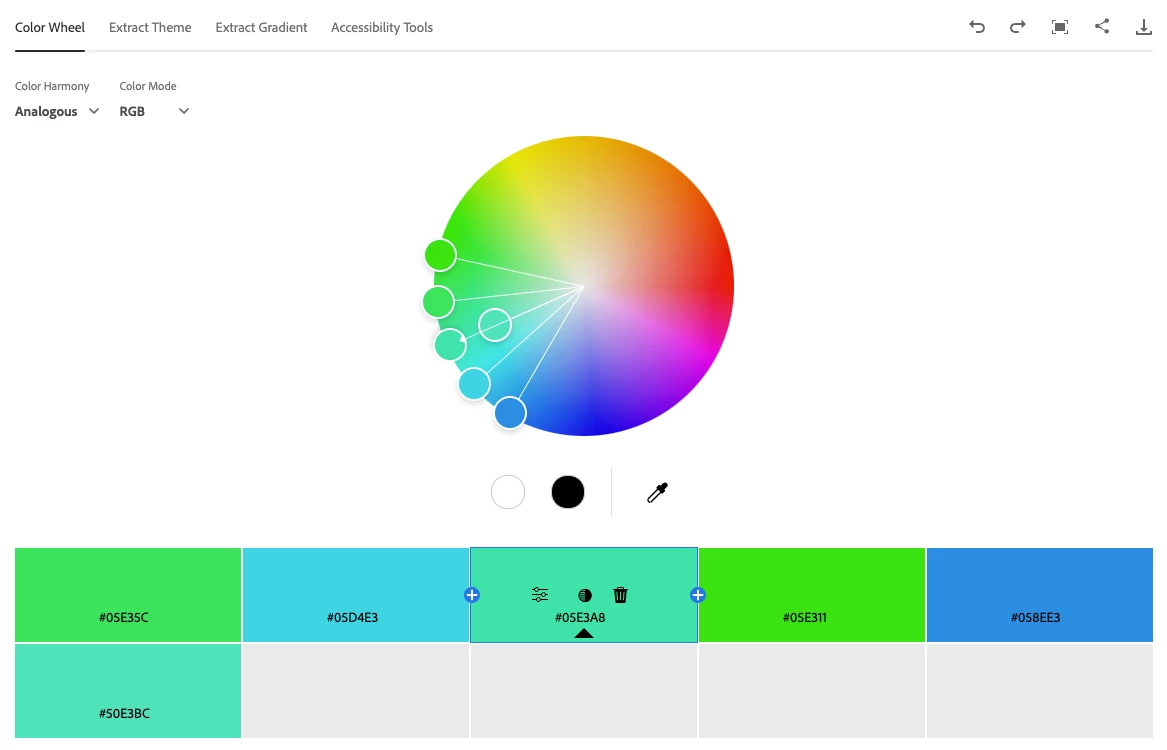
Anyways, my organization has specific brand colors that we have to use in our work. I have been informed that I can create "variations" of these specific brand colors (like shades, analogous, compound, triad, etc.), but it just has to be that the base color was used as the starting point though. In my research, I came across Adobe Color and I thought I could use this tool for my needs, but I didn't find an instruction manual or user guide to show me the process though. Basically, I am hoping that I can use one color (like a "brick red" for example) and then create a color theme(s) based off that one color.
Is this possible? If so, how can this be done? Are there instructions somewhere that can walk me through the process?
Please advise and thank you.



 AdChoices