


Acrobat cannot extract the embedded font
I have spent at least an hour trying to find a recent solution for this problem, and I have tried all suggestions short of cleaning up the Creative Cloud installation. Previous answers have stated that as long as the font is displaying correctly, it should print. I am preparing files for a book printer and font errors usually translate to print job failure. I have seen PDFs that "display correctly" on a computer screen, only to have elements drop out during the print process.
I installed the fonts in question through Creative Cloud and they appear to be installed, with no issues:
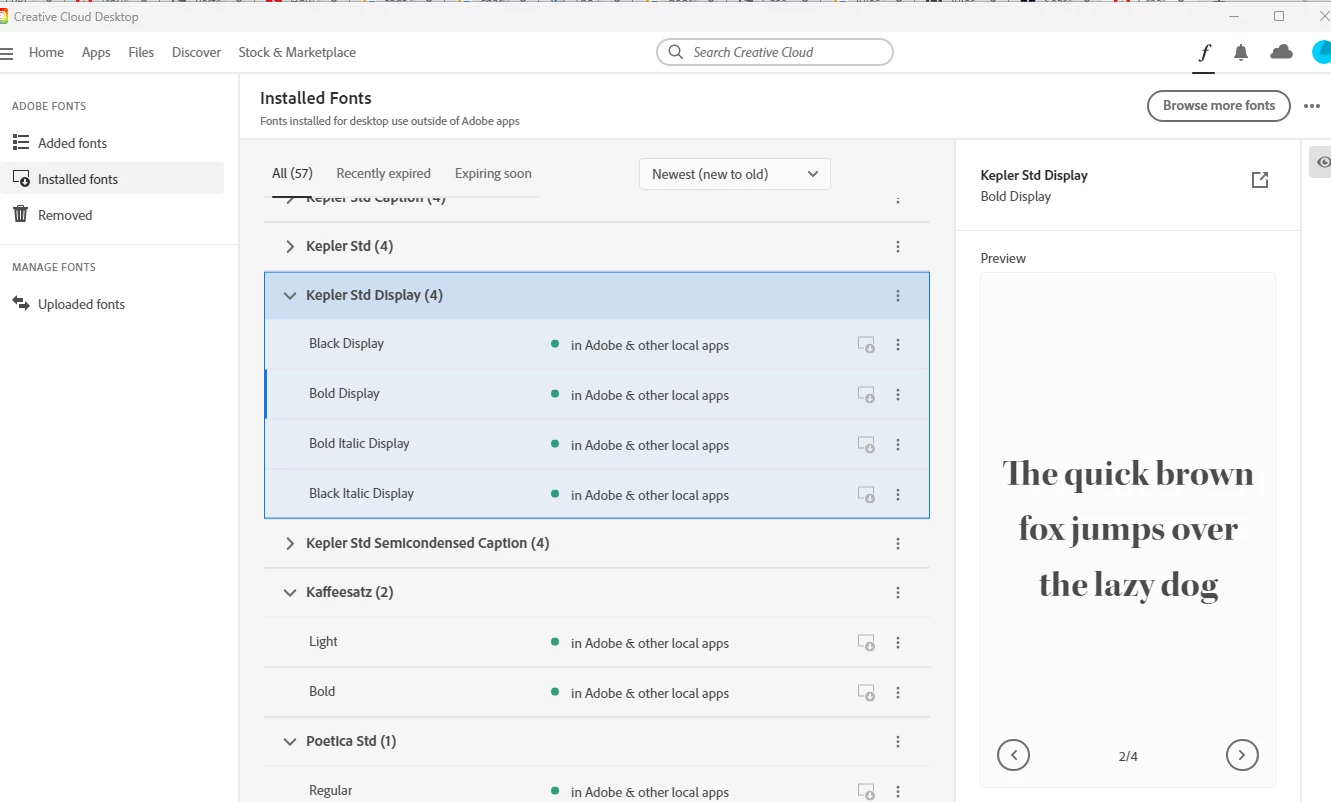
However, when I try to export my InDesign file using these fonts to a PDF, I receive the "cannot extract" error message. Here is a screen shot of the font info in the InDesign file:
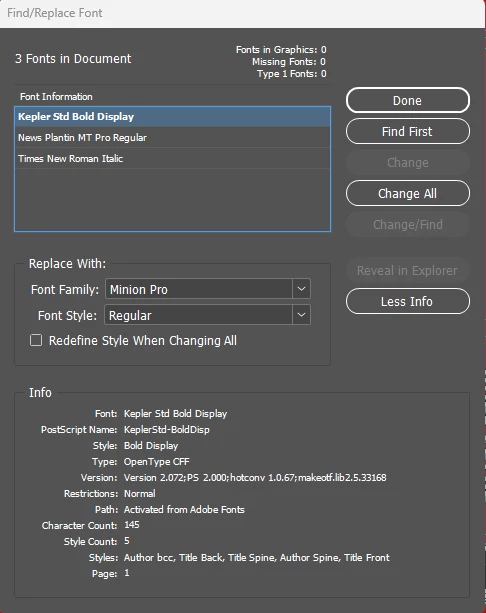
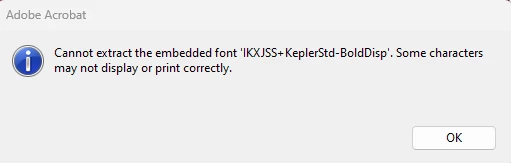
You can see that InDesign recognizes Kepler as Open Type, not Type 1. Here is the resulting error message:
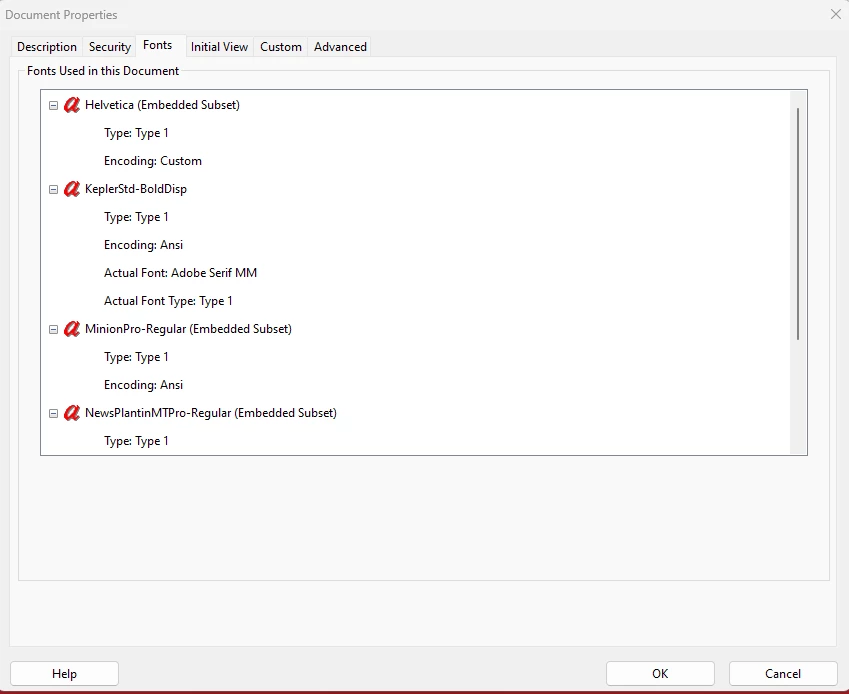
Here are the PDF properties/fonts - note that although InDesign doesn't show any Type 1 fonts are being used, they are listed as such below. And nowhere in my InDesign document am I using Helvetica, so I have no idea how that is getting in there as I don't even have it on my system.
This is happening with every font I have installed this week - I have not had this sort of problem before now and have not made any system or application changes that I am aware of.
The PDF pre-set I am using is based on the PDF/X-1a:2001 standard.
Thanks for any help - I guess I am limited to my previously installed fonts for now.
Val
 AdChoices