Participant
September 3, 2020
Question

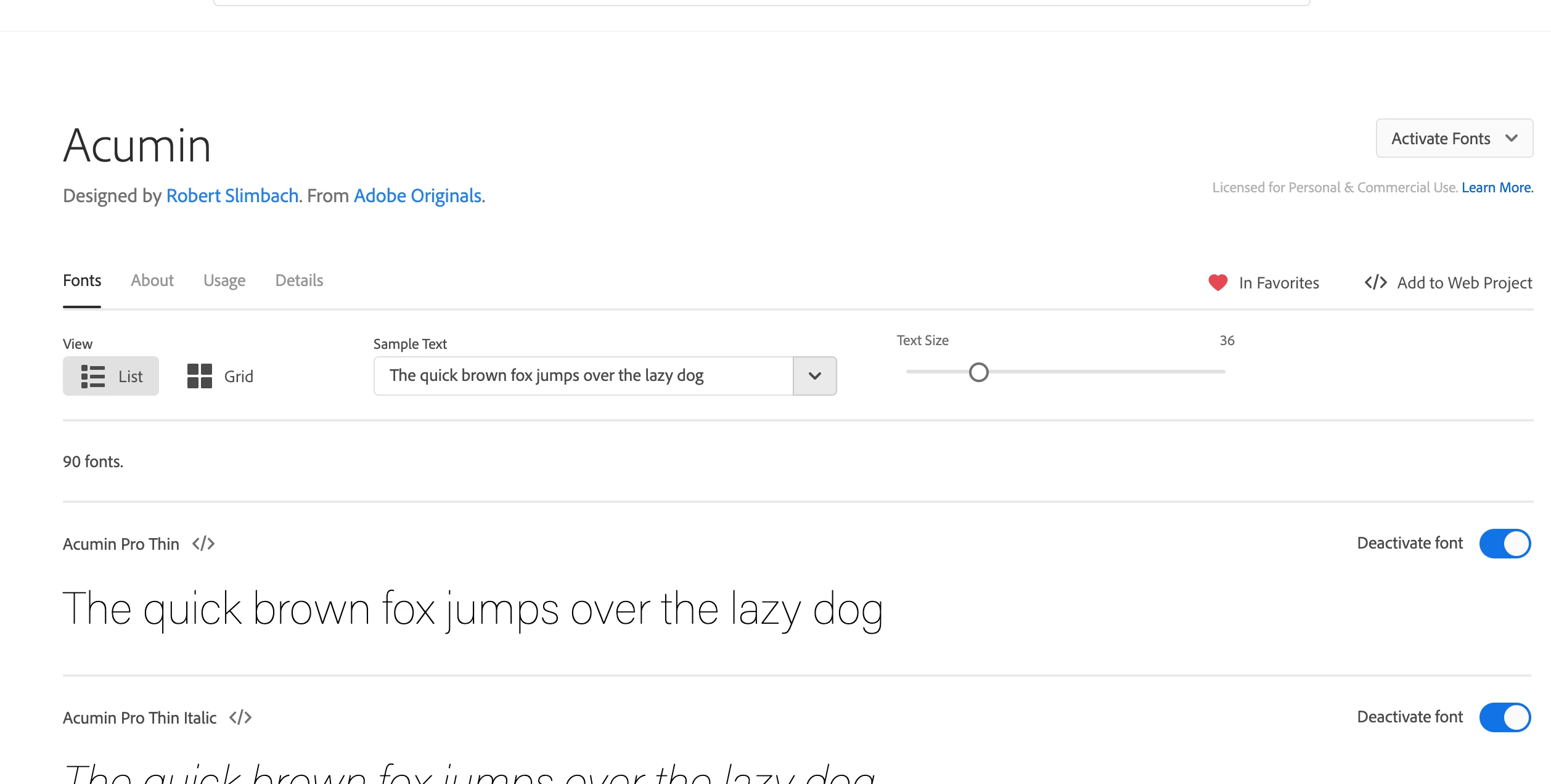
Acumin Pro Thin font is showing as Activated but not accessible

  • September 3, 2020
  • 1 reply
  • 1294 views

Hi, 


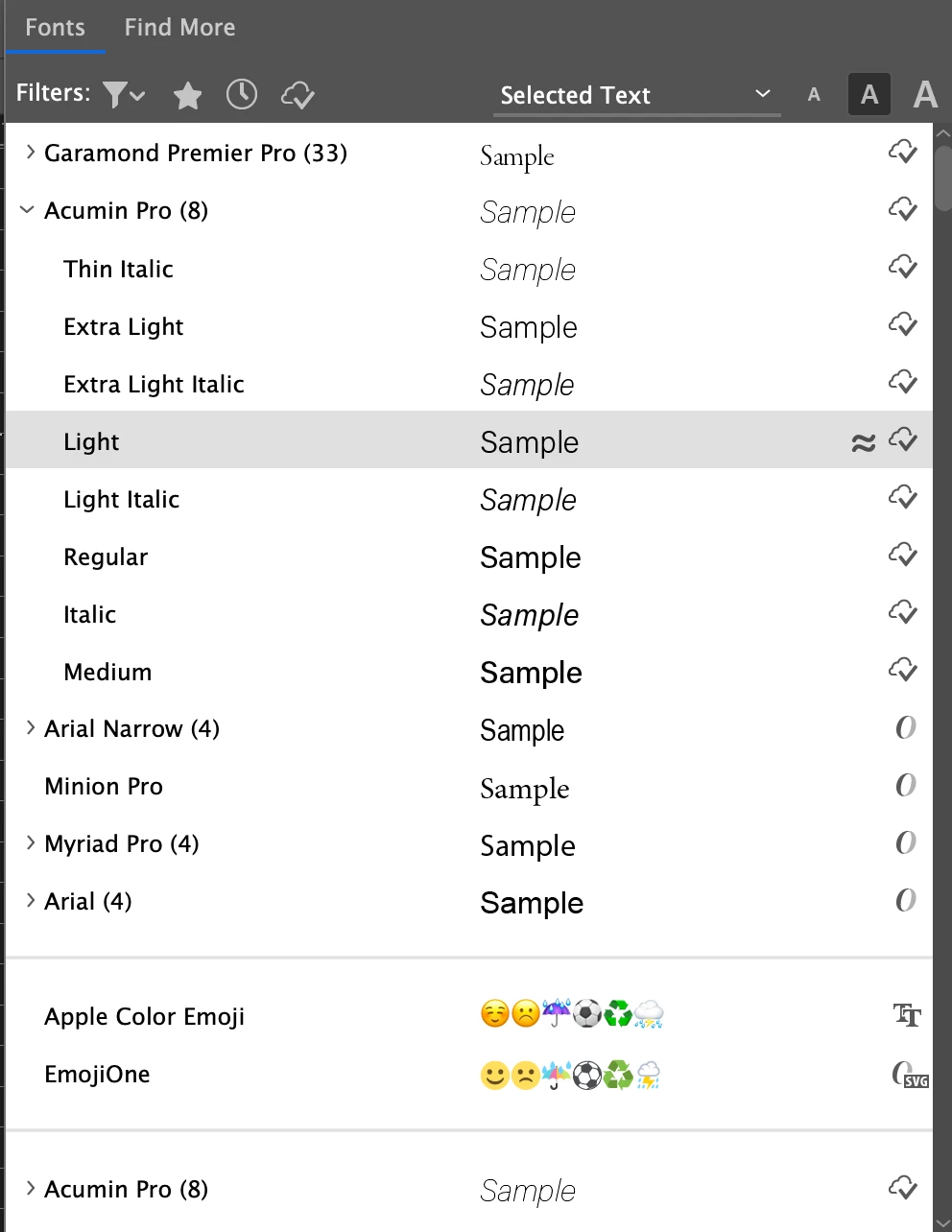
The Acumin Pro 'Thin' font is showing up as activated on Adobe fonts, however when I try to access this font in apps like in design or premiere pro. 'Thin' says that it is activated but is not visible in these individual apps. I have created projects with these fonts in the past but I'm not able to access it anymore. I have signed off and on to my creative cloud and deactivated and reactivated fonts. Problem still persists. Can anyone help? 


Thanks in advance. 
This topic has been closed for replies.

1 reply

Nancy OShea
Community Expert
Community Expert
September 3, 2020

Assuming the font is not discontinued, are you synced to the cloud?


1. Open CC Desktop App.
2. Click the gear icon > General tab > Settings. Select "Always keep Creative Cloud up to date."
3. Click on your Avatar (top right image).
4. Sign-out of Creative Cloud.
5. Close all apps.
6. Restart your computer.
7. Open CC Desktop app.
8. Click your Avatar.
9. Sign-in with your paid ID and password.


Nancy O'Shea— Product User & Community Expert
Participant
September 6, 2020

Thank you for the quick response. 


I tried this before but have tried again, sadly it didn't work. I wouldn't have thought it was discontinued as the other styles within the font work. Initially I thought it may be the fact it is so thin but italic 'thin' is still active.