


Adobe Creative Cloud Fonts Will Not Sync on Mac
Some of my fonts will not sync in Creative Cloud and therefore when I try to use them in Illustrator and other programs it says that they are unavailable even though they are on my computer. I have checked the make sure they are only located in one of the library folders on my mac and they are only in one folder, so they are not duplicated anywhere. They are also all validated and working in all other non-adobe programs.
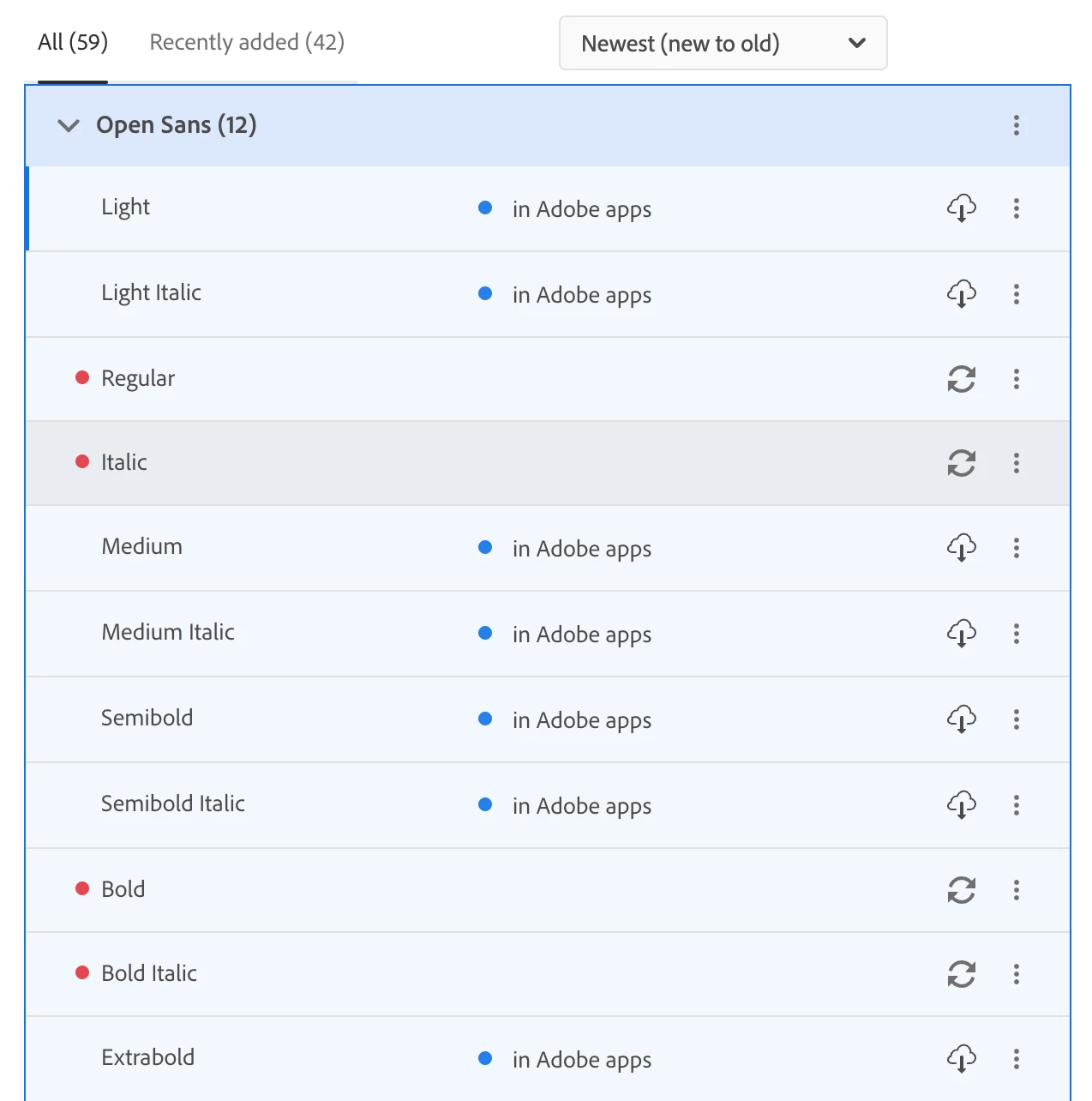
When I click the refresh button it simply cycles around and then goes back to the red dot next to the font name. Can anyone help with this. I would like to avoid using terminal to clear my mac font cache especially considering that Adobe seems to be causing the issue here. I have all app permissions turned on in my systems settings (full disk access and login items and extensions).
 AdChoices