


Adobe Font Adobe Kaiti Std R installed on a wordpress.org site displays random characters wrong
Hi Adobe Community
Hope this is the right forum for Adobe Font support for web.
I'm developing a wordpress.org site mostly in english but with chinese characters for transcriptions. I have installed Adobe Kaiti Std which is working swimmingly for most of the text and then it randomly displays one character in a different typeface, like an override - see high lighted text below screen grab
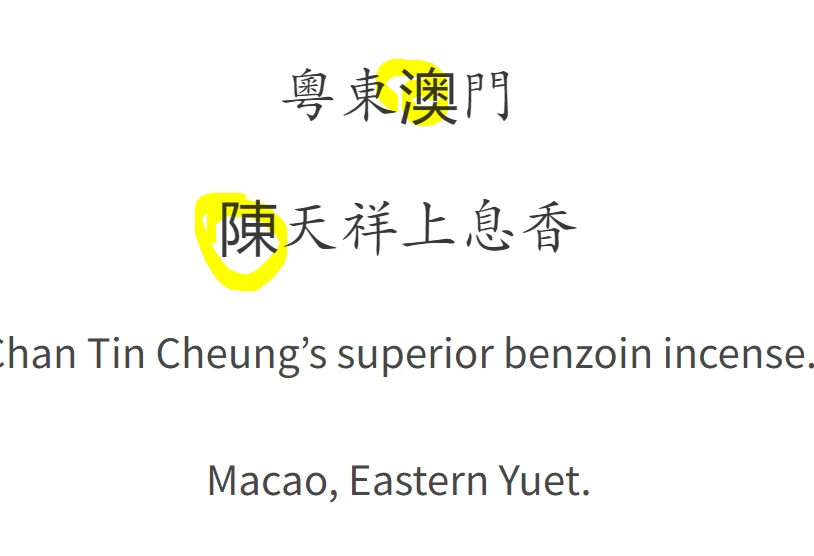
I thought there might have been hidden word doc junk, so have cut and paste into notepad and check the source code and nothing seems out of place
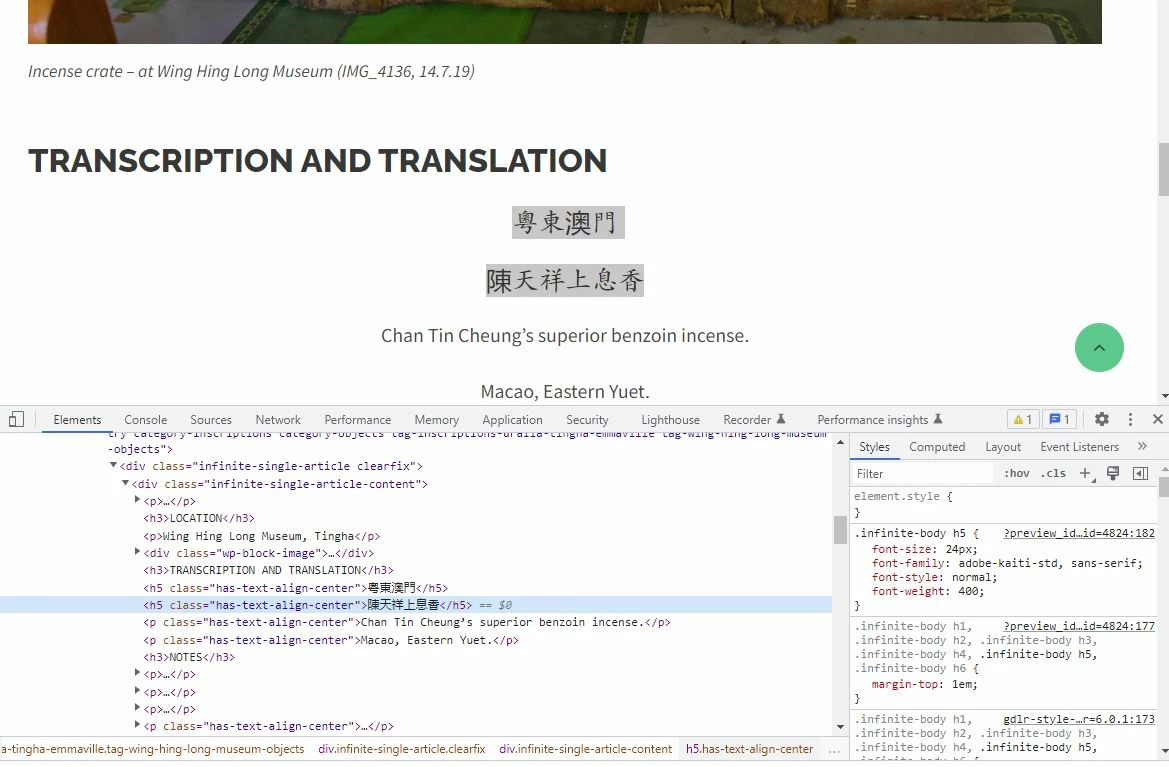
I went back to Adobe Fonts to check that the character actully works in the sample text and it's fine - these are common characters
Checked the browser - chrome and firefox - and get the same issue
See error on this page: https://ourchine.managedwp.com.au/red-printed-incense-stick-packaging/
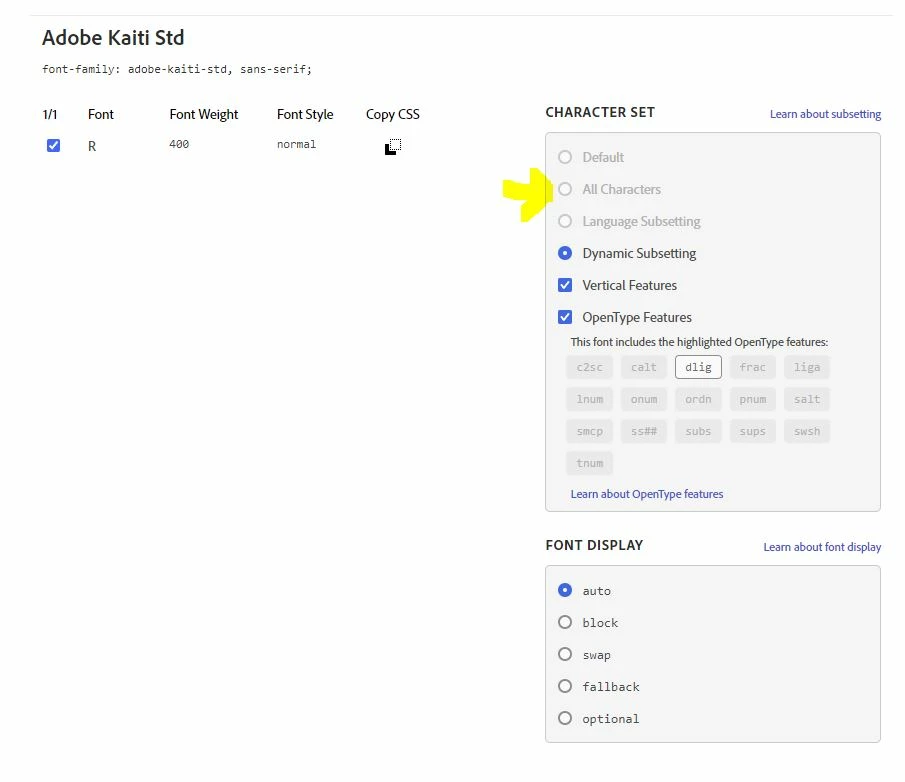
Looking back at - Adobe Fonts - project section: Adobe Kaiti Std
- see screen below - it has "All characters" greyed out - is there anyway to get this option switched on? ... and will this fix the issue?
I'd be greatful for any help on this one
Cheers
Kira
 AdChoices