

maxine.catphe
Participant
December 28, 2021
Question

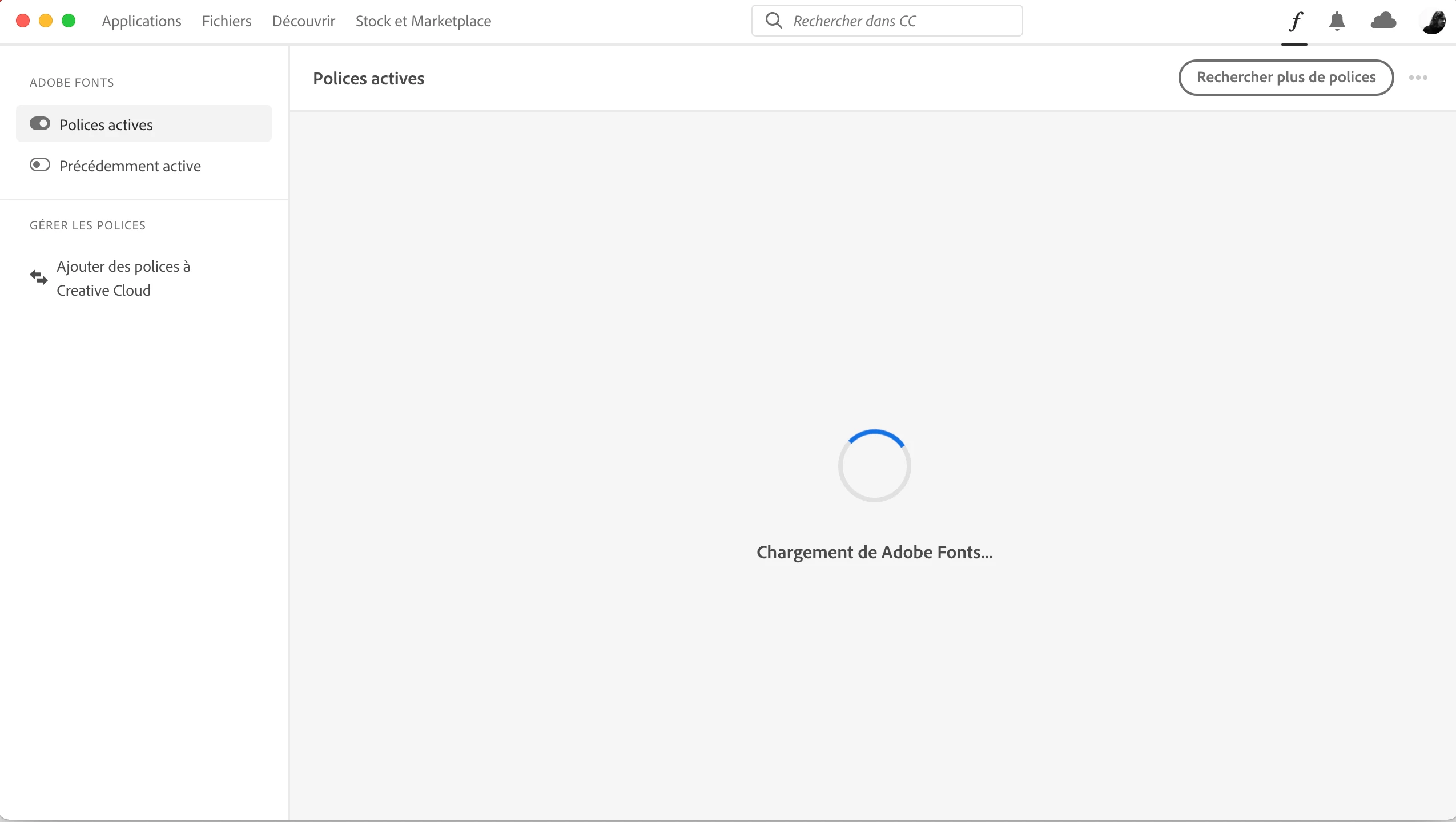
Adobe Fonts are loading in CC apps on MacBook Pro

  • December 28, 2021
  • 2 replies
  • 207 views

Recently I can no longer use fonts that I've activated in Adobe Fonts via the web. They no longer appear in Illustratior, Indesign or Photoshop. I have followed evry steps suggested by the Fonts User Guide : 

restart programs, restart computer, log out and log in again; nothing helps. Even if all fonts are deactivated in Adobe Fonts, nothing happens. The Fonts section of Creative Cloud app keeps loading forever. When I try to actived the fonts directly in the programs, it continues to load endlessly : I can't use the font. Please HELP! because I am working on a project where I need certain fonts that I don't get active now and therefore cannot continue with my work.

I'm working on a MacBook Pro 2021 and every programs are updated. 
This topic has been closed for replies.

2 replies

HARSHIKA_VERMA
Community Manager
Community Manager
December 28, 2021

Hi maxine.catphe,


We are sorry to hear you are having trouble activating fonts. We have seen similar issue has been reported on M1 machine and there is a bug logged for it. We have seen below steps followed in sequence resolves the issue-


Please try re-installing the Creative Cloud app using the cleaner tool and then try to activate the fonts again.


Let us know if that helps.


Thanks,

Harshika

Peru Bob
Community Expert
Community Expert
December 28, 2021

I've moved this from the Using the Community forum (which is the forum for issues using the forums) to the Fonts forum so that proper help can be offered.