



Participant
March 30, 2024
Question

Adobe Fonts Bug

  • March 30, 2024
  • 2 replies
  • 164 views

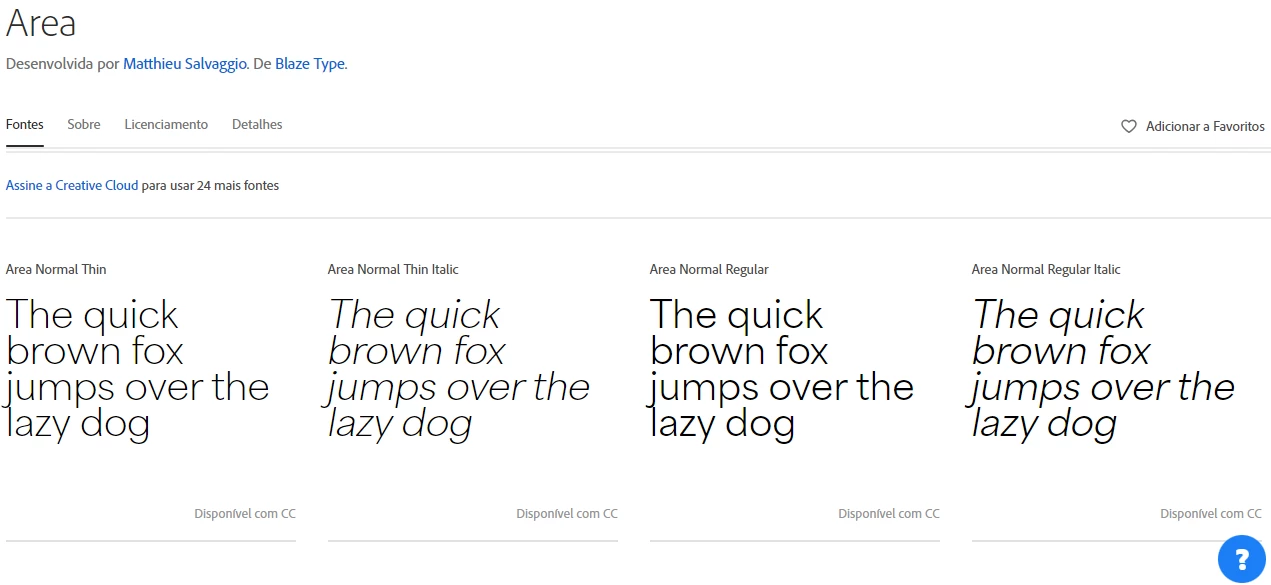
I oppened my notebook today to do some work and a pop up notification from Creative Cloud showed up to warn me about 266 fonts that were automatically uninstalled from my account, at first, it was pretty weird, and beyond that, I don´t know why I can´t download fonts from Adobe Fonts. Every time I open a font family in the Fonts website, it just doesn´t show the icon to save the font for me to use it.
 

This topic has been closed for replies.

2 replies

Community Expert
April 1, 2024

Is your computer properly logged into your Creative Cloud account? More importantly, are you using your account on more than one (or two) computers? It's possible there could be some sort of permissions glitch going on with too many devices signed into the account. You can do a maximum of two computers on one account, but they can't be on the same network. It has to be more like an arrangement of a work desktop computer and then a second computer at home.

kglad
Community Expert
Community Expert
March 30, 2024

in the future, to find the best place to post your message, use the list here, https://community.adobe.com/

p.s. i don't think the adobe website, and forums in particular, are easy to navigate, so don't spend a lot of time searching that forum list. do your best and we'll move the post (like this one has already been moved) if it helps you get responses.


<"moved from cc desktop bugs">