



NSUmew22
Participant
May 16, 2023
Answered

Adobe Fonts | Bug?

  • May 16, 2023
  • 1 reply
  • 468 views

Me and my coworkers on on the same Enterprise Adobe CC logs.
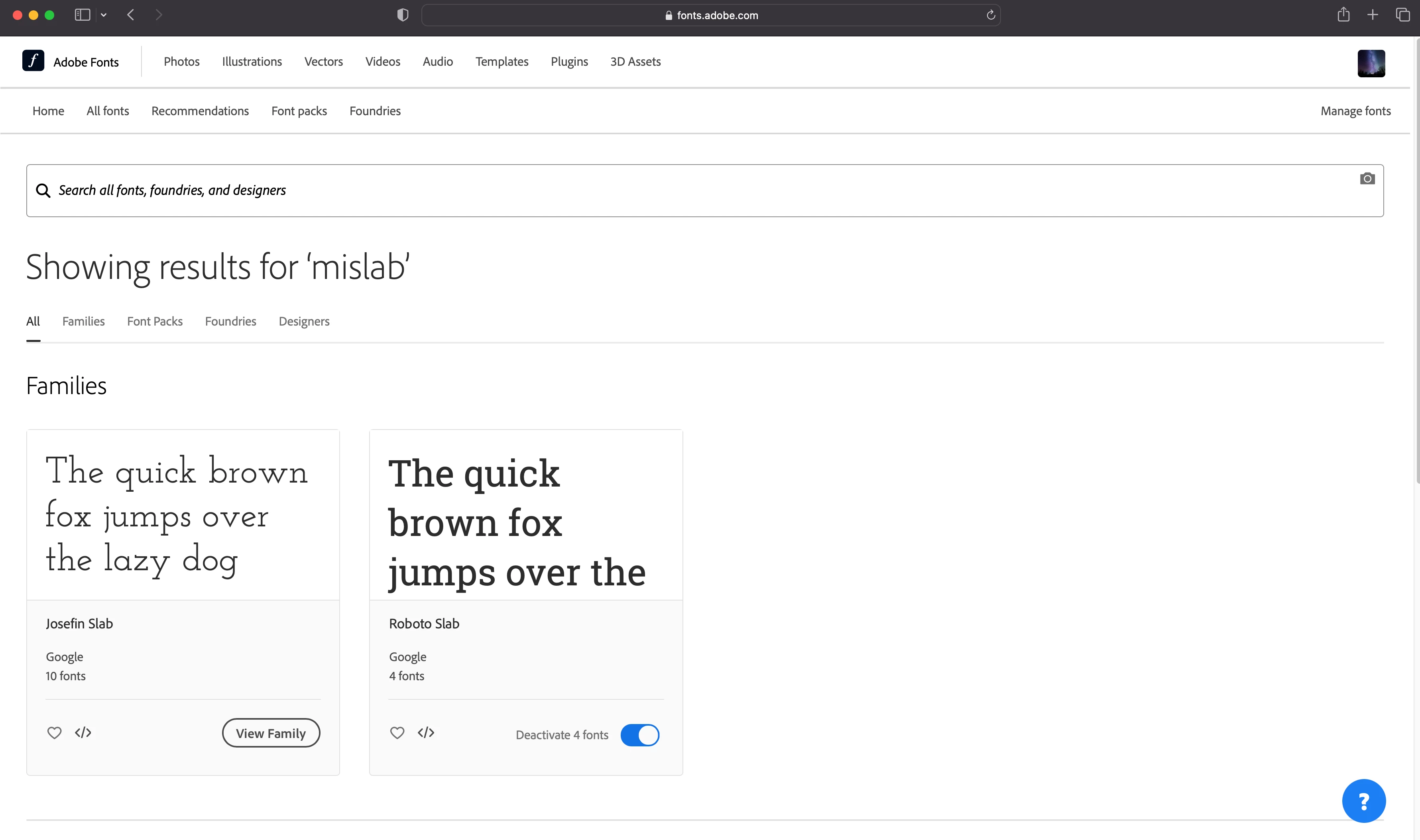
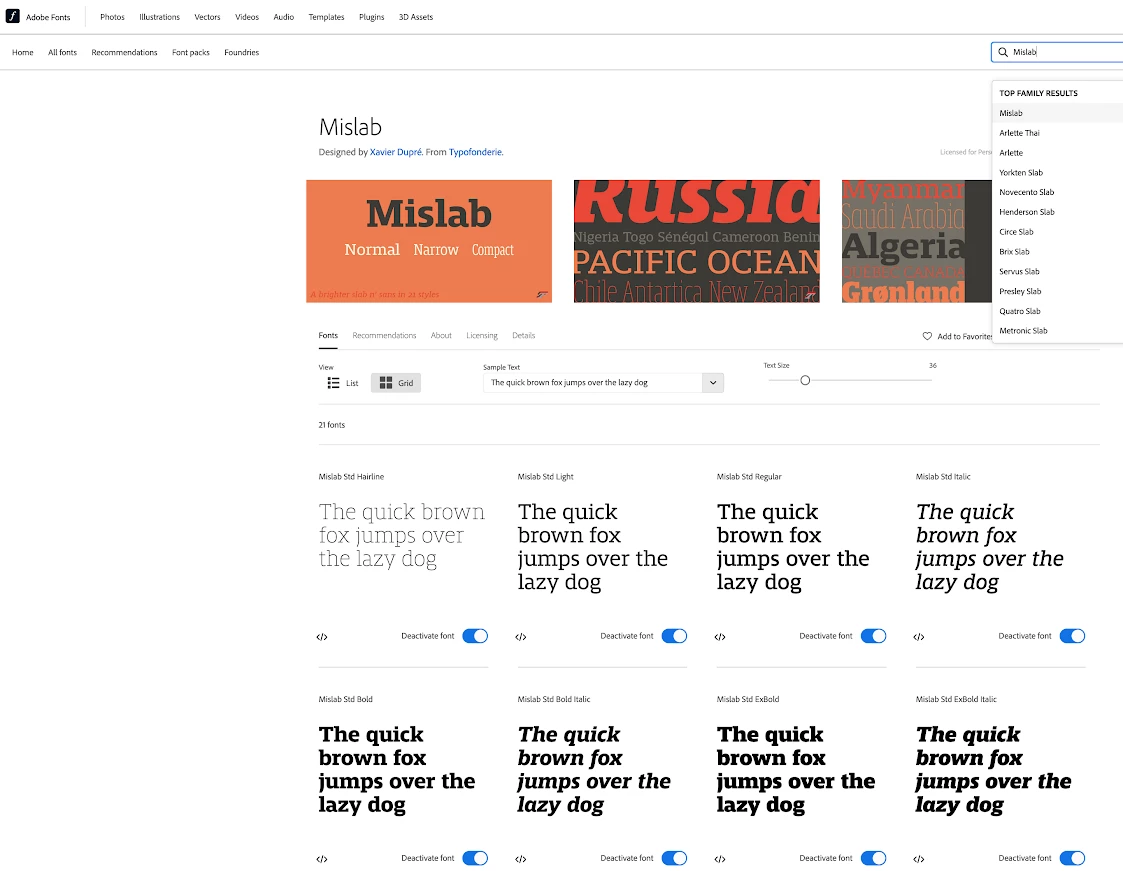
But I am not able to find or activate a certain font like they can.
I've tried all of the above to try an solve this like; log in & out / uninstall & reinstall / clear font cache / deactivate & activate all fonts / make sure all fonts are active on comp...etc.


Here is my side:


Here is what my coworkers can see:


Help 🙂

This topic has been closed for replies.
Correct answer NSUmew22

We were able to solve the issue.
I had to call our IT Admin for our Mac to have my side updated to an Admin rather than a Student.
Silly happen stance - but make sure if you're an employee that is part of an Enterprise/Company login - make sure they include all your correct details so you can access all he correct Adobe Apps.    🙂

1 reply

Tarun Saini
Community Manager
Community Manager
May 16, 2023

Hi @NSUmew22,


We're sorry to hear this. Are you trying to upload Adobe fonts to the Creative Cloud app, if yes, then please check this article and let us know if that helps: https://helpx.adobe.com/creative-cloud/help/add-your-fonts-to-creative-cloud.html


Regards,

Tarun

NSUmew22
NSUmew22AuthorCorrect answer
Participant
May 16, 2023

We were able to solve the issue.
I had to call our IT Admin for our Mac to have my side updated to an Admin rather than a Student.
Silly happen stance - but make sure if you're an employee that is part of an Enterprise/Company login - make sure they include all your correct details so you can access all he correct Adobe Apps.    🙂