
Adobe fonts not syncing
I’ve been wrestling with Adobe Fonts for several days now, and none of the workarounds have fixed anything.
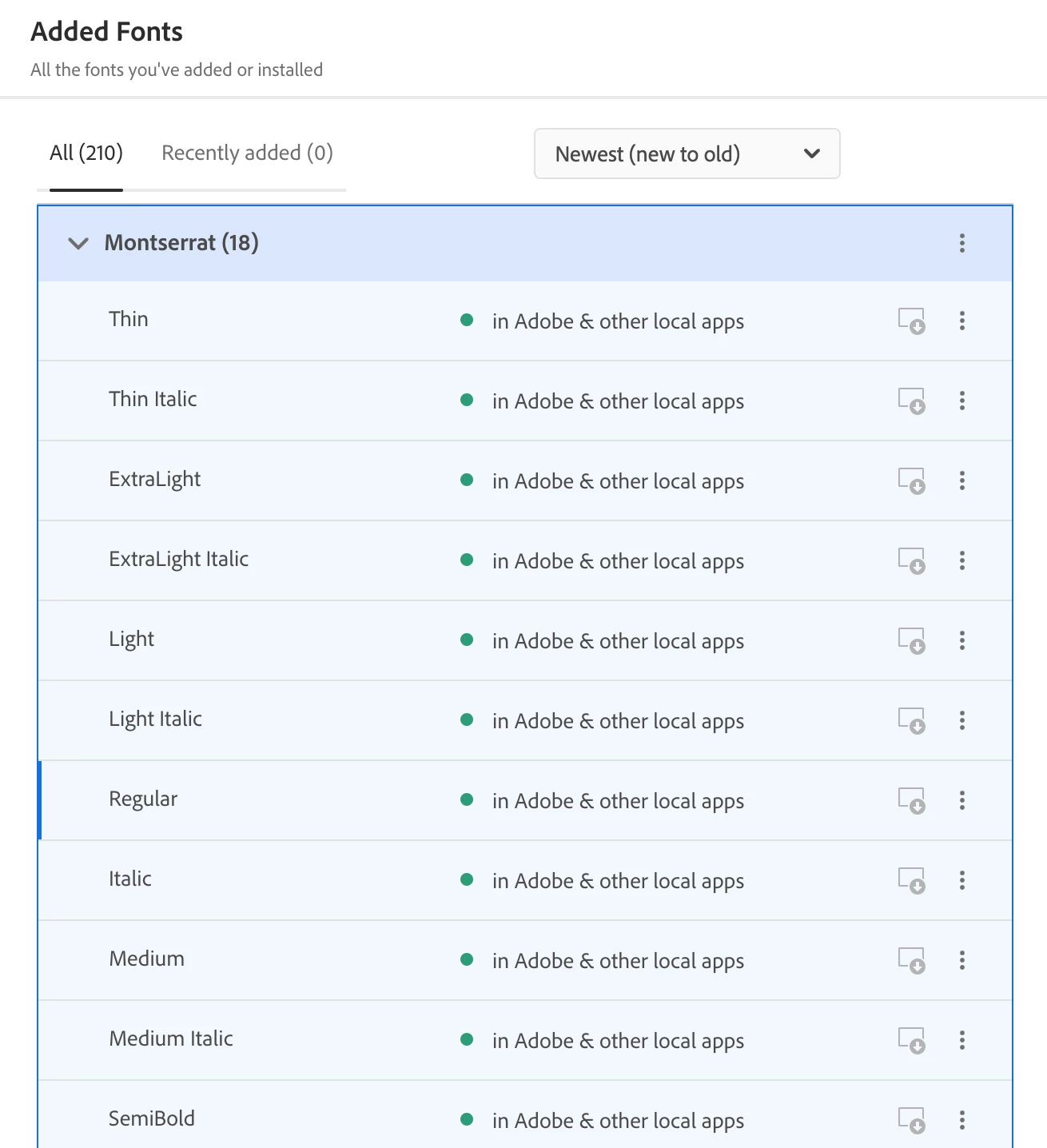
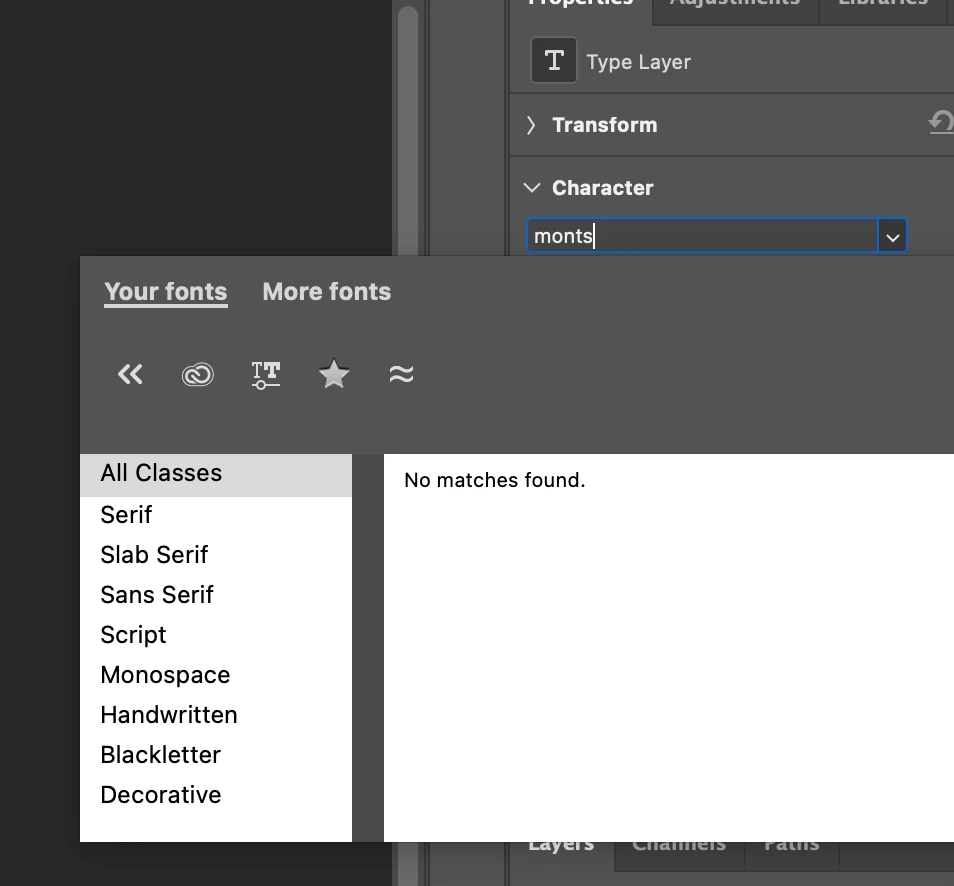
Creative Cloud shows that Adobe Fonts are synced and installed, but none of those typefaces show up in InDesign or Photoshop. All apps are up to date (including CC), I’ve tried disabling fonts, logging out, and enabling them again, restarted my computer multiple times (2019 iMac running Sequoia 15.7.3), clearing the font cache in Terminal, validating fonts in FontBook—basically anything that I’ve seen suggested, I’ve tried, and nothing has worked. Typefaces outside of Adobe Fonts are all working perfectly fine.
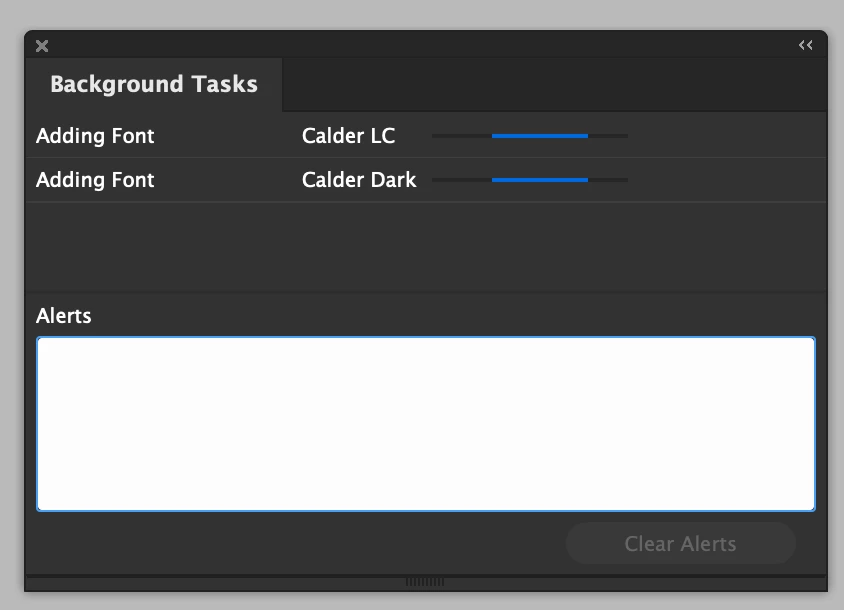
I currently can’t work on any existing InDesign documents because it has “adding fonts” as a never-ending background task. I’m once again (thanks adobe!) paying for software that’s locked itself.
Is there some other magical workaround I’ve overlooked? Ideally something that you don’t have to do every time you launch a program.
 AdChoices