


Participant
Jan 13, 2021 10:06 AM UTC
Question

Baseline too low in Web Project

Hi there,


I'm using the font 'Franklin Gothic' on several websites by using Adobe Font Web Projects, but since recently I'm experiencing a issuee with that.


The baseline of the font has dropped, so the fonts are positioned too low. This happens on several of my websites using the Web Project, but also on adobe.fonts.com.


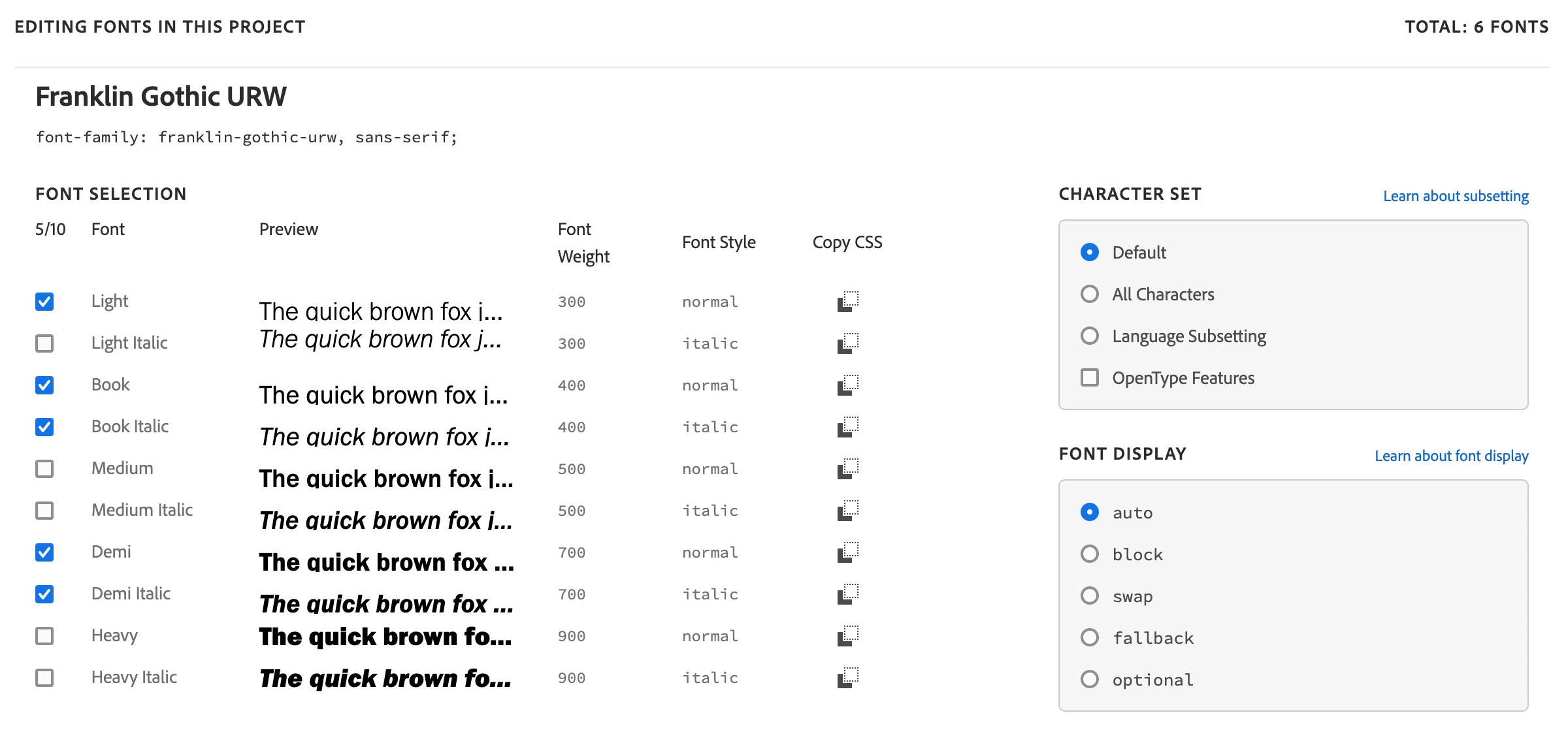
Here you see the problem on adobe.fonts.com – note that the baseline differs between font variants:
 

Here you see the problem on one of my websites – note the 'Lees meer' button:

 

I tested this on both Mac, PC and iPhone and the problem occurs on all devices and all browsers tested. Since the issue also occurs on Adobe's own website, I think the problem is on their side.


Any ideas on how to solve?

This topic is closed to new replies. Start a new post to keep the conversation going.

10 replies

Participating Frequently
Dec 2, 2022 3:46 PM UTC

I am also seeing this on two projects I'm running - it's very frustrating. This is using the Sofia Pro font. The other uses Quiet Sans but it's exactly the same issue.


Translate
Tarun Saini
Community Manager
Community Manager
Dec 2, 2022 7:49 PM UTC

Hi @raffjones,


Could you please share the live URL of the website with us via private message so we can check the issue? We're here to help, just need some info.


Regards,

Tarun

Translate
Participating Frequently
Dec 5, 2022 12:44 PM UTC

Hi Tarun - just following up to see if there was any further development here? I'm continuing to see the problem when using Quiet Sans and Sofia Pro.

Translate
gjfonts
Participant
Jan 14, 2021 9:33 PM UTC

Same thing is happening for Nobel. I removed the padding and set the line-height to 1 and this is what happens on the font page: https://fonts.adobe.com/fonts/nobel 

Translate