
Can't access nor browse Adobe Fonts anywhere
Hi,
I am using MacOS Mojave 10.14.6, and I am running updated Adobe CC and softwares (paid photography plan).
I can't access fonts anywhere or even see them. These are the problems:
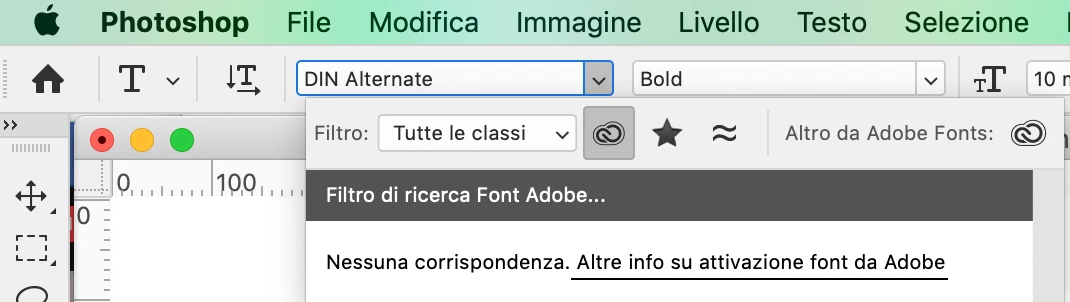
- fonts are not visble in Photoshop or Adobe CC App. Clickin on the fonts icon takes me to the following point
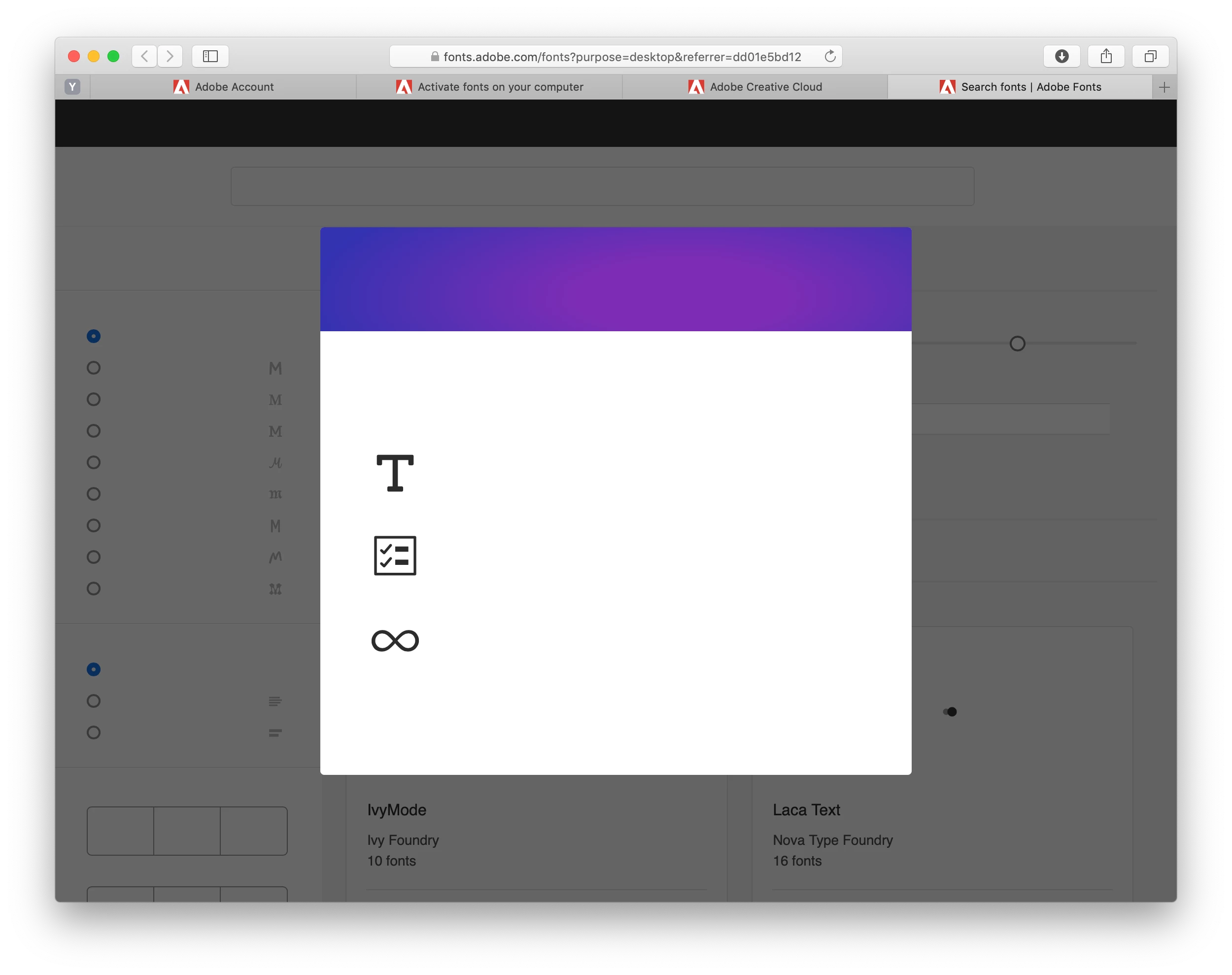
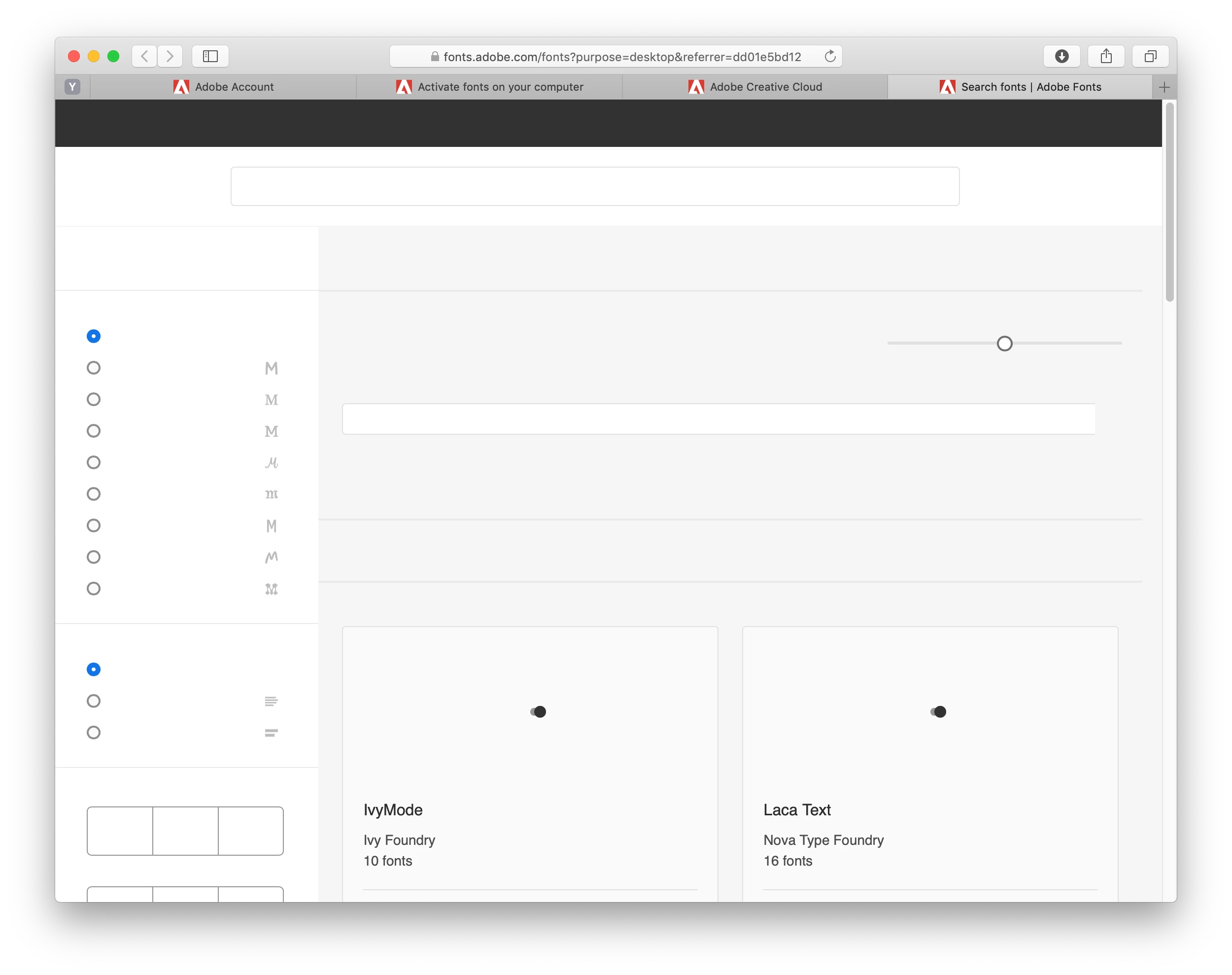
- fonts.adobe.com page shows a purple message window with three icons and black dots instead of the fonts previews, and the whole page is not displayed correctly. NOTE: this happens both if I am logged in or if I log out, and it happens in three different browsers (safari, firefox and chrome).
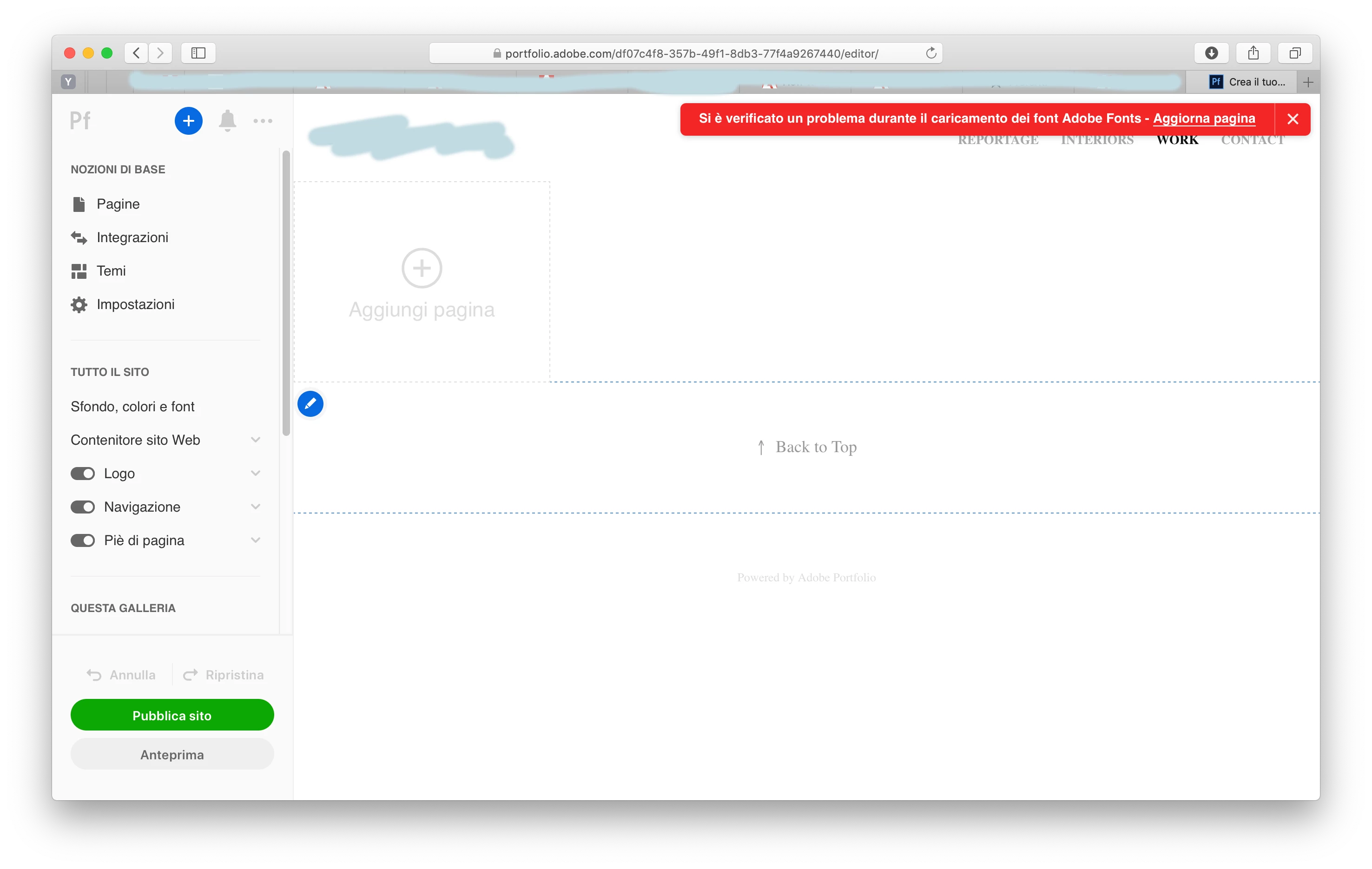
- Adobe Portfolio reports a red line with a permanent error message ("Si è verificato un problema durante il caricamento dei font Adobe Fonts - Refresh page". Refreshing doesn't of course solve the issue) . This happens no matter what browser I use.
I have no antivirus installed. I hav tried with two different internet connections.
I have tried logging out of everything and logging in with a brand new Adobe account, and I still get the same things.
I've been in contact with adobe support for three days through chat but I keep being told to log out and log in and I really need to find a real solution, otherwise I can 't work.


 AdChoices