
Question
Can't see the externally downloaded fonts in creative clouds
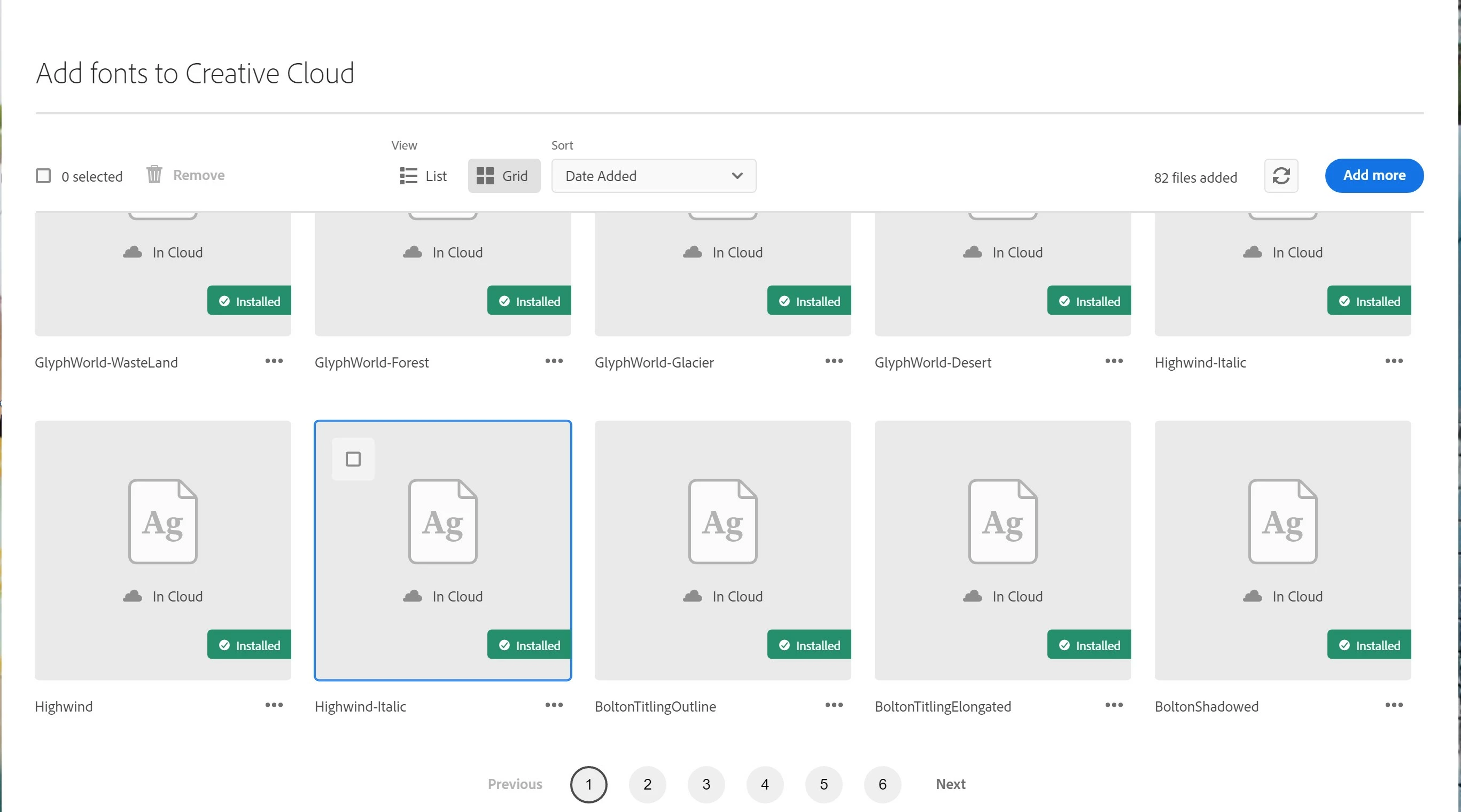
Over the last week I have been having trouble with fonts I downloaded from dafont, google, etc. They all appear as installed in my creative cloud app but I can't see them when I open Photoshop, Illustrator or Indesign.
I tried multiple solutions from the internet like clearing the font cache and changing windows font settings.
The only thing that seem to temporarely work is to log out of creative cloud, restart the computer and log back in but it only lasts until I turn off the app I was using.
I'm baffled about it and I can't find any new solutions to this problem, so if you can please help me out.


 AdChoices