
CC Fonts constantly de-syncing
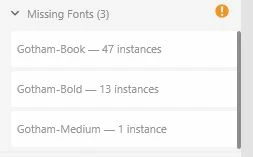
Title basically says it all, I have gotham for a personal use project and it works fine if I have recently uploaded the files, but as soon as I turn off my computer and get back on another day none of the fonts work. This has happened with other fonts as well. The only solution appears to be uninstalling all the fonts from CC and reinstalling them which of course kind of defeats the purpose of having them uploaded to CC in the first place. This happens all the time with official Adobe fonts as well, but the self uploaded ones seem to be consistently failing so I figured I would complain about that here. This happens in every adobe program I have tested (Illustrator, Photoshop, XD). Has anyone come up with any good solutions to this dysfunction? Photos here: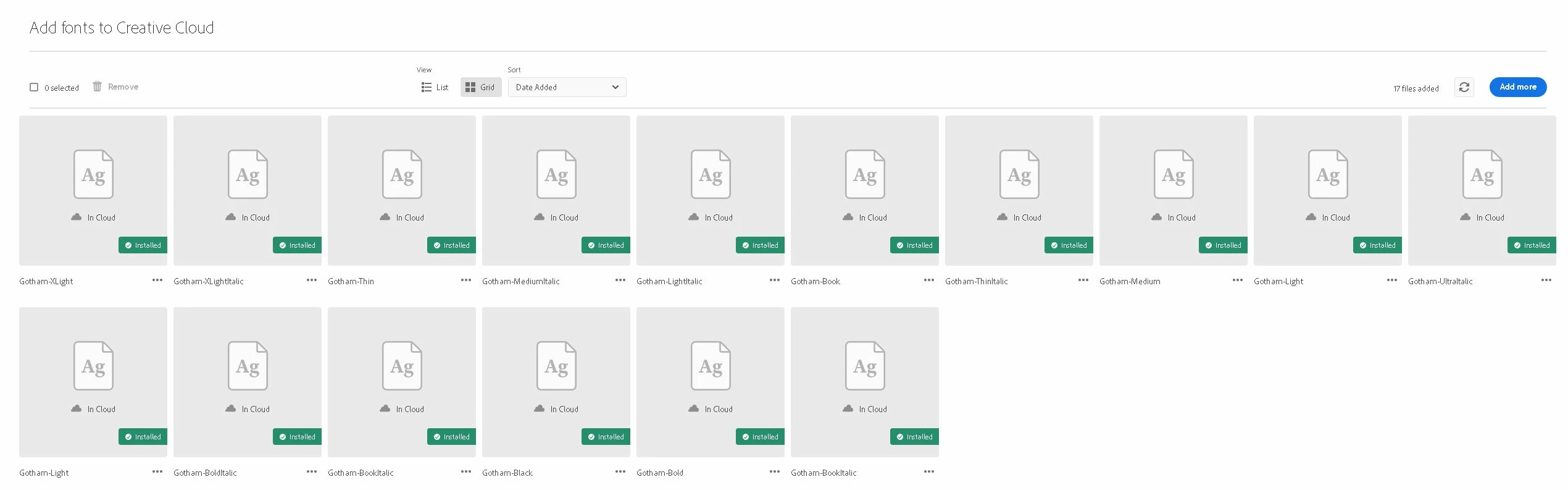


 AdChoices