


Question
Confusing and annoyingly persistent Adobe Fonts notification
Since yesterday this notification has popped up over 50 times or so:
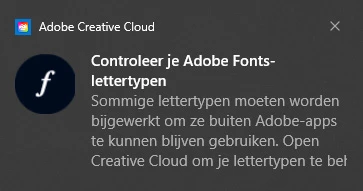
It translates to:
"Check your Adobe Fonts-fonts. Some fonts need to be updated to continue using them outside Adobe apps. Open Creative Cloud to [manage] your fonts."
I can't figure out what this notification is trying to tell me to do. Clicking the notification brings me to this page:
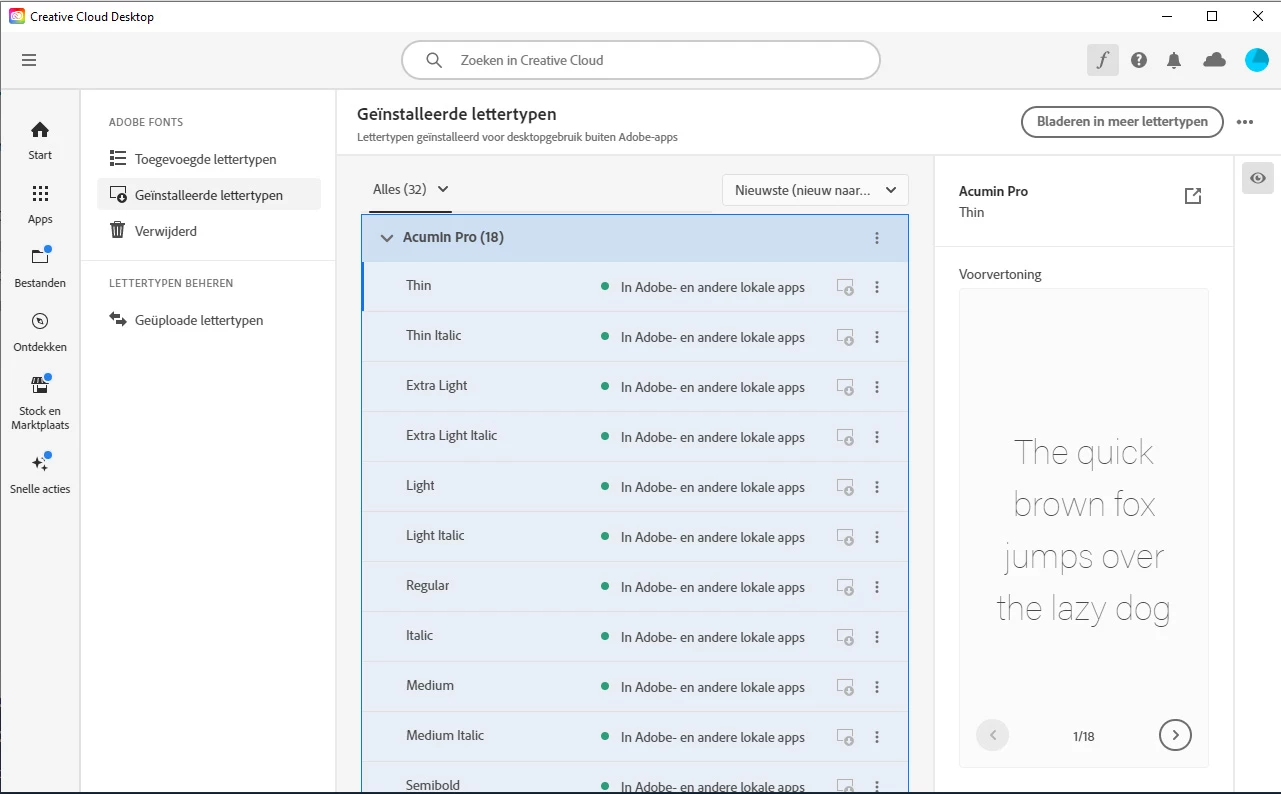
I see no issues here... In the "recently expired" tab, it says I'm all up to date and there aren't any expired fonts.
I've tried just turning off all the Creative Cloud notifications but it keeps popping up. It's driving me crazy!
 AdChoices