

Question
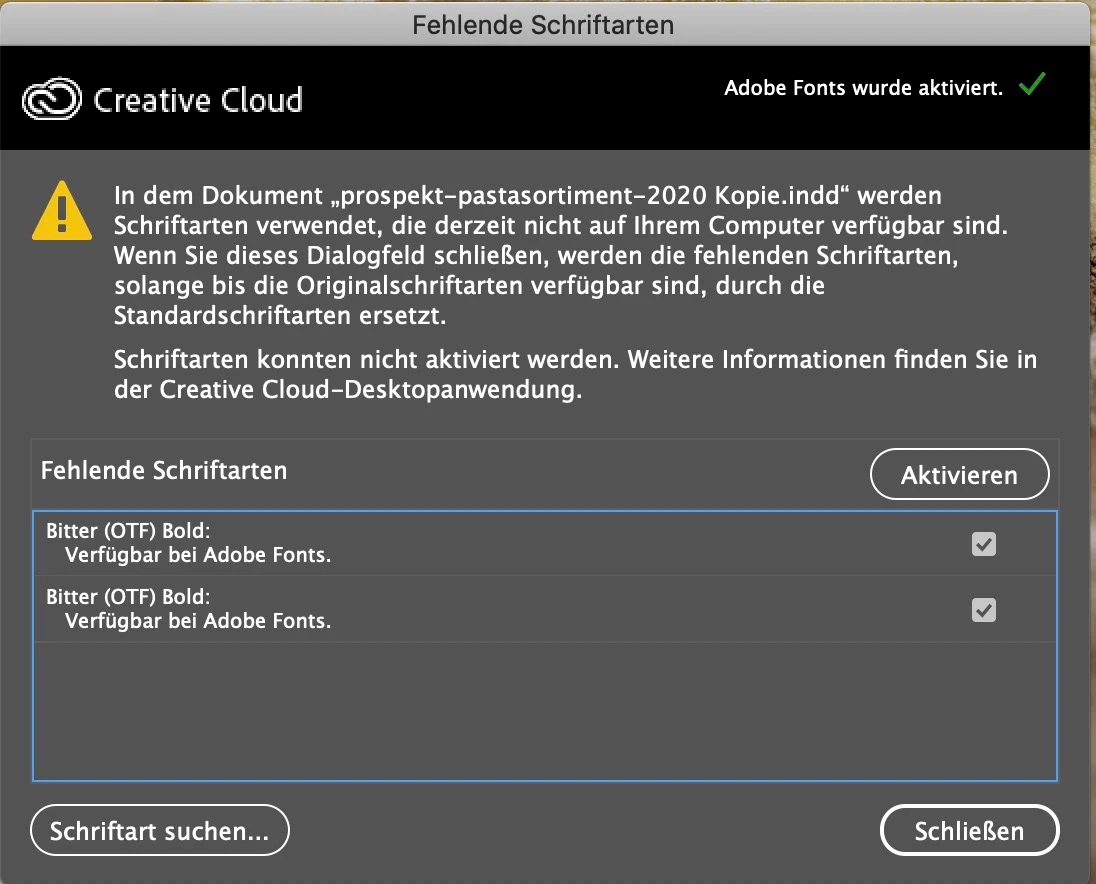
Error Font Bitter Bold
Hi together.
A short time ago, ive used the adobe font "bitter bold". After the update to the latest version from creative cloud, ive get a error message, when i upload the file. The Font Bitter Bold is not availible in the menu and its not able to activate directly in indesign.
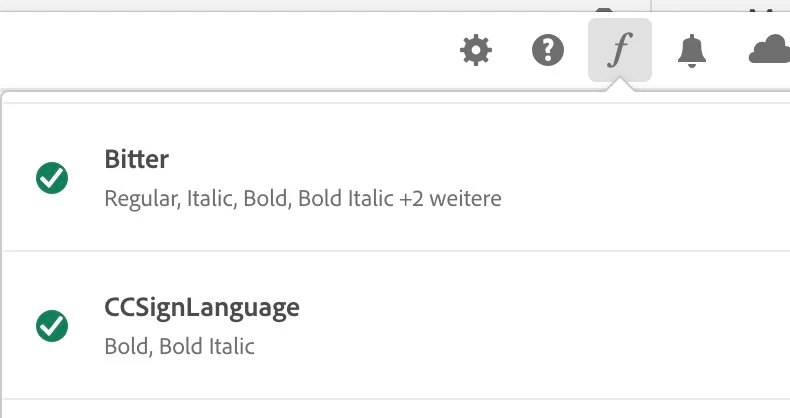
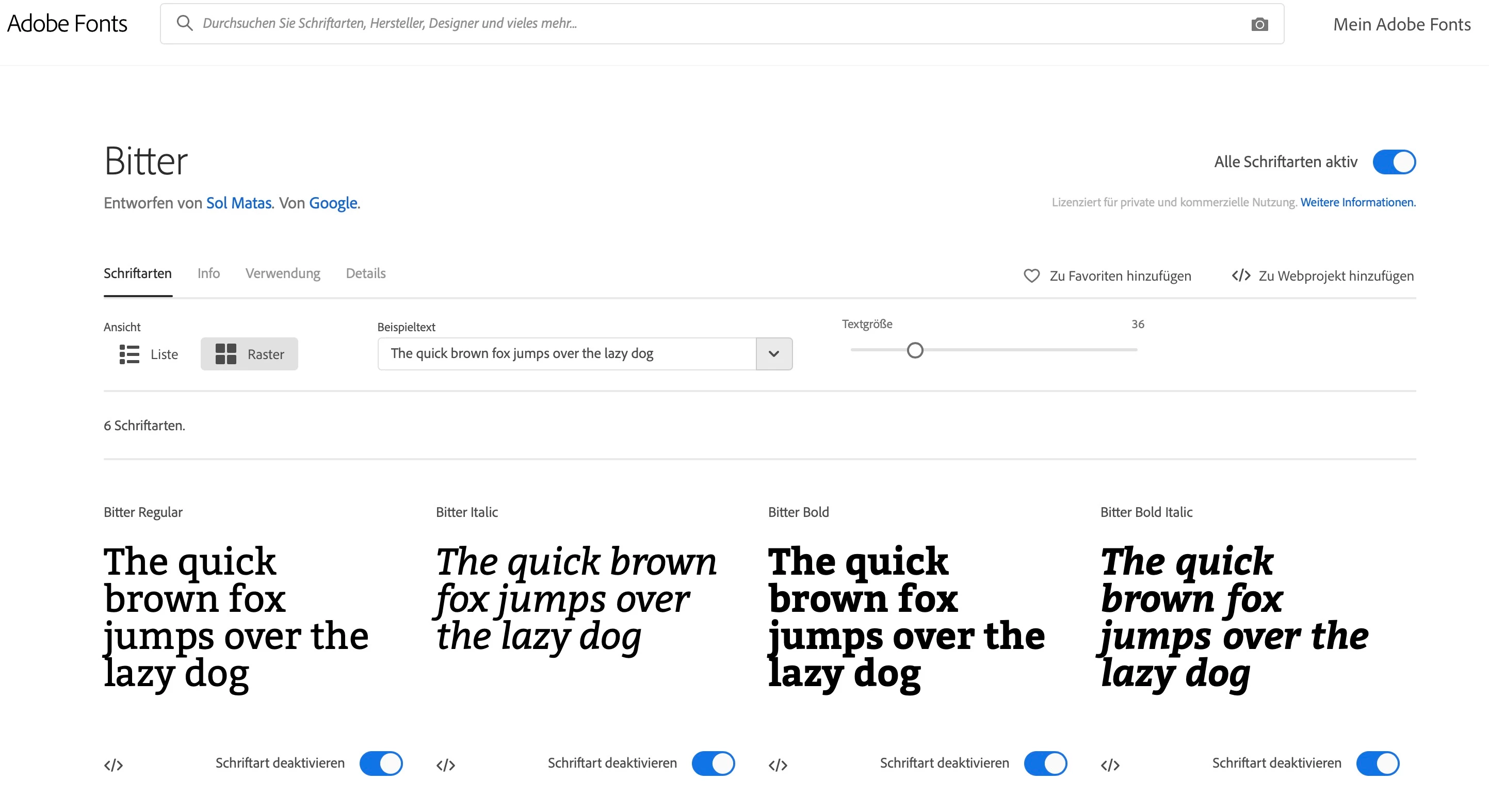
Interessing is, that the hole family of the font is activ and also synchronised to the cloud app. Is there a way, how i can get the font working? I need it for a print project.
Thank you for your help.



 AdChoices