Participant
October 2, 2023
Answered

European characters not displaying

  • October 2, 2023
  • 1 reply
  • 231 views

Hello,

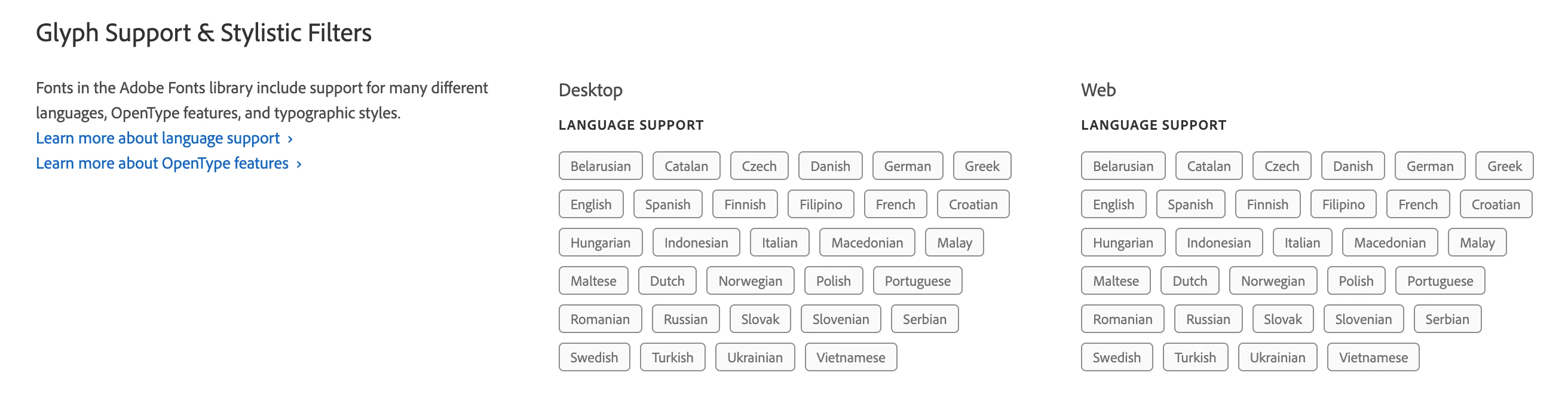
I'm embedding Garamond Premier Pro to a web project. As far as I can see, I can only configure font families and weights, but not character sets, so assuming the entire character set gets loaded. According to the font page, glyphs unique to the Finnish language are supported:
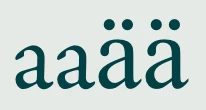
I'm just having trouble displaying this character: ä

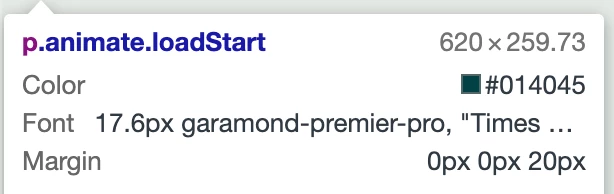
Here is a screenshot, compared to a normal a. It looks like a different font! But I know I am loading and using the Garamond web font properly:

Thanks,

Tim

    This topic has been closed for replies.
    Correct answer Jake Giltsoff

    Hi @Tim22670024h9ix,


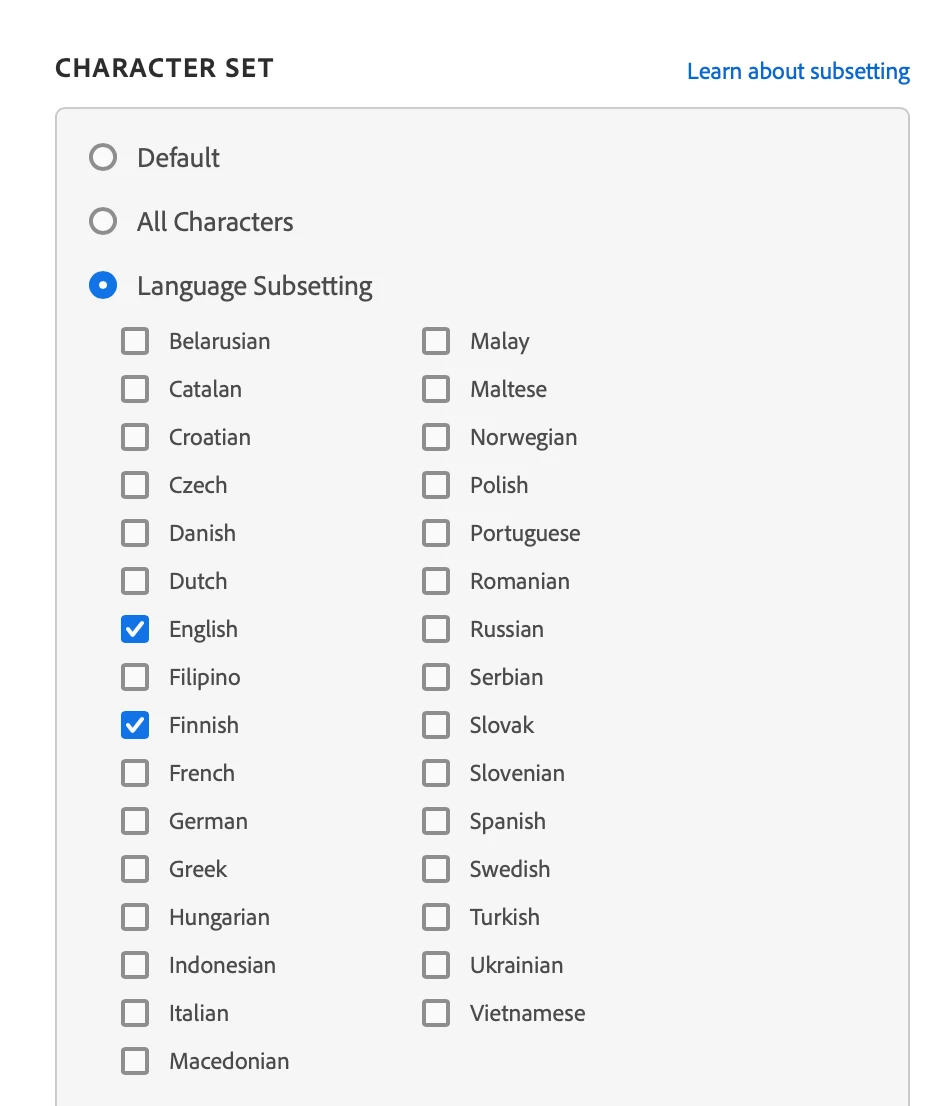
    You’ll want to head over to manage your web projects here https://fonts.adobe.com/my_fonts#web_projects-section, then edit the project which Garamond Premier is in and you’ll be able to update the subsetting options on the right side. Instead of 'Default' you can select 'Language Subsetting' and then individually choose the languages you need to support


    That should load in the additional glyphs you need!

    Cheers,

    Jake

    1 reply

    Jake Giltsoff
    Adobe Employee
    Jake GiltsoffCorrect answer
    Adobe Employee
    October 2, 2023

    Hi @Tim22670024h9ix,


    You’ll want to head over to manage your web projects here https://fonts.adobe.com/my_fonts#web_projects-section, then edit the project which Garamond Premier is in and you’ll be able to update the subsetting options on the right side. Instead of 'Default' you can select 'Language Subsetting' and then individually choose the languages you need to support


    That should load in the additional glyphs you need!

    Cheers,

    Jake