
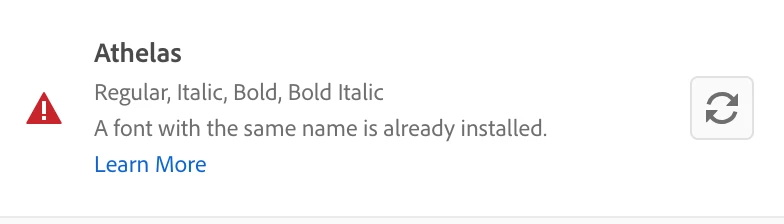
Font conflict error message but font is not installed
A font I use regularly (Athelas) suddenly appeared as 'deactivated' in Adobe Fonts so I activated it, but I received an error message saying there is a conflict with a font installed with the same name. I searched my computer and couldn't find it, it's not in my Font Book either, it's not anywhere. However, it's available to be used in InDesign, Illustrator, and even PowerPoint - even when deactivated in Adobe Fonts. I went through all the troubleshooting steps in the troubleshoot guide, but I'm still getting the same error message. Can anyone please help me with this issue? I contacted Adobe Support and it was like they weren't even bothering to read my messages and I got nowhere with them. How can it be available for use, plus creating a conflict, when it's deactivated in Adobe Fonts and there is no font file called 'Athelas' on my computer? I'm on a Mac (Mojave).


 AdChoices