Hi @nickiek99197481,
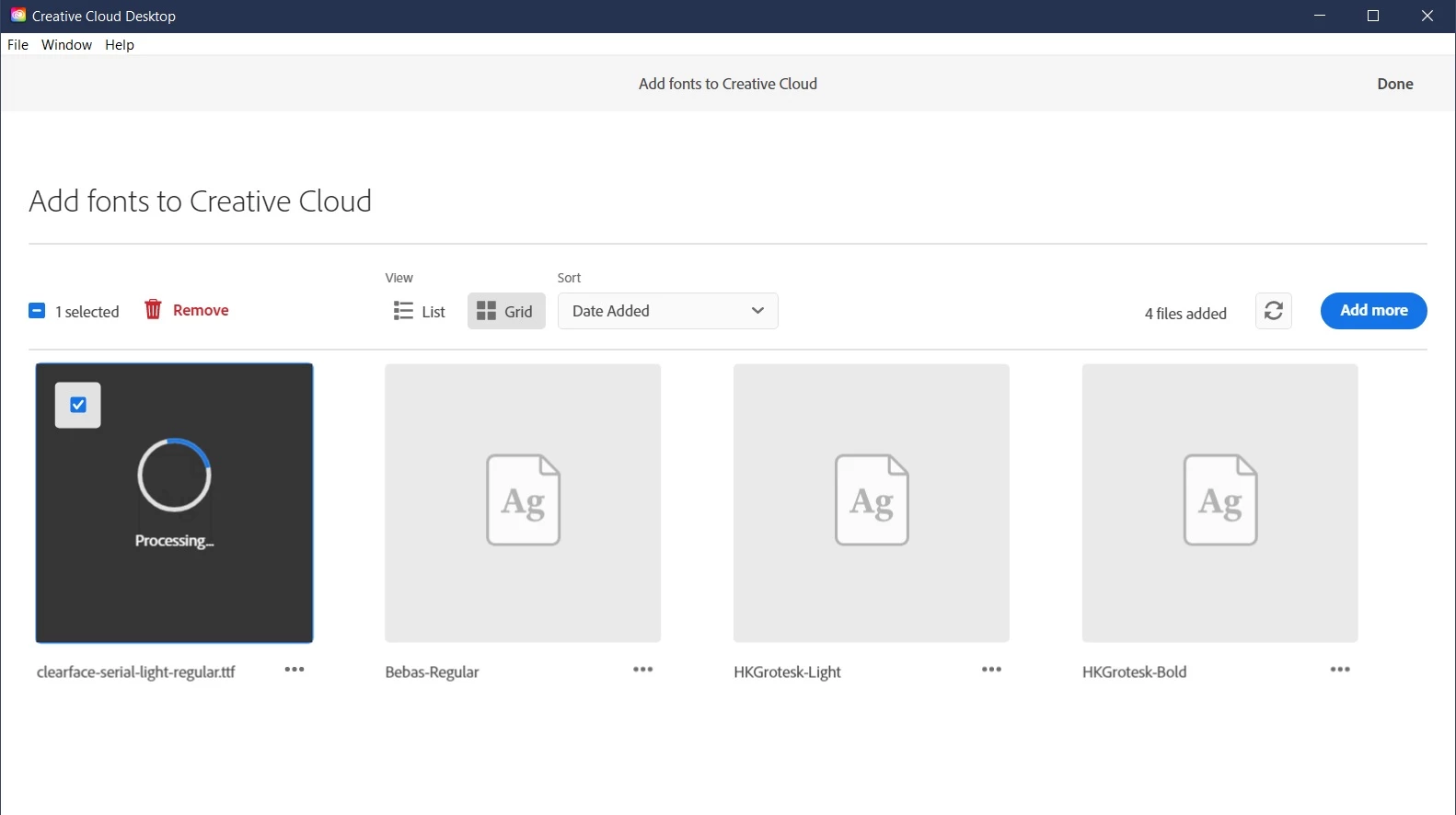
Welcome to the Community! If you're experiencing difficulties uploading fonts in the Creative Cloud application, there are a few troubleshooting steps you can try:
- Check font compatibility: Ensure that the font files you're attempting to upload are compatible with the Creative Cloud application. Different Adobe applications have specific font format requirements, so make sure your fonts are in a compatible format, such as OpenType (OTF) or TrueType (TTF).
- Restart the Creative Cloud application: Sometimes, restarting the application can resolve temporary glitches or issues. Close the Creative Cloud application completely and then relaunch it to see if the problem persists.
- Check for software updates: Ensure that both your Creative Cloud application and your operating system are up to date. Outdated software versions can sometimes cause compatibility issues or bugs. Update the application and your operating system if any updates are available.
Please check this article for more information:- https://helpx.adobe.com/creative-cloud/help/add-your-fonts-to-creative-cloud.html#licensing
Let us know if that helps.
Regards,
Tarun
Hi Tarun,
Thank you for your welcome and reply.
I solved it with another approach by help of a support.
The only thing that worked was to upload the fonts directly to a folder under Adobe Cloud.
Have a great day
Best regards
Nickie




 AdChoices