Participant
November 2, 2022
Question

Fonts / no active

  • November 2, 2022
  • 3 replies
  • 196 views

(appologies if this is basic but I am baffled...)


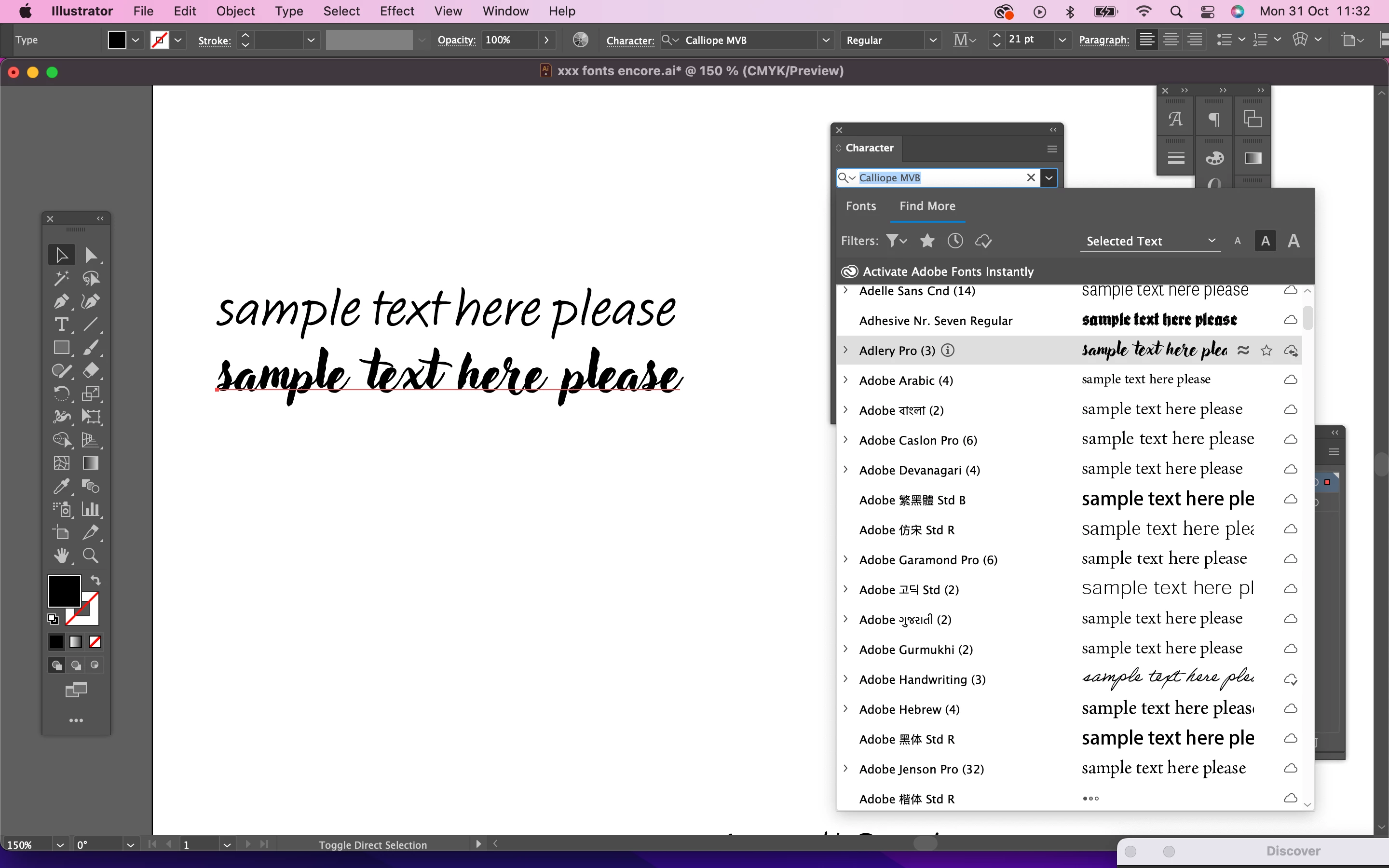
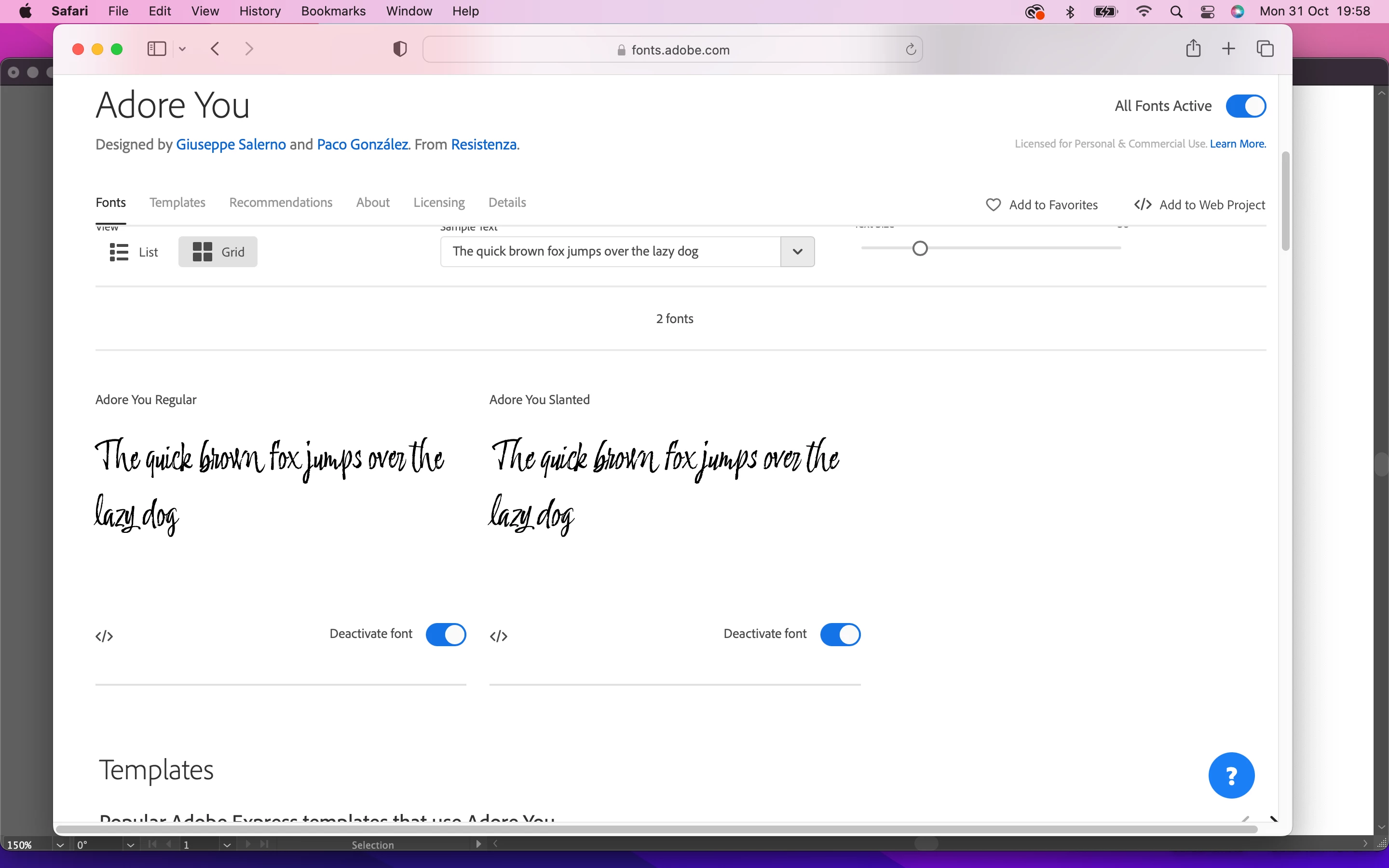
So I've been enjoying using the adobe/fonts < click activate > on either one, or all family fonts... but suddenly ones I've selected recently are not appearing in Illustrator - ? - help?  (*asked in one of the other forums and told to post here) 


MTIA 


    This topic has been closed for replies.

    3 replies

    Abambo
    Community Expert
    Community Expert
    November 4, 2022

    @KittenCatMiaou wrote:

    (appologies if this is basic but I am baffled...)


    btw: nothing is basic if you are in trouble.

    ABAMBO | Hard- and Software Engineer | Photographer
    jane-e
    Community Expert
    Community Expert
    November 3, 2022

    We can't tell from your screenshot if "Adore you" is there or not, as the last typeface listed starts with "Adobe". Can you scroll down a little more?


    Two other things to try:

    • In the Character panel, start typing part of the name "adore you" to filter to it in the list. You may only have to type "ador".
    • Quit Illustrator and relaunch.


    Also, does "Adore you" appear in other applications? Microsoft Word? Adobe Acrobat? Or anything? Or is it missing everywhere?


    Jane


    Tarun Saini
    Community Manager
    Community Manager
    November 2, 2022

    Hi @KittenCatMiaou,


    Thanks for writing to us. If your fonts are inactive, turn off the font option in Creative Cloud settings. To do so, open the app, click on the profile icon > Preferences and then click Services and toggle the Adobe Fonts option to turn it on and off. Then wait a minute or two and then turn it on again.


    Let us know if that helps.


    Regards,

    Tarun