


Participating Frequently
May 14, 2023
Question

Hide/Turn Off Fonts

  • May 14, 2023
  • 1 reply
  • 278 views

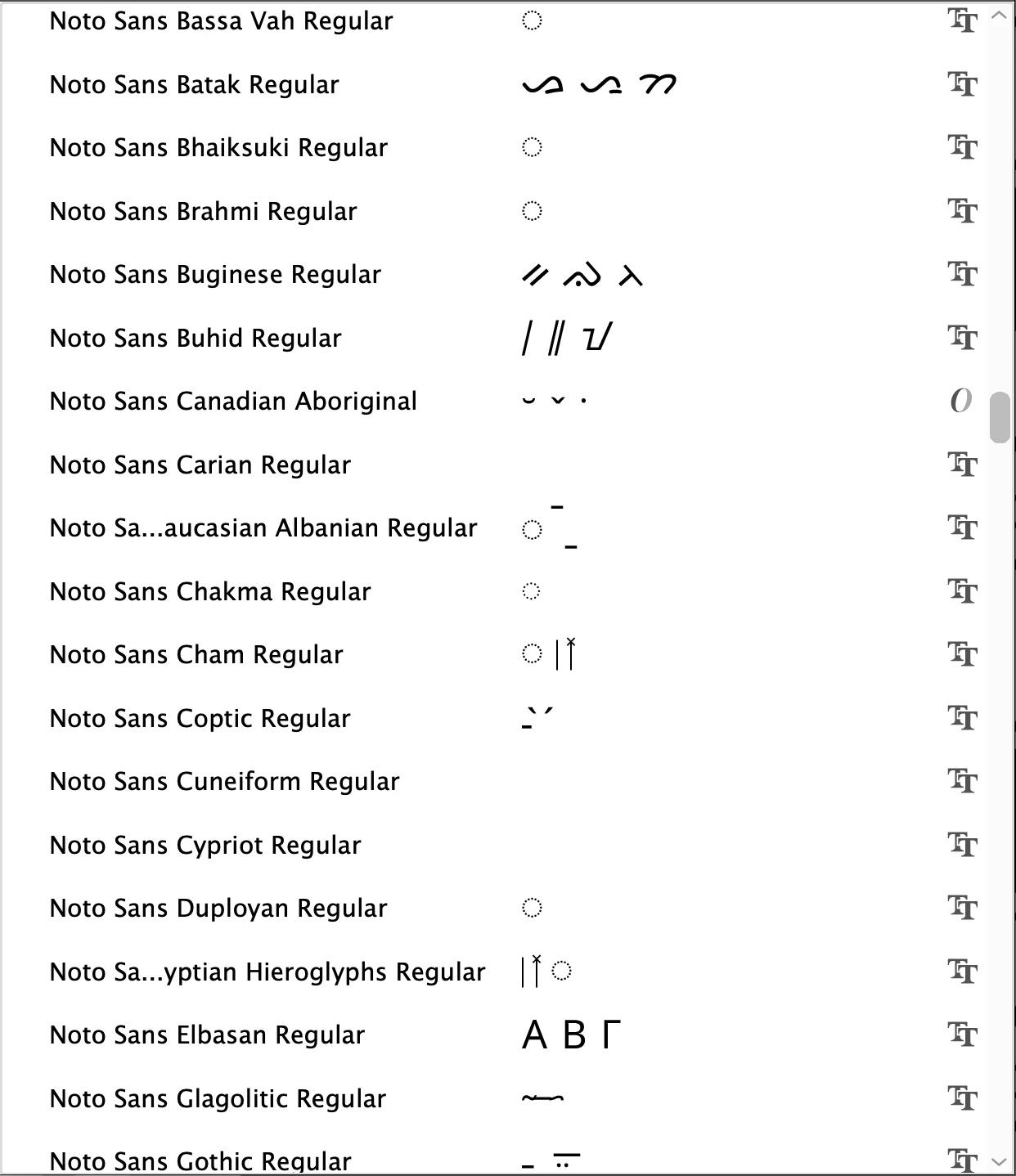
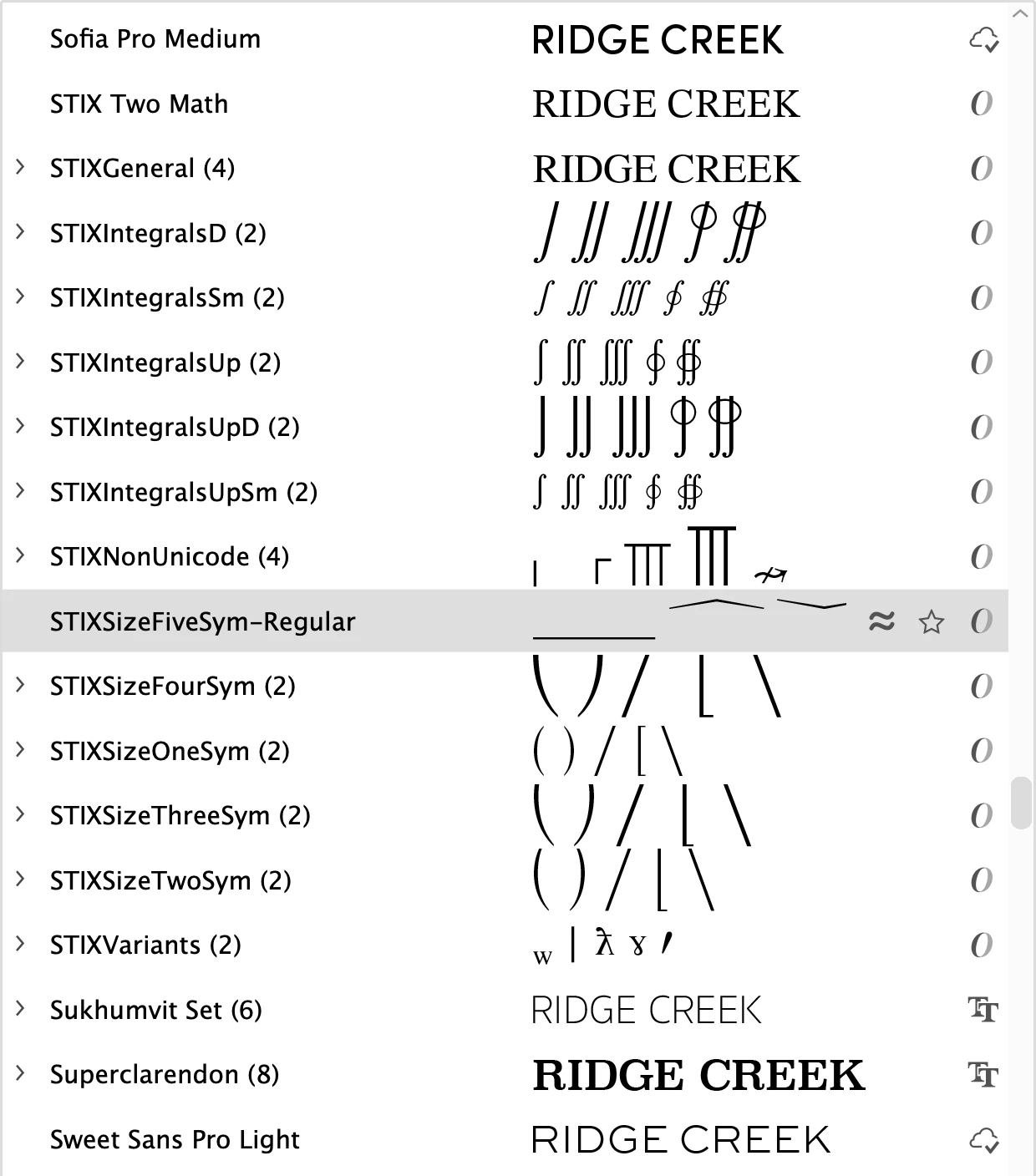
I'm using Adobe Illustrator and when I'm trying to scroll through all my fonts, there are SO many fonts I cannot/will not use... fonts that are illegible, are symbols, etc. I included images of the fonts I'm talking about. If there is any way I can remove or hide these fonts, it would make my process easier. Thank you!
 

This topic has been closed for replies.

1 reply

Imaginerie
Community Expert
Community Expert
May 15, 2023

First, the best way would be to head over the CC app and choose "manage fonts" from the left panel


You can deactivate them on the fly with the blue slider button.
Note that they're supposed to deactivate by themselves after a while if they're not being used

click on the "eye" button to see a preview so you don't have to visualise them in illustrator to decide to keep them or not


Once quick way to deactivate those you never used is to go to the 3 dots option on the top right


that way choose either deactivate all, so you can reactive only those you need, or chose "deactivate not in use" for those that you never used.
