
Question
How do I activate a font for use in Illustrator?
I tried to install a font called Hondafont in Creative Cloud desktop on my Mac for use in Illustrator, but it will not show up in the drop down font list in the Illustrator character window.
I downloaded the font here:
https://freefontsfamily.com/honda-logo-font-free-download/
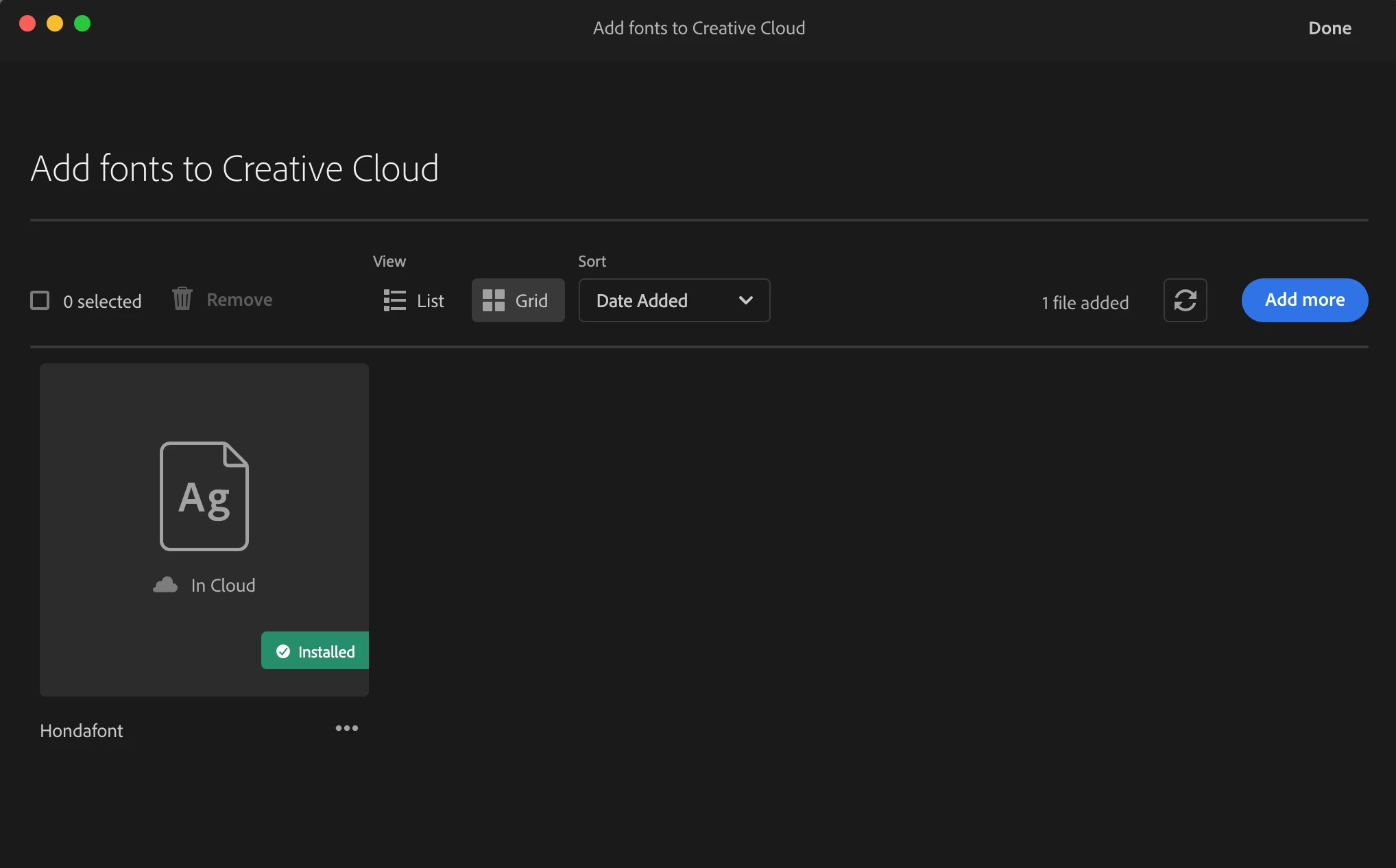
After going through the normal installation process for a font on my Mac, I tried to add the font to Creative Cloud. CC says it is installed:
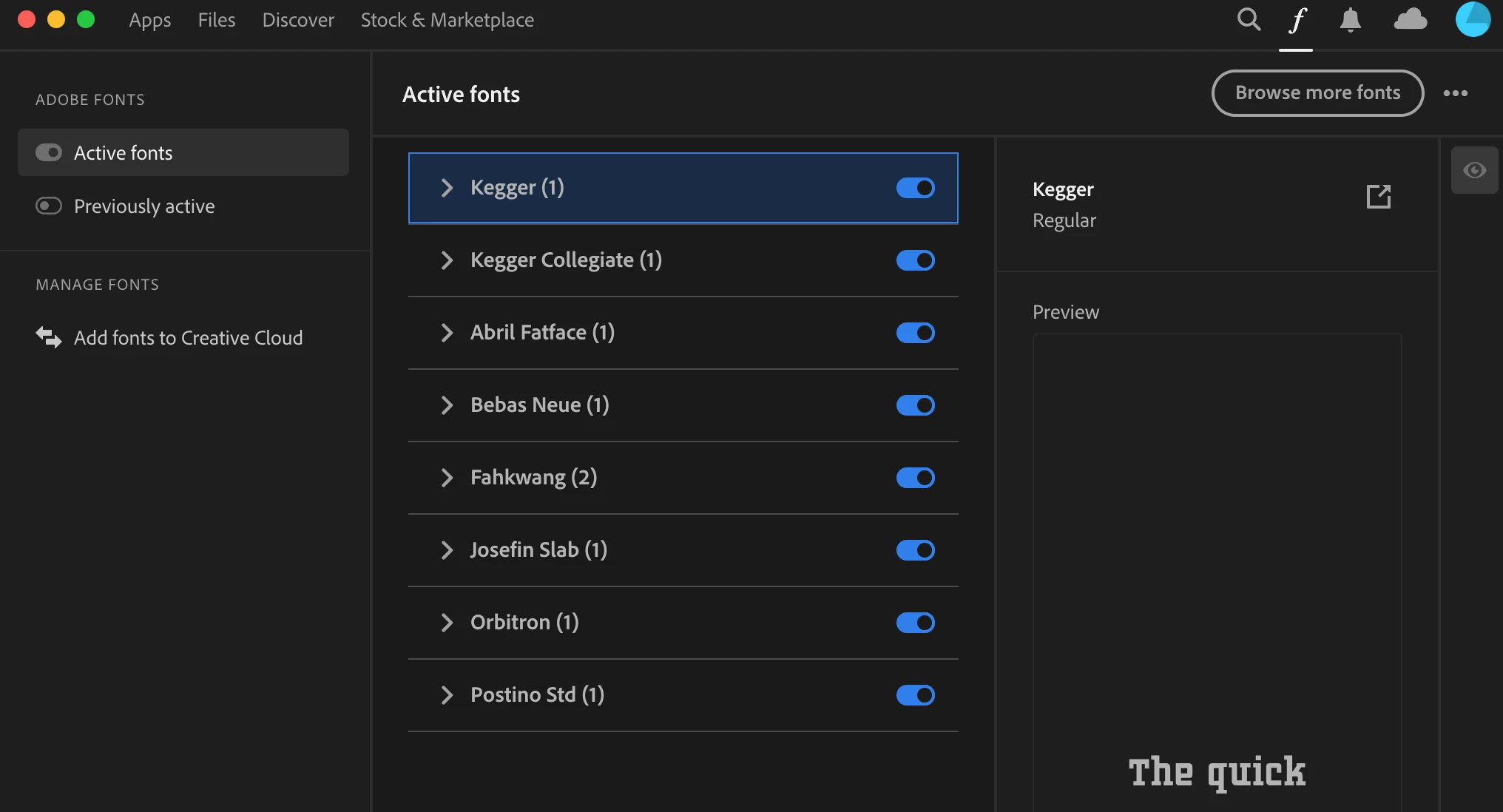
But it does not show up in the list of active fonts, and I don't know how to activate it:
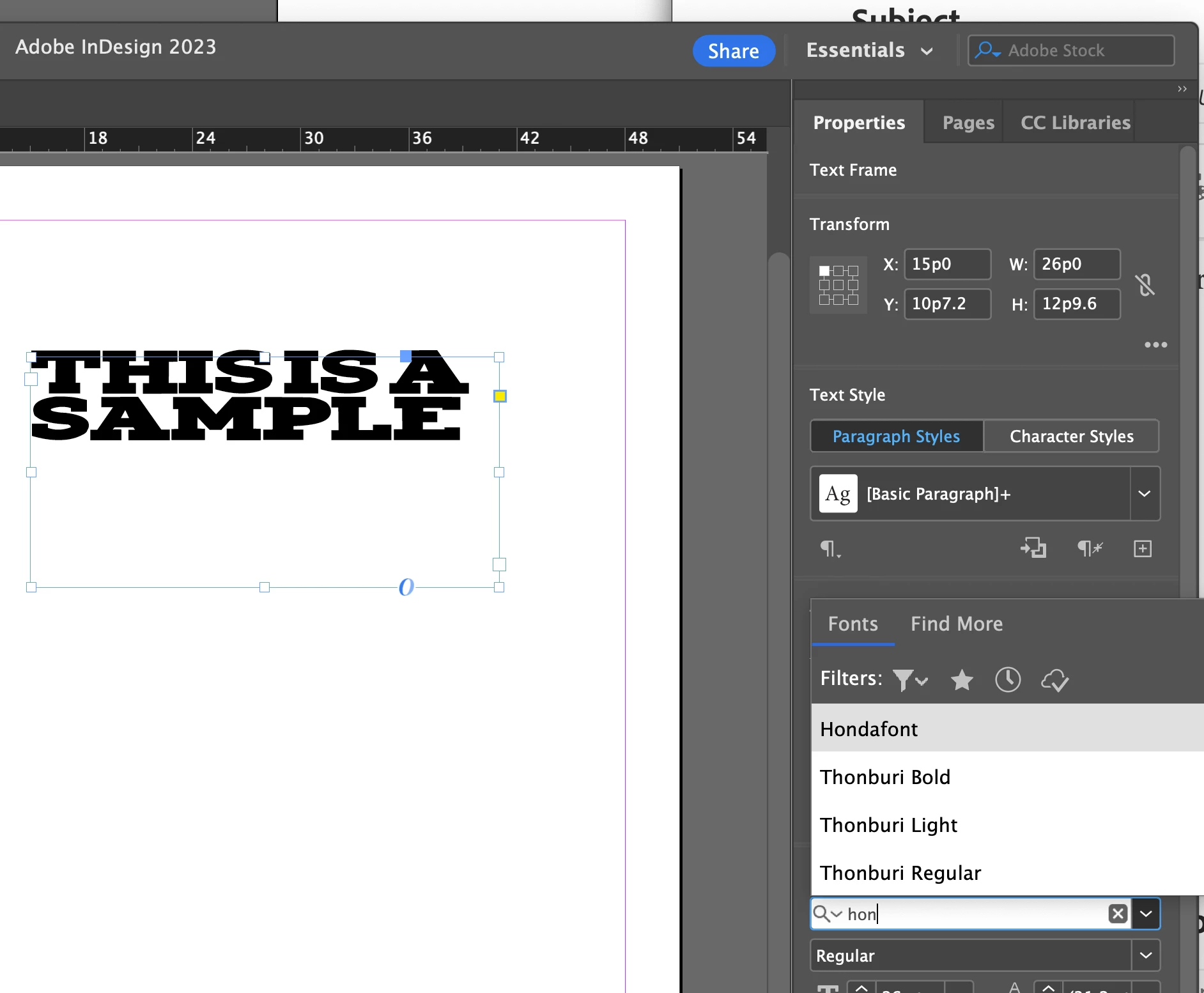
The font shows up in InDesign:
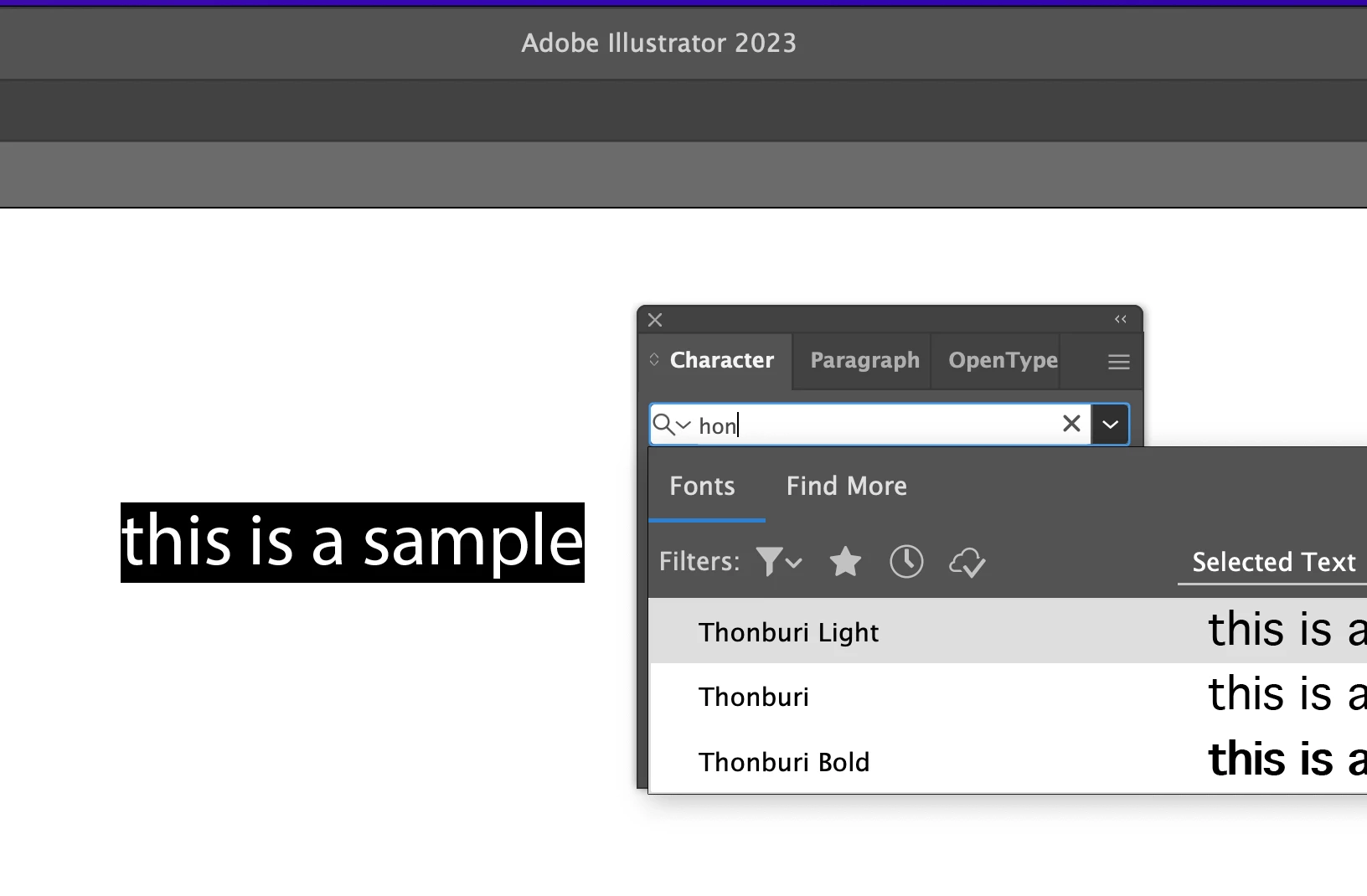
but not in Illustrator:
How do I activate this font for use in all Adobe products, especially illustrator?


 AdChoices