

How do I delete an Adobe Fonts Web Project when clicking "Edit Project" won’t load on any browser?
I am trying to delete all of my Adobe Fonts Web Projects and start fresh. I was able to delete most of them by simply navigating to the Adobe Fonts Web Projects page and clicking "Edit Project" on each one and then deleting each one.
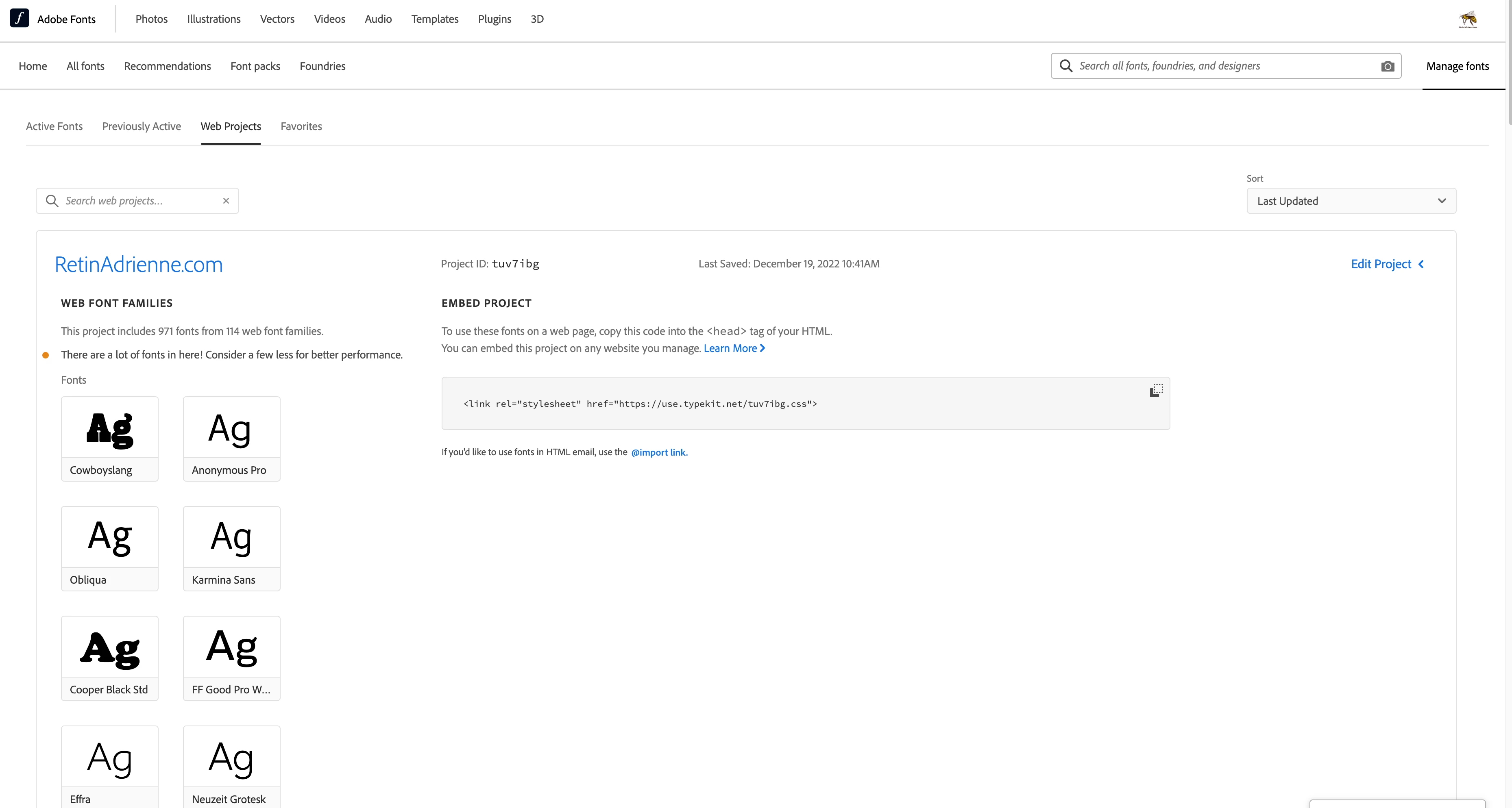
However, one of my Web Projects seems to be too large/has too many fonts within it, because clicking "Edit Project" on that specific one gives me a "loading" cursor and then proceeds to never load, in any browser, no matter how long I sit and wait. This is the screen I get stuck on:
(NOTE: I HAVE ALREADY CLICKED "EDIT PROJECT" BUT IT NEVER LOADS)
Can someone please assist me in deleting this large Adobe Fonts Web Project so that I can then start fresh with no remaining/existing Web Projects on my account?
Thank you so much,
Adrienne


 AdChoices