
Participant
Nov 25, 2026 9:01 AM UTC
Question

How to keep After Effects videos sharp on a website?

Hi Adobe Community,

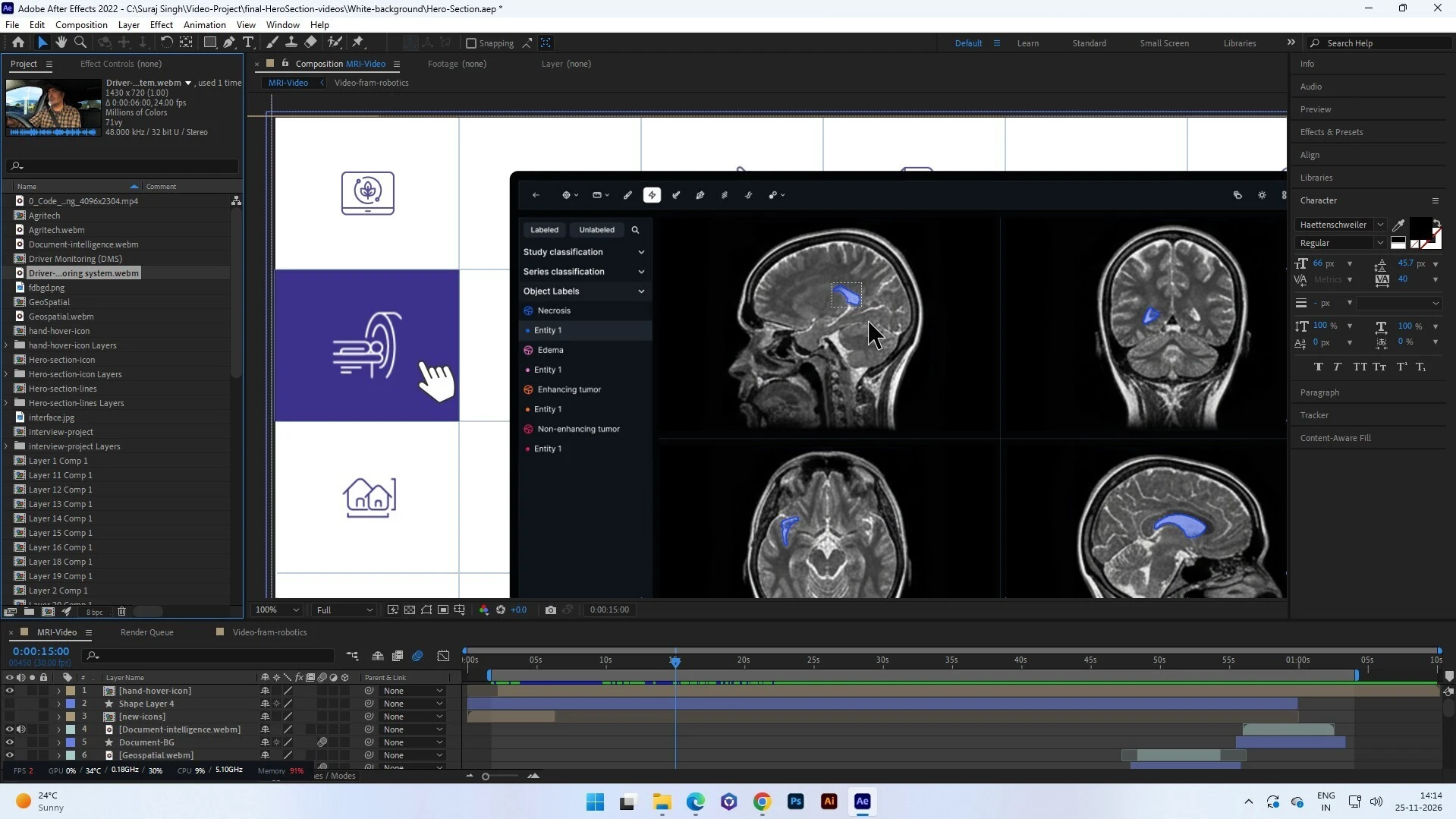
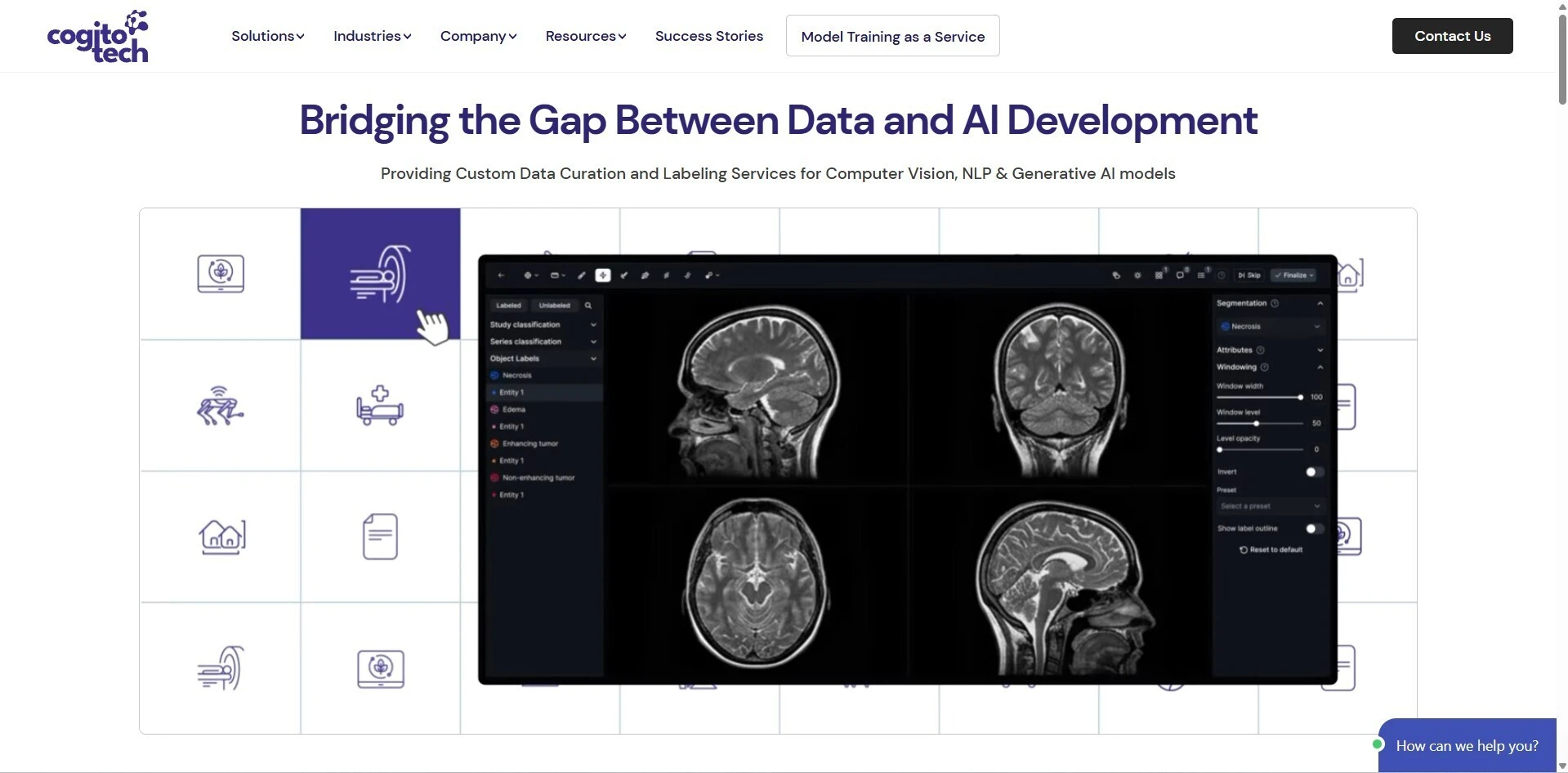
I made an animated video in After Effects for our website (Cogito Tech). It has icons, illustrations, interface elements, and medical images. I exported it in .webm format, but when uploaded on the website, the video looks blurry, especially the icons, text, and thin lines. In contrast, the original one is sharp in After Effects.

All I want is sharp visuals with a small file size. Could you please help me with the following queries?

  1. Is WebM the best format, or should I use MP4 (H.264/H.265) for better quality and a smaller size?
  2. What export settings are best to keep icons, text, and thin lines sharp?


    Adobe After Effect Snap


Website Snap 


Thank you for your help!

    4 replies

    Community Expert
    Nov 26, 2026 2:23 AM UTC

    What is the resolution of your composition in After Effects? Is the composition getting displayed at the same resolution in the web browser or is it getting scaled up or down in size? Make sure the resolution is the same when exporting to WebM format in Media Encoder. Generally speaking, the more you increase the bitrate and lower the compression level the better the video will look.

    Translate
    Participant
    Nov 26, 2026 5:44 AM UTC

    Hi Bobby,

    Thanks for the reply.

    My composition which I have set is 1920 x 800 in After Effects, and it is being displayed at the same size in the browser. The Media Encoder export matches the resolution 1920 x 800, and 30 fps.

    For the export I'm using WebM with VP9, I have set the Constant Quality to 100, I am not seeing bitrate setting you specified in your earlier reply. I am sharing Screenshots of both settings.

    Even at max quality, the fine UI text and

    icons still look a bit soft. Would VBR with a high target bitrate or 2-pass encoding help, or is there something else I should try?


    Thanks!

    Translate
    Community Expert
    Nov 26, 2026 4:56 PM UTC

    The quality level slider is what changes the video bitrate. The variable bitrate option may provide better results; it will use more data for more highly detailed areas in the imagery while conserving data in less detailed regions.

    Two pass encoding may not make a visible difference in overall image quality, but it can help a video start playing in a web browser faster. With that being said, so many areas across the US have seen giant improvements in Internet connection speeds over the past few years. Most should see a 1080p video in a browser window start playing immediately.

    I think H.265/HEVC video (saved in a MP4 container) will perform better in terms of quality to compression ratio than VP9. H.265 will play on more devices. But VP9 is open source, royalty free and natively supported in web browsers.

    Translate