coid studio
Participant
September 4, 2020
Answered

I can't add fonts on Adobe Portfolio

  • September 4, 2020
  • 3 replies
  • 3717 views
 
Hello.


When I click on the font to apply Adobe Ponts to every page, that red warning message pops up and says, "Sorry. Problem occurred. Refresh the page."
The same issue is repeated when I refresh it and restart my computer.

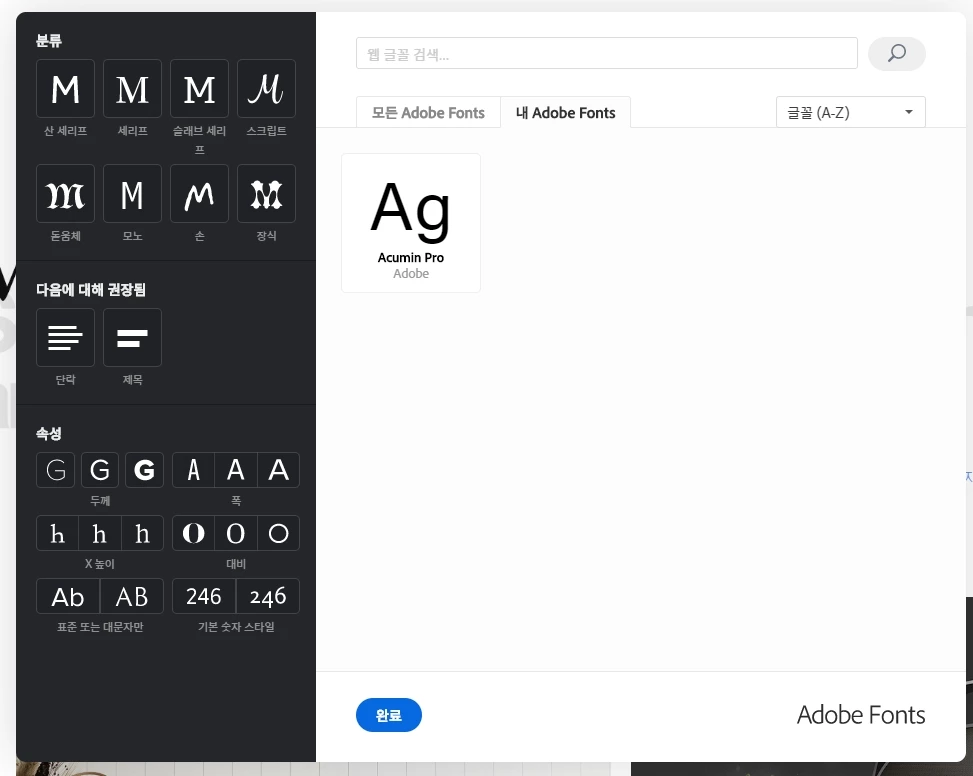
Also, I activated only Acumin Pro font.


This problme has been seen for a long time. 

Plz, fix it as soon as possible. 
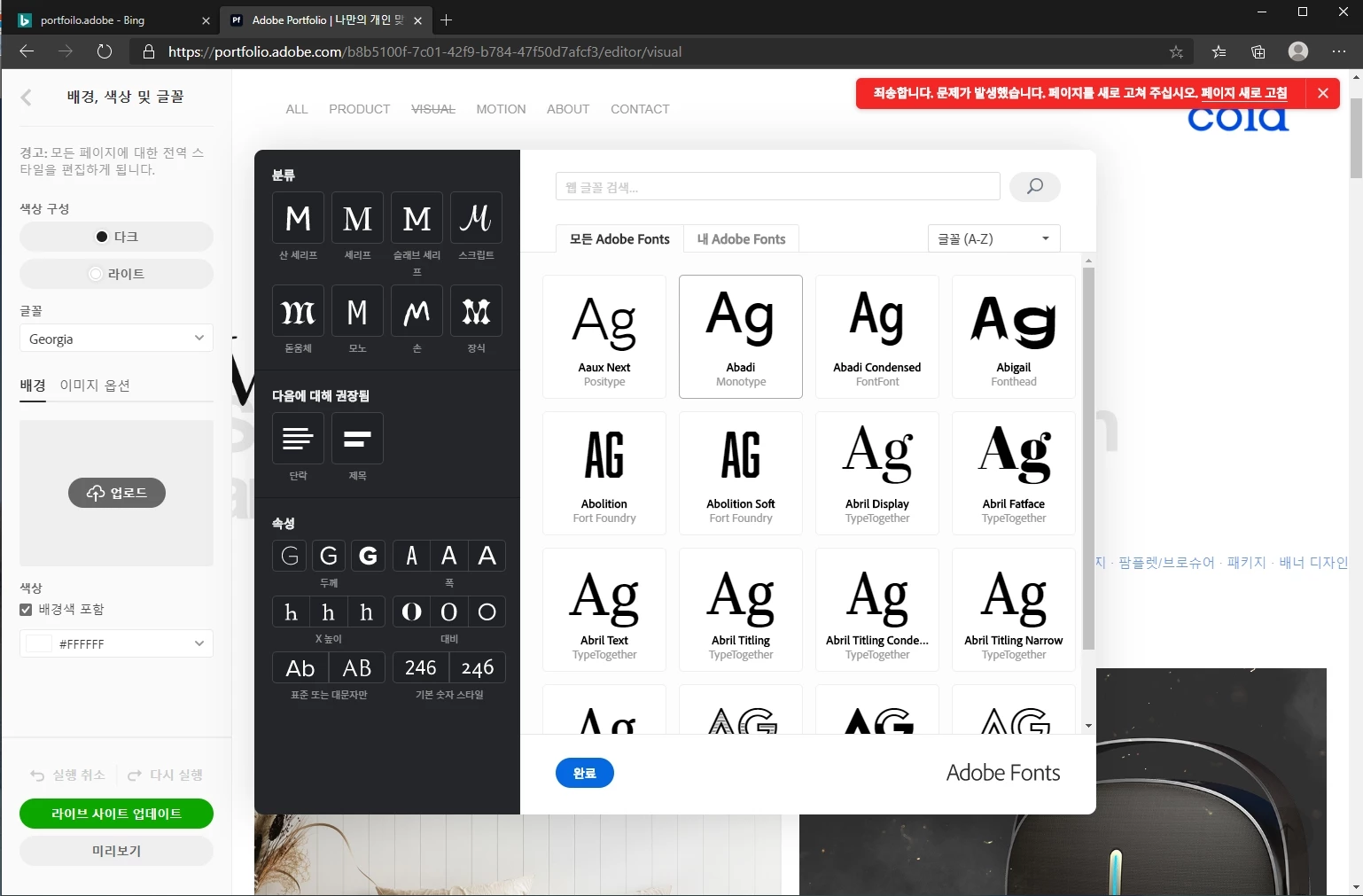
Thanks.

Correct answer JS65070269

Go to the project you were editing, then from the side bar select "Settings", then "Location & Account" at the very bottom then change your location to U.S.


Add your fonts and change your location back to wherever it was.

Mine worked this way

3 replies

April 21, 2024

Try deactivating any adblock / cookie-blocker extension on the browser

Participant
February 11, 2021

I have the same problem when I use Traditional Chinese interface.


But when I change to use English interface, the problem is solved,


So maybe you can try to use English  interface to add font, than change back to Korean interface to continue editing.


Participant
March 30, 2021

How did you change the interface then? I couldn't find where to change it...

JS65070269Correct answer
Participant
May 7, 2021

Go to the project you were editing, then from the side bar select "Settings", then "Location & Account" at the very bottom then change your location to U.S.


Add your fonts and change your location back to wherever it was.

Mine worked this way

HARSHIKA_VERMA
Community Manager
Community Manager
September 29, 2020

Hi there,


Sorry for the delay in response. Are you following the same process mentioned here: https://help.myportfolio.com/hc/en-us/articles/360036799993-Using-Adobe-Fonts-with-Adobe-Portfolio? If you're still experiencing the issue, please get in touch with us directly using this link: https://helpx.adobe.com/contact.html so that we can assist you on 1:1 basis.


Hope it helps.


Thanks,

Harshika