
Participant
January 29, 2025
Question

I can't see and use any fonts on Adobe Fonts website

  • January 29, 2025
  • 1 reply
  • 331 views

Hello.

I'd need some help with fonts not working... I'm on my 2019 iMac and i can't seem to use any of the fonts anywhere... Not Photoshop, Illustrator or the website. 

This is what the website looks like for some fonts:
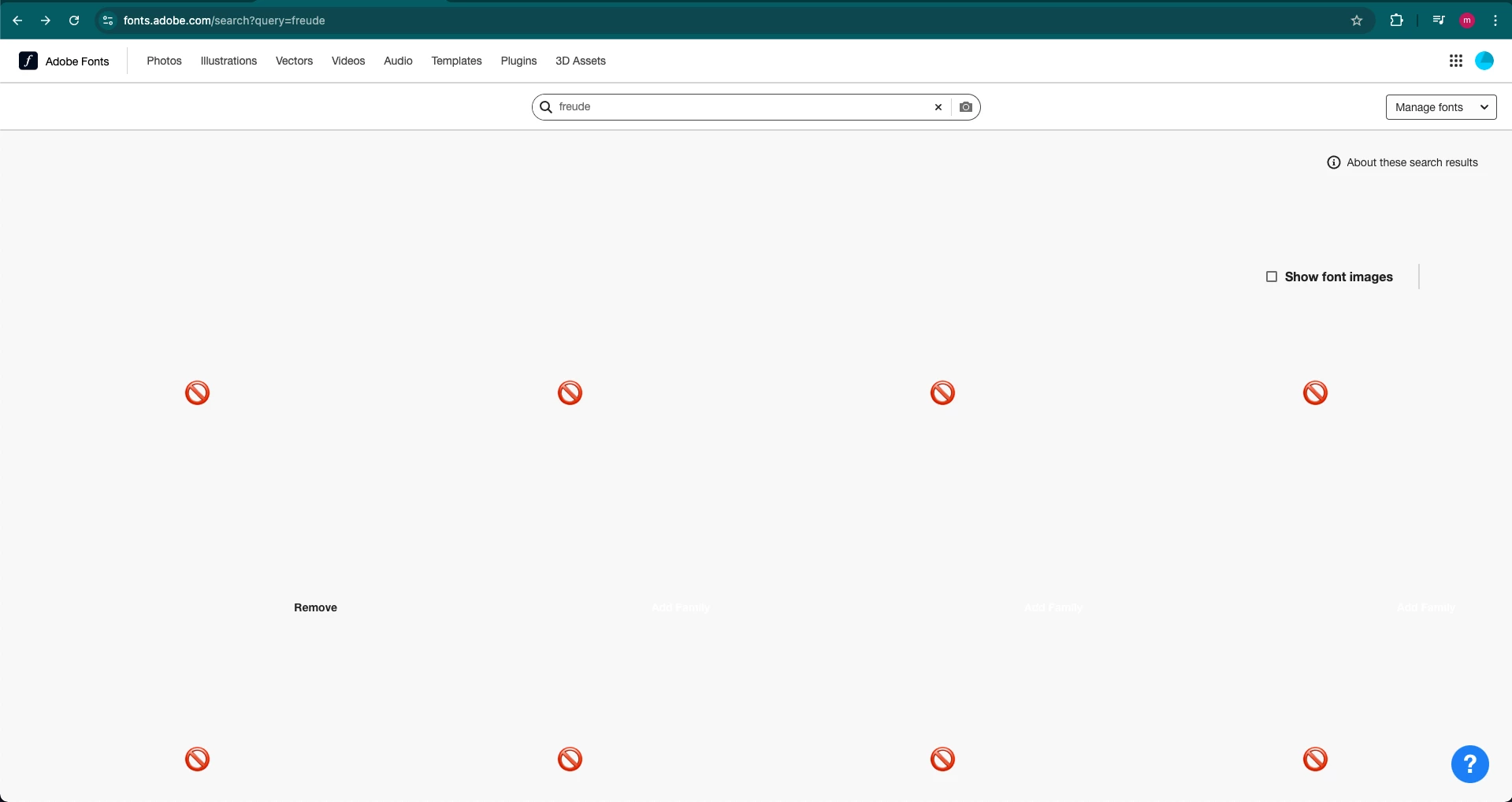

And for most fonts it just keeps loading them but none show up.

I've tried logging out, disabling fonts, restarting the computer... Nothing worked.

Does anyone have any suggestions?

    1 reply

    Tarun Saini
    Community Manager
    Community Manager
    January 29, 2025

    Hi 

    @mai_petric

    ,

    Welcome to the community! We're sorry to hear about this. Please try the steps mentioned below-


    - Toggling the activated fonts on and off under preferences in Creative Cloud

    - Closing all of my local apps you wanted to use the fonts on

    - Restart the computer

    - Check again the Adobe apps


    Let us know if that helps.


    Regards,

    Tarun 

    Participant
    January 30, 2025

    Sadly it didn't work.

    This is what it looks like in Illustrator. It can't find any fonts at all.


    Could this be because my computer doesn't have the latest OS? Cuz i've been trying to update it for the past few days but I'm having some problems.

    Tarun Saini
    Community Manager
    Community Manager
    February 5, 2025

    Thanks for your response 

    @mai_petric

    ,

    Would you mind telling us the version of the operating system you're on? Please make sure you're signed in to the Creative Cloud desktop application.


    Also, please make sure that the network endpoints listed on https://helpx.adobe.com/enterprise/kb/network-endpoints.html are allowed.


    Regards,

    Tarun