


Participant
May 28, 2023
Question

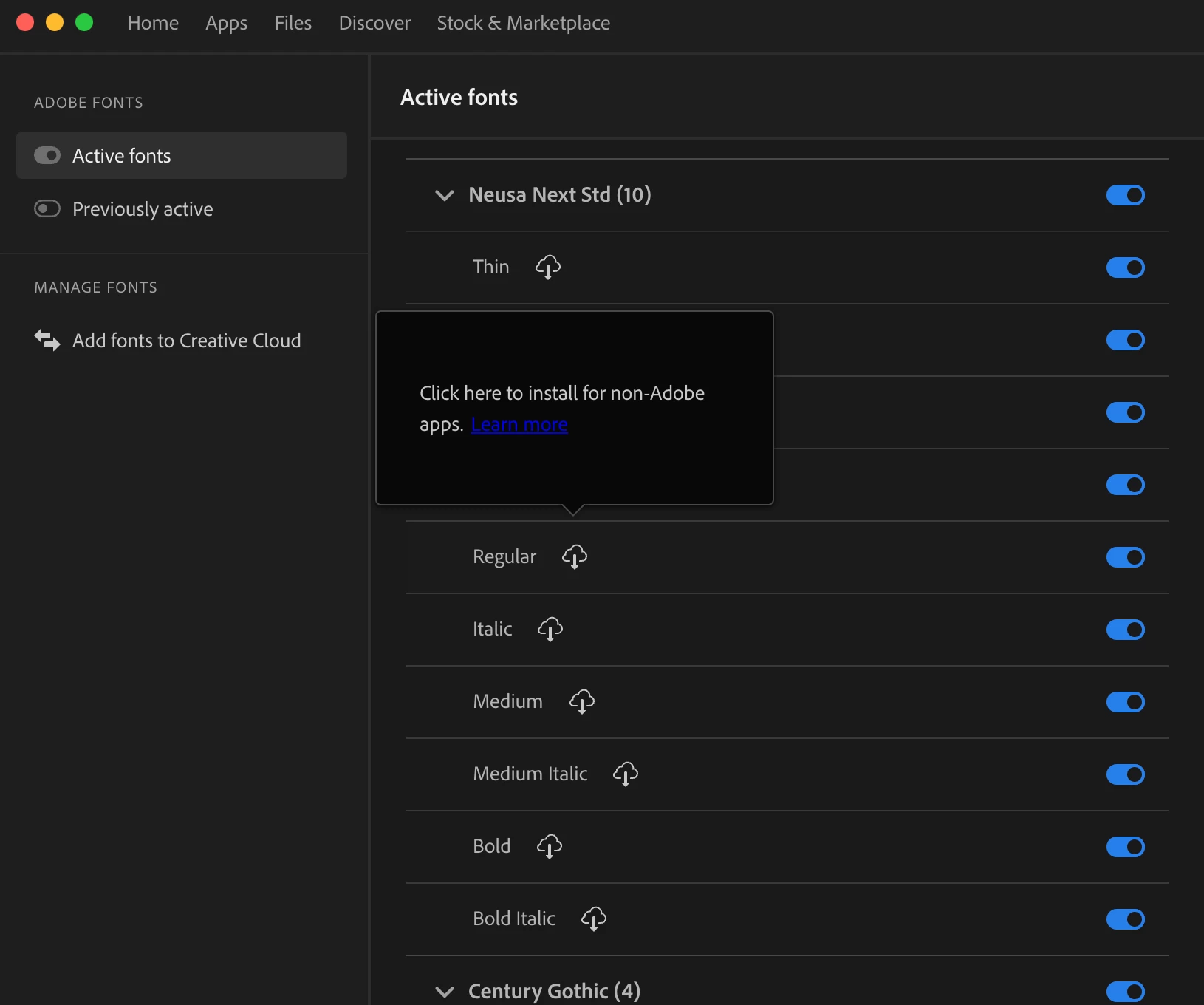
Install and Activate all fonts at once for offline use

  • May 28, 2023
  • 1 reply
  • 2254 views

Hello, 

I use mac, and in the creative cloud app and I would like to install all my fonts for non-adobe apps at once, rather than go through the tedious step of clicking every button. Is this possible?
 

    This topic has been closed for replies.

    1 reply

    Imaginerie
    Community Expert
    Community Expert
    May 29, 2023

    Sorry I think I am missing the pint of what you need to do.

    Do you want to upload non Adobe fonts typefaces in the CC, or do you want to activate Adobe fonts typefaces in bulk?
    If it's the first option, you can select font files by hitting shift and selecting them while browsing (up to 20 at the time)


    if it's the latter

    There is no real way to activate in bulk, but you can deactivate in bulk, in the Creative cloud on the web, in the manage fonts menu


    Hope it helps!

    Tarun Saini
    Community Manager
    Community Manager
    May 29, 2023

    Hi @nicks91571920,


    In addition to @Imaginerie response, I would say that if you launch the Creative Cloud desktop app while offline, fonts won't display in the font lists of your apps. However, if you go offline while the Creative Cloud desktop app is running, activated fonts will still be listed and available to use. 


    Please check this article for more info:- https://helpx.adobe.com/creative-cloud/help/add-fonts.html


    Regards,

    Tarun