
My Web Projects page isn't loading
Hi!
Let me preface this by saying I'm aware this is largely my own fault, but I'm still hoping I can find some sort of a solution before I resort to making an entirely new account and starting a new subscription.
That said, my Web Projects page hasn't been able to load in probably close to a year now - all I ever get is this screen:
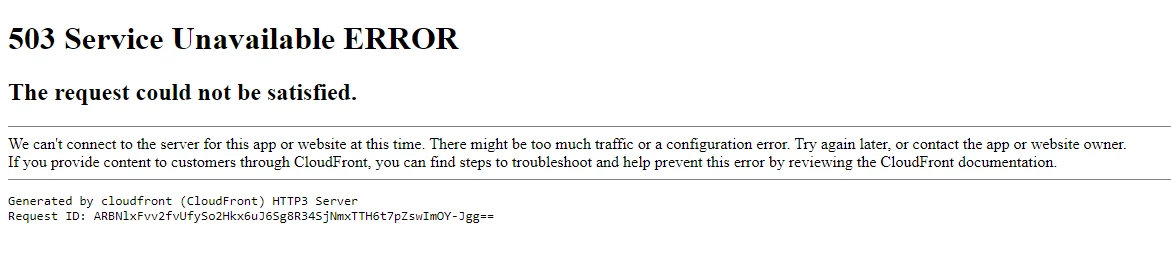
As previously mentioned, it's probably my fault because I crammed far too many fonts into one project; I have 15, but most of them contain 20+ fonts each, because I was trying to avoid having too many links in my stylesheets and I'm also a hoarder so whenever I see a font I like, I put it into a project because you never know when you'll need it!
So, as far as I figure, the page is overwhelmed by my overloaded projects, but I'm still holding out a glimmer of hope that there may be a solution to this, since I'm at the point where I can't edit or do anything with my projects except add new ones.
Thank you in advance for any and all help in navigating this!


 AdChoices