
Participant
April 22, 2025
Question

Previously downloaded fonts not syncing with Adobe apps when they are downloaded on Adobe Fonts

  • April 22, 2025
  • 2 replies
  • 379 views

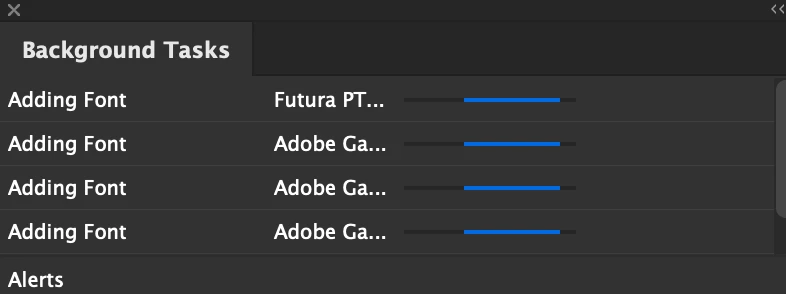
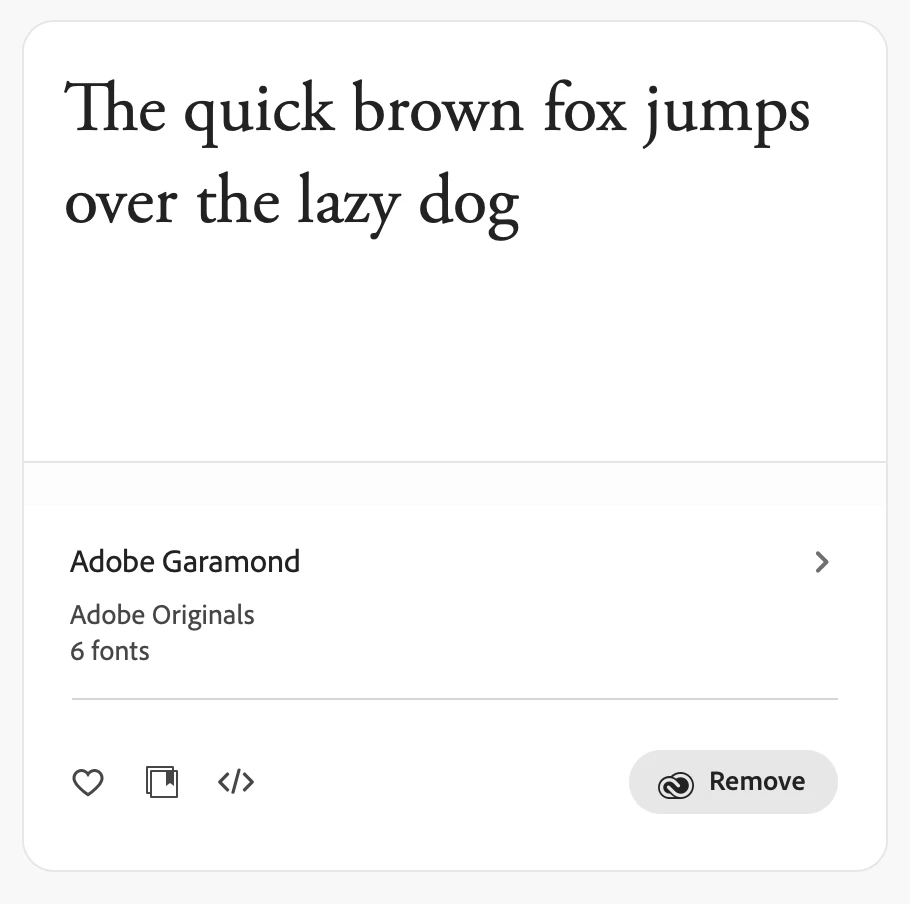
All the fonts I have on Adobe fonts are just not syncing with any adobe software. They are stuck downloading in the background tasks. This is all my ongoing projects I have ongoing where they were recently working, as well as previous projects too where they should supposedly be fine. On Adobe Fonts itself it says they have been added, however they are not on InDesign, Photoshop or Illustrator. Fonts I've added recently are just not showing up.

I have a decent internet connection. I've tried logging out of creative cloud and back in. I have also tried changing my InDesign to previous versions and also deleting the app and redownloading. It's all just stuck and holding up my job.

I managed to really nudge one font family by continuously removing and adding on adobe fonts, then downloading to all apps across my computer, but this procress takes a lot of time and I couldn't possibly do this for everything
 

2 replies

Participant
April 23, 2025

I am having the same exact issue. Went through the same steps... uninstalled InDesign, re-installed, signed out of CC, back into CC. removing font familites and re-adding them. No solutions here, just wanted to say you're not alone and this issue is also holding me up w/ urgent work. Adobe.. HELP!!!

David__B
Adobe Employee
Adobe Employee
April 23, 2025

I would also test these 

- Try temporarily disabling any firewall, security, or VPN software.
- Ensure your OS is completely up-to-date, reboot
- Try toggling the font activation button for the font(s) which are not activating


If none of these help please reach out to and work with our support directly. They likely will need to have you collect logs for the system to better understand the cause. They can be reached here: 

https://adobe.ly/4jRn8x7


Hope that helps,
Dave

Tarun Saini
Community Manager
Community Manager
April 22, 2025

Hi 

@captivating_wizard8994

,

Thanks for reaching out! We're sorry to hear about this. Please ensure you're signed in with the correct Adobe ID in the Creative Cloud Desktop app.


Also, have you tried the steps mentioned the these two articles below?

  1.  https://adobe.ly/42VkL6G
  2.  https://adobe.ly/4lI1xbU


Let us know if that helps.


Regards,

Tarun

Participant
April 23, 2025

Yes I am in the correct and only account and I am aware of all those steps

Tarun Saini
Community Manager
Community Manager
April 23, 2025

Thanks for your response 

@captivating_wizard8994

,


I've escalated your case to our product team. Once I hear anything from them, I'll keep you posted.


Regards,

Tarun