
Participant
April 3, 2024
Question

Re: Unable to install any font after update to macOS Sonoma

  • April 3, 2024
  • 1 reply
  • 457 views

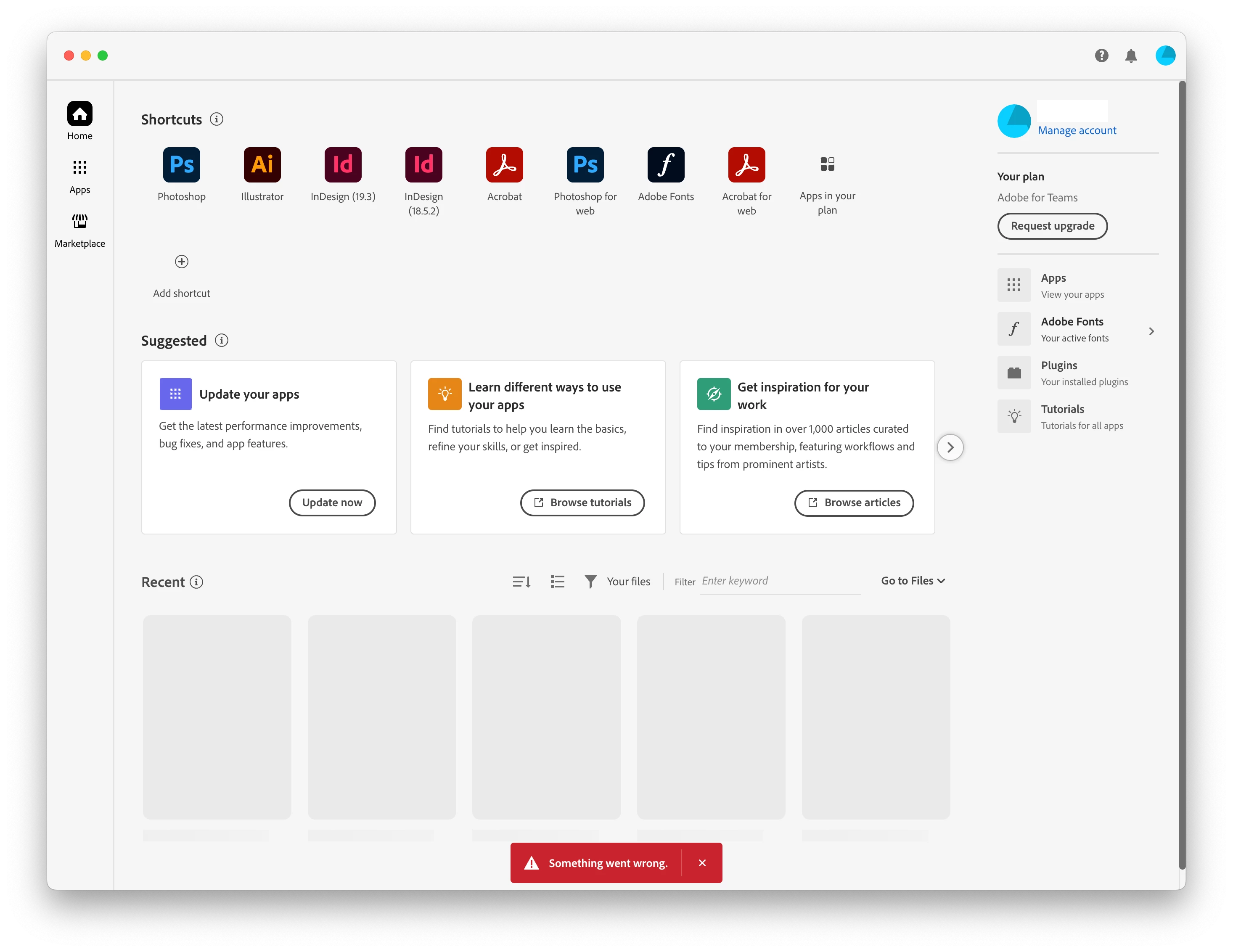
I have the same problem, I can't use/activate any Adobe fonts in Sonoma, and a red bar with the wording 'Something went wrong' appears when I click on the Adobe Fonts icon below Manage Account 
    This topic has been closed for replies.

    1 reply

    Tarun Saini
    Community Manager
    Community Manager
    May 17, 2024

    Hi 

    @peterl27718838

    ,


    Thanks for your patience. Would you mind checking the Creative Cloud Desktop app to see if it's updated? If not, please try updating the app and see if you're able to activate fonts through the Creative Cloud app.

    You may also try re-installing the app through this link- https://adobe.ly/3K47bUk


    Let us know hot it goes.


    Regards,

    Tarun

    Participant
    July 8, 2024

    I still can't use Adobe Fonts even though I have updated/reinstalled the Creative Cloud... What should I do?