Participant
June 14, 2023
Answered

Set alternative glyph (number) as default in font

  • June 14, 2023
  • 1 reply
  • 723 views

Dear all,


I need your help! 

Im working with Font: Euclid Flex regular & light. 

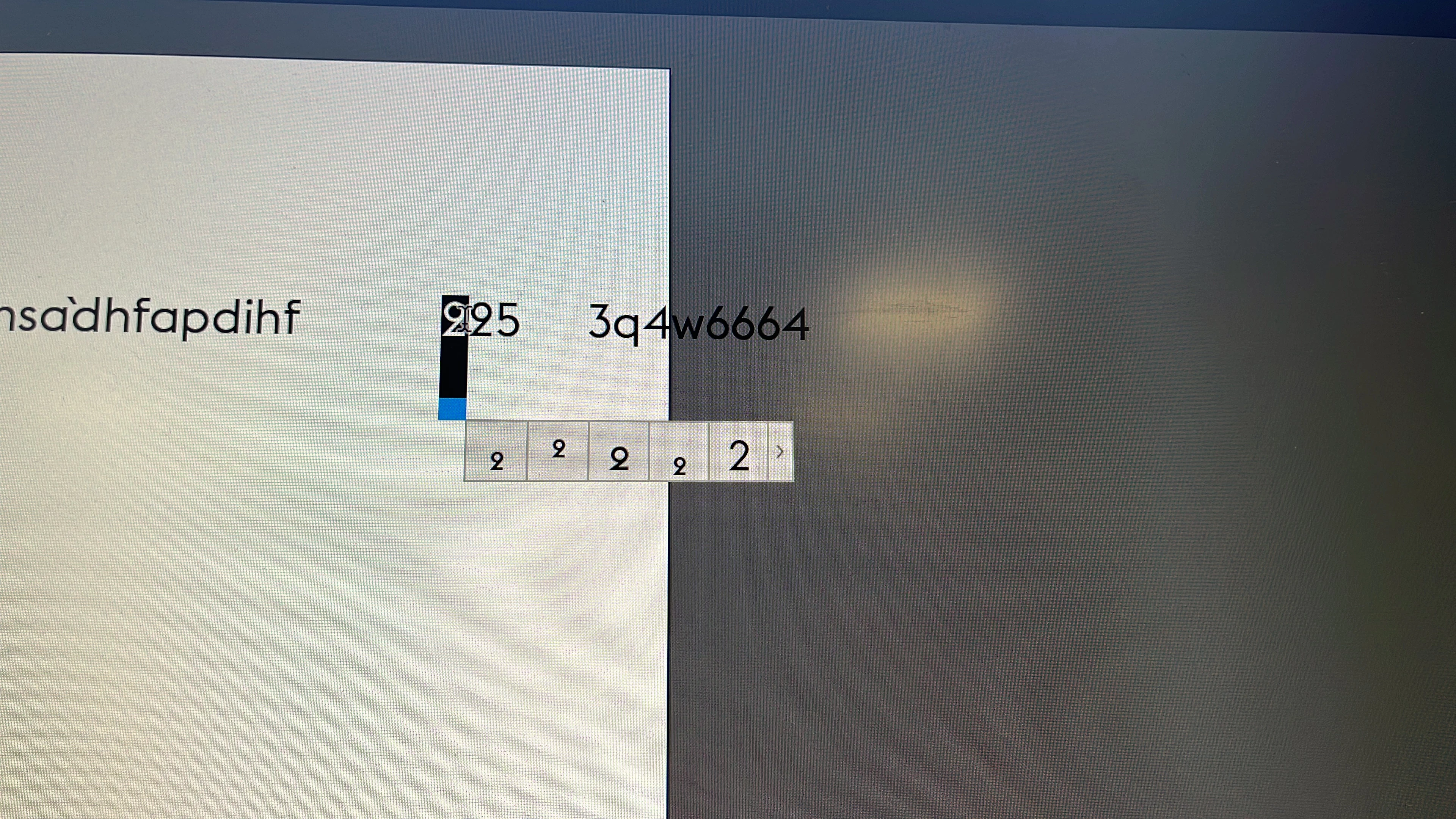
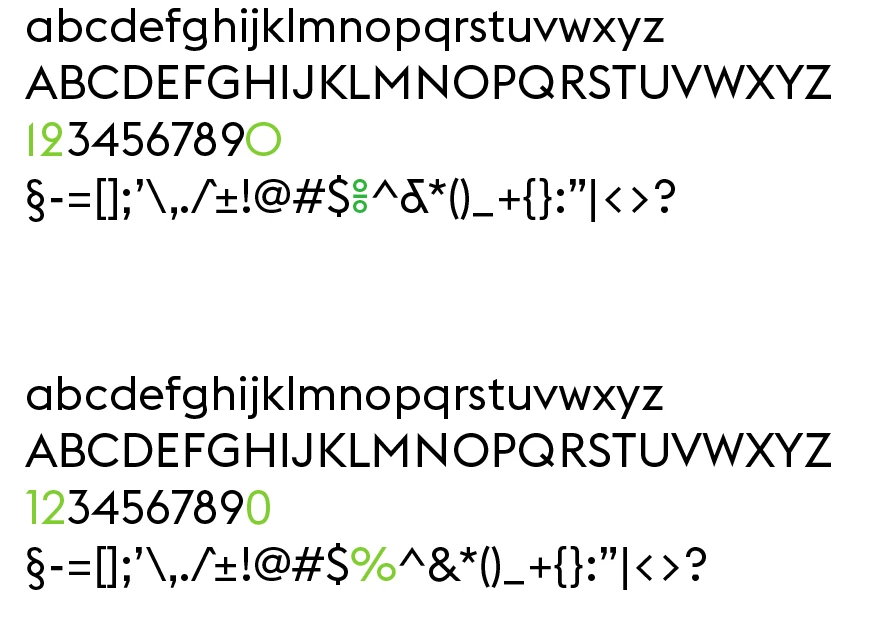
Some of the numbers in this font are hare to read/ confusing. Luckly the font glyphs offer a good alternative (see screenshot option 5).

As i use this very often, its a lot of work to adjust all number manually.  So i would like to set this alternative glyph as a default in this font. Is that possible? How?
This topic has been closed for replies.
Correct answer Lisa3009282505i2

Found it myself 😉 


You can select different style sets: 

Type -> OpenType -> Stylistic sets


1 reply

Lisa3009282505i2AuthorCorrect answer
Participant
June 14, 2023

Found it myself 😉 


You can select different style sets: 

Type -> OpenType -> Stylistic sets


Legend
June 15, 2023

I'm thinking this question is about a specific Adobe app. Is it InDesign?