
Answered
Smallcaps in Caecilia LT Pro not working in InDesign, is there a solution?
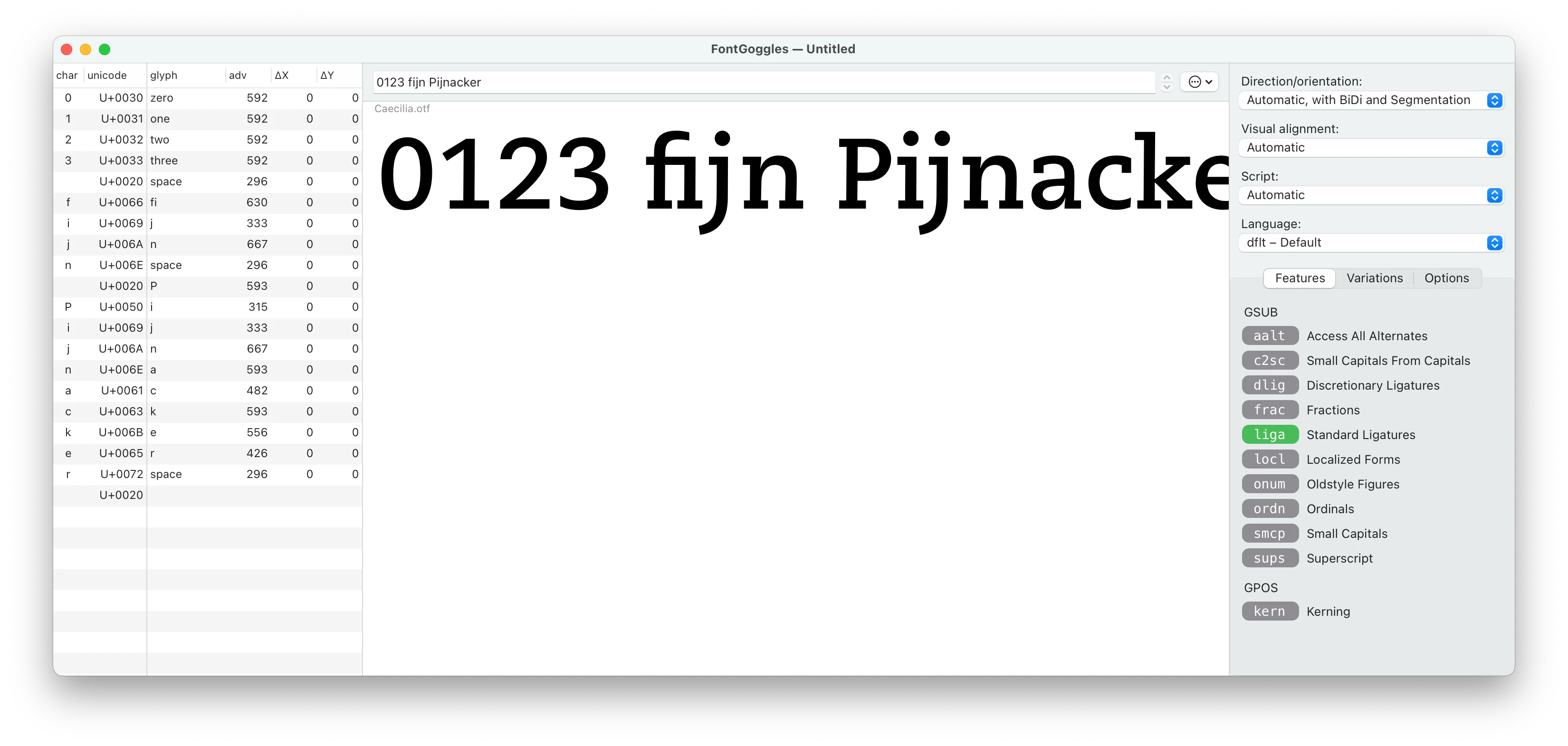
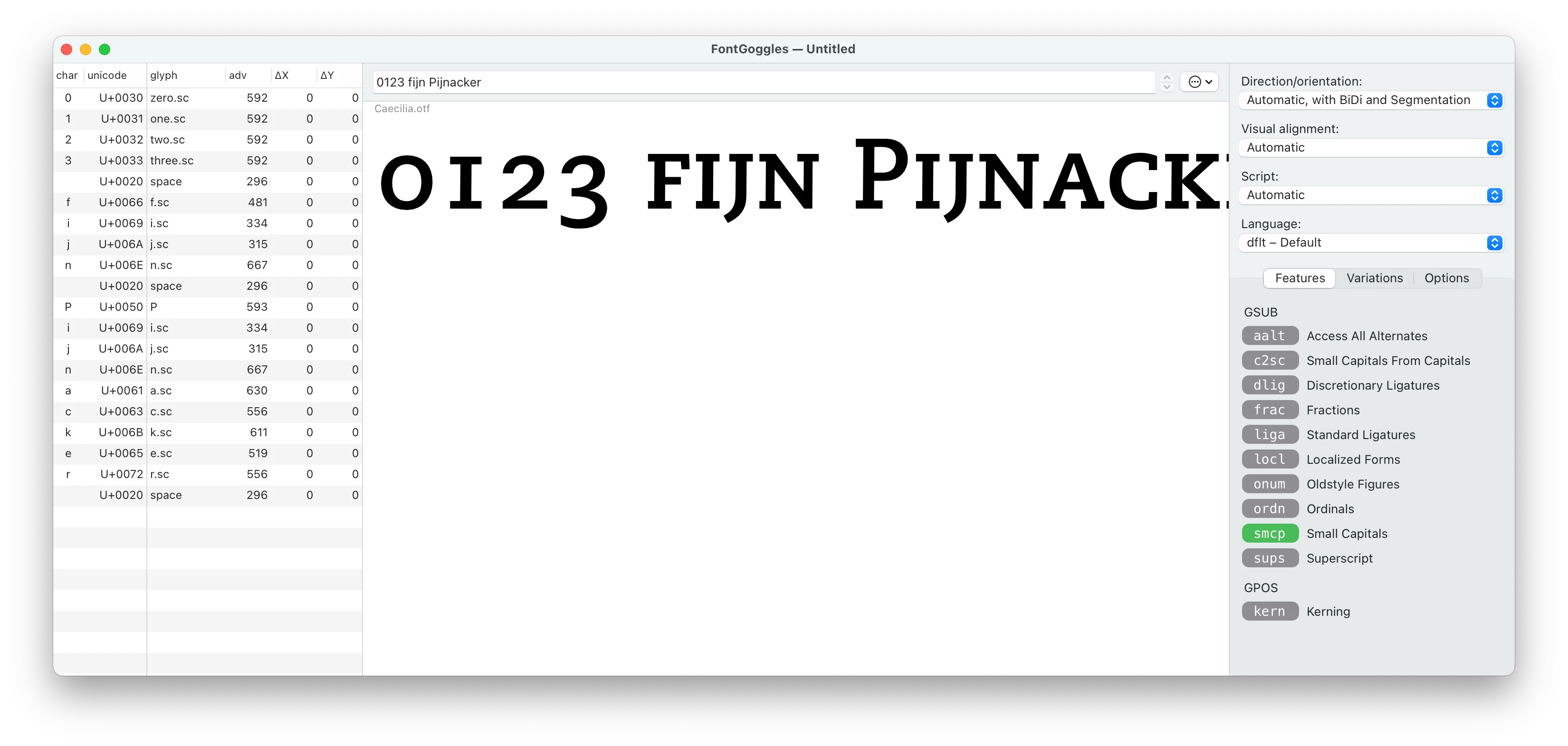
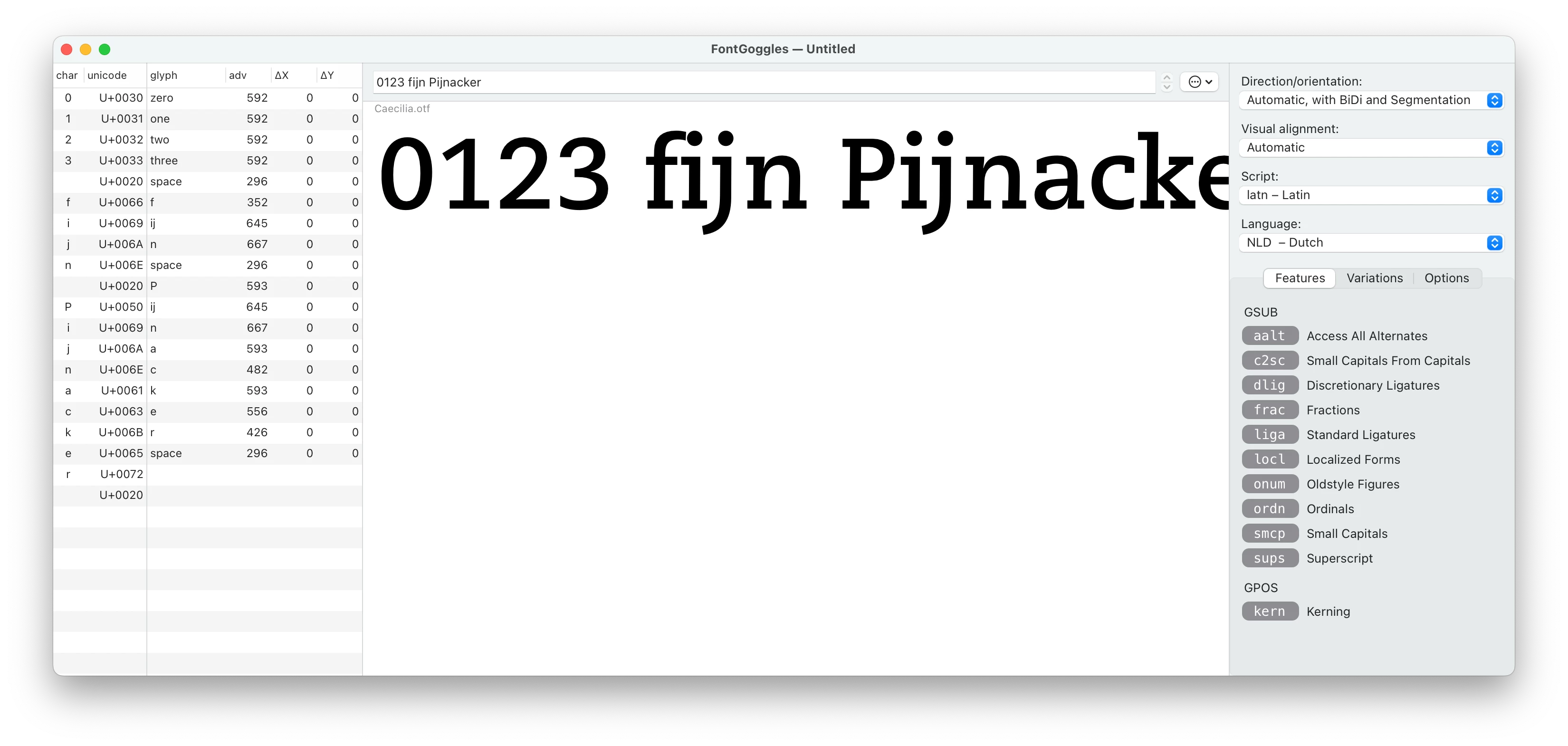
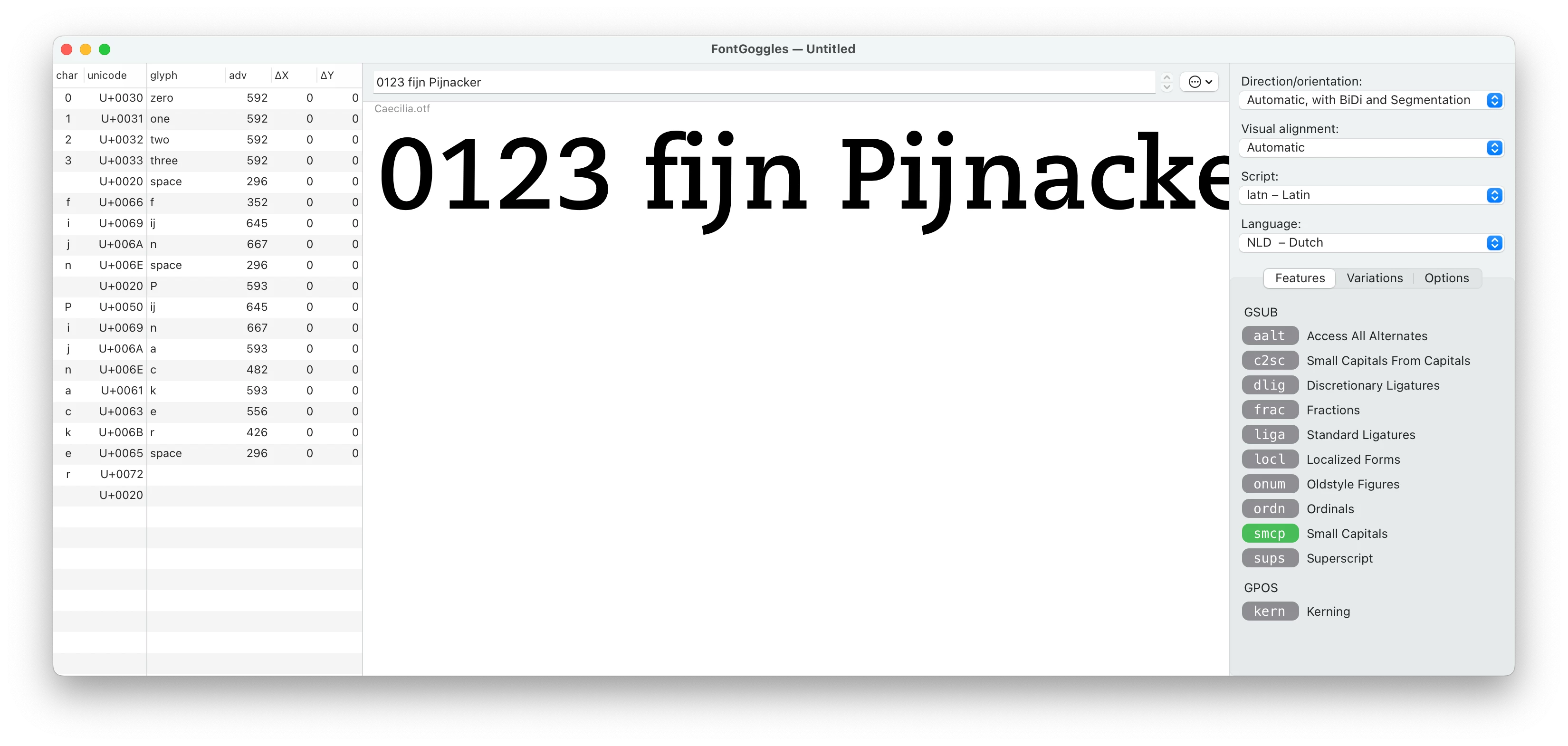
When I use Caecilia LT Pro in InDesign, it is not possible to use small caps, allthough they cán be found in the Glyphs panel. So it is possible to ‘type’ a word by double-clicking on the small caps in the glyphs panel, but changing text to small caps in the usual way does not work.
I suppose it is because the small capitals in this font have not been assigned the right unicode, e.g. the small capital A has unicode E005 (private use aerea) while in other fonts, (e.g. the PMNCaeciliaSans Text) this letter is under unicode 0041
Can something be done about this? Or is there another way to be able to use them? Because it is a shame that the small caps cannot be used properly because they are very nicely designed!


 AdChoices