

Petr Holusa
Inspiring
January 30, 2019
Question

Synching fonts from typekit takes ages

  • January 30, 2019
  • 1 reply
  • 1421 views

Hi,

I really struggle with this terrible service called Typekit especially with Creative Cloud. Synching fonts from typekit takes ages many times, or never works properly or it's never downloaded, synched, activated whatever.
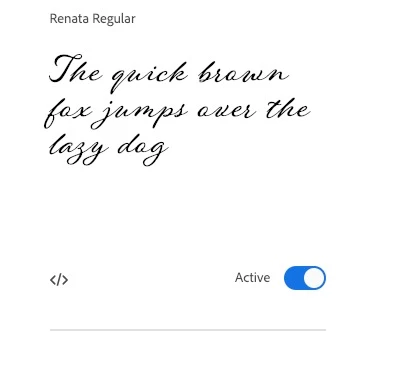
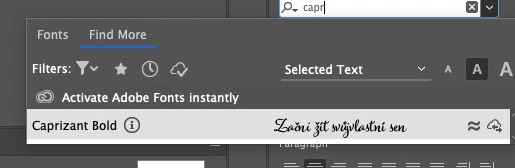
Every time I have to restart mac, adobe app, creative cloud app. Is one case from many it helped but working with typekit is trully nightmare!!!

FIX IT ADOBE!!!!!!!!!!!

PS, yes my network is ok.

This topic has been closed for replies.

1 reply

mollybd
Participating Frequently
January 30, 2019

Sorry to hear you're having trouble. To troubleshoot this issue, please email fontsupport@adobe.com and include the following:

- Your Adobe ID

- Are you using OS X or Windows? Which version?

- A screenshot of the Assets > Fonts tab from the Creative Cloud application

- The recent CoreSync files from your computer:

On OS X:

1. Open the Finder

2. under the Go menu, select "Go To Folder"

3. in the window that opens, type: ~/Library/Logs/CreativeCloud/CoreSync/

On Windows:

1. Open Windows Explorer

2. The log folder is hidden by default, so make sure that hidden folders and files are visible. Under the Organize menu, select Preferences and then the View tab. Choose the "Show hidden files, folders, & drives." option, then click Apply to confirm the changes.

3. Go to C:\Users\(username)\AppData\Local\Temp\CreativeCloud\CoreSync\

where "(username)" is the name of your user folder on your computer.

Attach the 3 or 4 most recent CoreSync-yyyy-MM-dd.log files to an email. Please don't send a zip file, as they often get flagged as spam.

Thanks,

Molly