Participant
December 16, 2019
Answered

Transfer Typekit

  • December 16, 2019
  • 1 reply
  • 919 views

Hi, Our Typekit was pulled into an Adobe Creative Cloud account that was set up for us by Adobe. We want the Typekit associated with another Creative Cloud account that we have. We were told that because the project originated in Typekit years ago and not Adobe Fonts as a web project, that it could be moved.

Now, when I talk to Adobe support, they directed me here saying they do not direct support Adobe fonts and I need to talk to the support community.

Who can I contact about this?

Someone at Adobe had to set up that account for us and add the Typekit to it. So it should be something that someone can move to another account. Right?

Thanks for any and all help!

-Jeremy

This topic has been closed for replies.
Correct answer jane-e

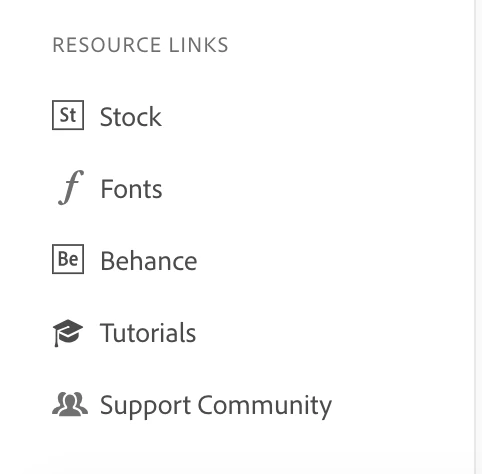
TypeKit has been rebranded as Adobe Fonts. When you have a (paid) Creative Cloud account, you ought to be able to go to the Creative Cloud app and click on Fonts under Resource links on the left.


Which Adobe application was your project done in?

What kind of Creative Cloud account do you have?

Can you clarify the issue?


~ Jane

1 reply

jane-e
Community Expert
jane-eCommunity ExpertCorrect answer
Community Expert
December 16, 2019

TypeKit has been rebranded as Adobe Fonts. When you have a (paid) Creative Cloud account, you ought to be able to go to the Creative Cloud app and click on Fonts under Resource links on the left.


Which Adobe application was your project done in?

What kind of Creative Cloud account do you have?

Can you clarify the issue?


~ Jane