


Trouble keeping fonts activated
I'm having trouble activating the same fonts I was using earlier today, with the error: This document uses fonts that are not currently available on your computer. When I click Activate Fonts, it loads and loads but then nothing happens.
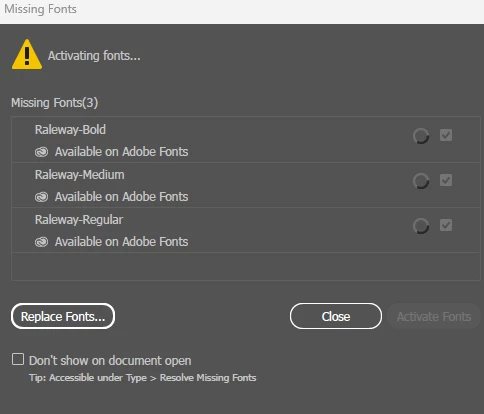
I've had trouble activating fonts through this screen on document open before, but it usually self-resolves if I leave Illustrator alone for 10 minutes or so. Well it's been a few hours now, and I've tried restarting the computer, closing the program, even updating Illustrator and the issue still persists.
When I go into Creative Cloud to view my fonts, this particular font isn't even listed anymore. (Though on fonts.adobe.com, it shows that I do have it). There are also several other fonts that aren't loading in red, as well as others that aren't listed at all.
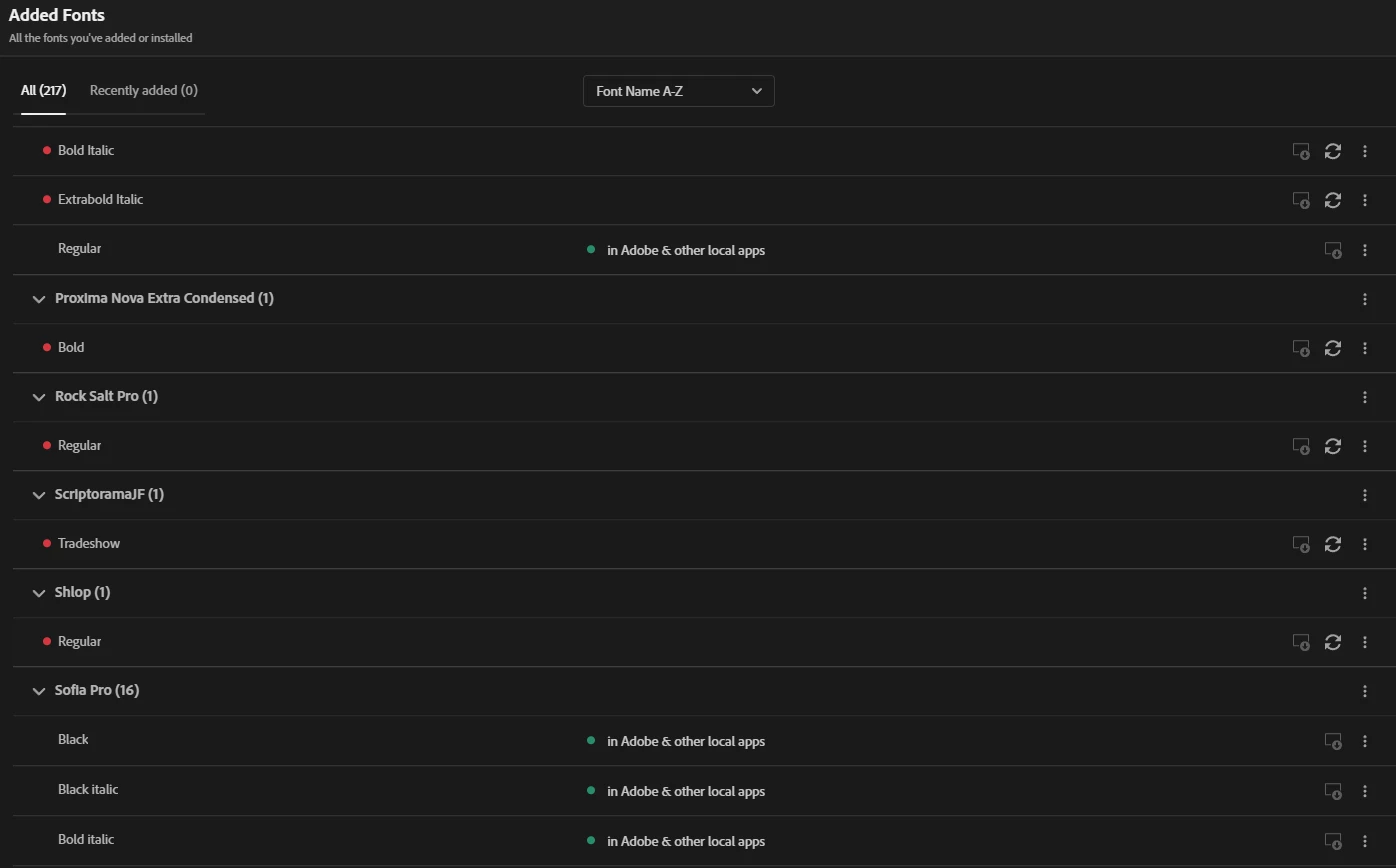
Is this a bug, or am I doing something wrong?
 AdChoices