Participant
June 26, 2024
Answered

Trouble with macron letters

  • June 26, 2024
  • 3 replies
  • 582 views

Hello everyone.


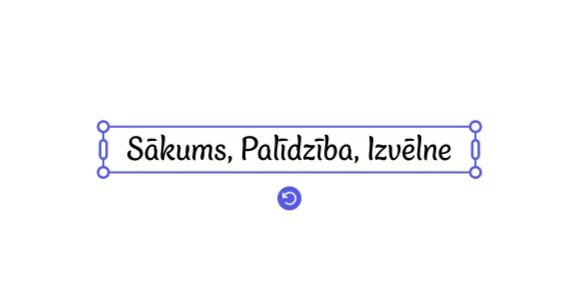
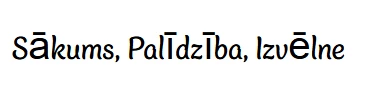
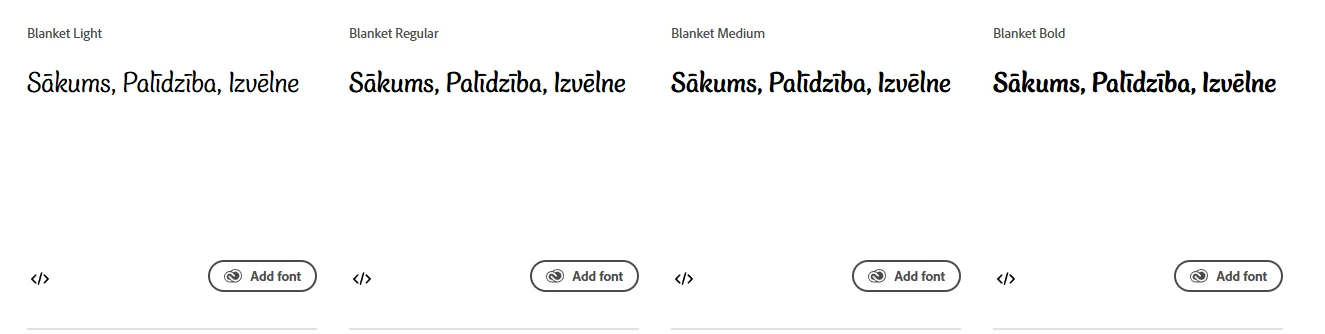
I am currently designing a website in the latvian language, and was trying to find some fonts that support the used letters (Ā, Ē, Ū, Ī, etc). I found a few and even checked the font's compatibility in Adobe Express. But when I use the font inside a website, it does not display the specific latvian letters as per preview.


Below I have added screenshots from: 1. Adobe Fonts preview, 2. The font inside Adobe Express, 3. The font used in the website.

NOTE: I even made a fresh html file and added only the required elements provided by Adobe, yet it displays the same.


Thank you


This topic is closed to new replies. Start a new post to keep the conversation going.
Correct answer elwheelss

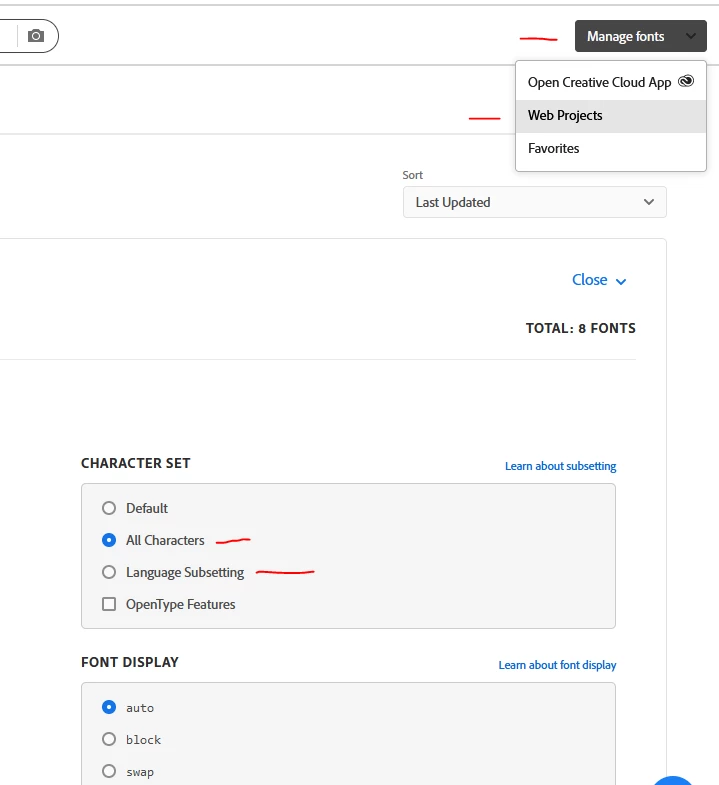
If you are using Web Projects to include the font via Typekit, this worked for me just now:


Log into adobe account and on fonts.adobe.com go to Manage Fonts right hand dropdown > Web Projects > Edit Project > Character Set

Can choose All Characters, or Language Subsetting to limit to only a few languages.


3 replies

elwheelssCorrect answer
Participant
July 1, 2024

If you are using Web Projects to include the font via Typekit, this worked for me just now:


Log into adobe account and on fonts.adobe.com go to Manage Fonts right hand dropdown > Web Projects > Edit Project > Character Set

Can choose All Characters, or Language Subsetting to limit to only a few languages.


CherizerAuthor
Participant
July 1, 2024

Thank you, this solved the issue!

Participant
July 1, 2024

We have the same problem.  We are using a web project link to include a font via Typekit to our websites, and some special characters - not all - are not rendering as they should on our HU, PL and CZ sites.