


Participant
July 8, 2022
Question

Web Projects cannot edit fonts

  • July 8, 2022
  • 2 replies
  • 282 views

Hi,


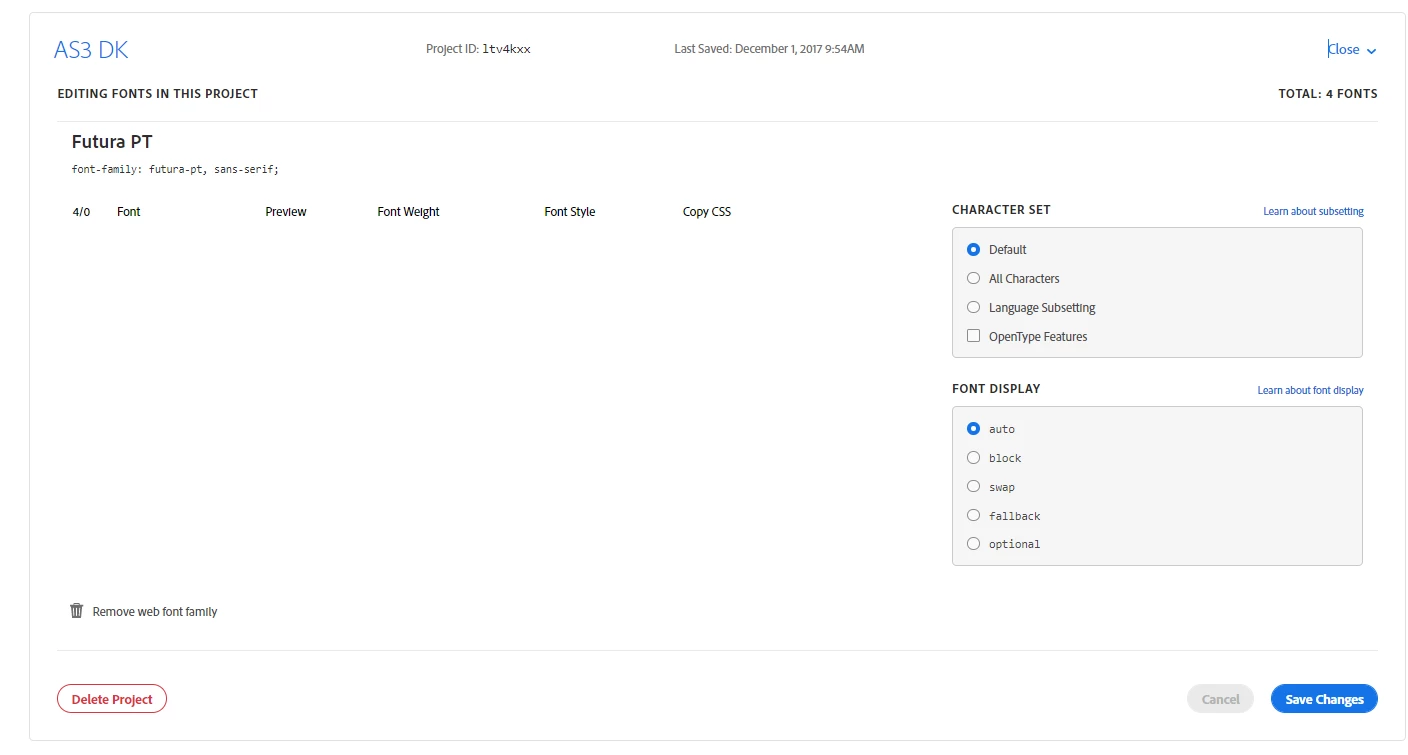
When I edit my projects under "Web Projects", I cannot see the chosen fonts - its says "TOTAL: 4 FONTS".


However they do not appear in the list below. I cannot add any more projects - but if I add a new project from another account, I can see the list on the same font.


Could you advice me on how to edit the font on the projects?


Look at my screenshot:
 

    This topic has been closed for replies.

    2 replies

    Participant
    October 11, 2022

    I see the same problem. On https://fonts.adobe.com/my_fonts#web_projects-section , when I hit Edit Project on any of my projects, I see for example "10/0" and no details of which fonts in the family are in the project. This is reproducible on Safari and Chrome.

    Under the heading "Customize your web project" on the relevant documentation page at https://helpx.adobe.com/fonts/using/add-fonts-website.html , there is a screen grab that shows how it should work (and used to work) -- a list of fonts with checkboxes, under the heading "FONT SELECTION"

    Adobe, please look into this!

    Participant
    October 14, 2022

    I found that in my case, I could not see the fonts because the font licensing was not in effect. Without the licenses to the fonts, the Web Project did not show the fonts,

    Tarun Saini
    Community Manager
    Community Manager
    July 8, 2022

    Hi there,


    We're sorry to hear about your difficulties. Would you mind sharing the Adobe ID of another account which you're using when you're able to see the list of fonts? You may share that email through a private message.


    We're here to help, just need some info.


    Regards,

    Tarun


    Participant
    October 4, 2022

    Hi again,

    I did not get a notification about a new post on this post.

    However I can't find another account with it working. But according to your documentation it should look like this (See below), as you can see on my screenshot, it doesn't. Why is that, and more importantly how do we fix it?


    Participant
    October 4, 2022