Participant
January 4, 2025
Answered

Why when i open Adobe Premiere the FONT i used ARE NOT LONGER AVALIABLE?

  • January 4, 2025
  • 2 replies
  • 169 views

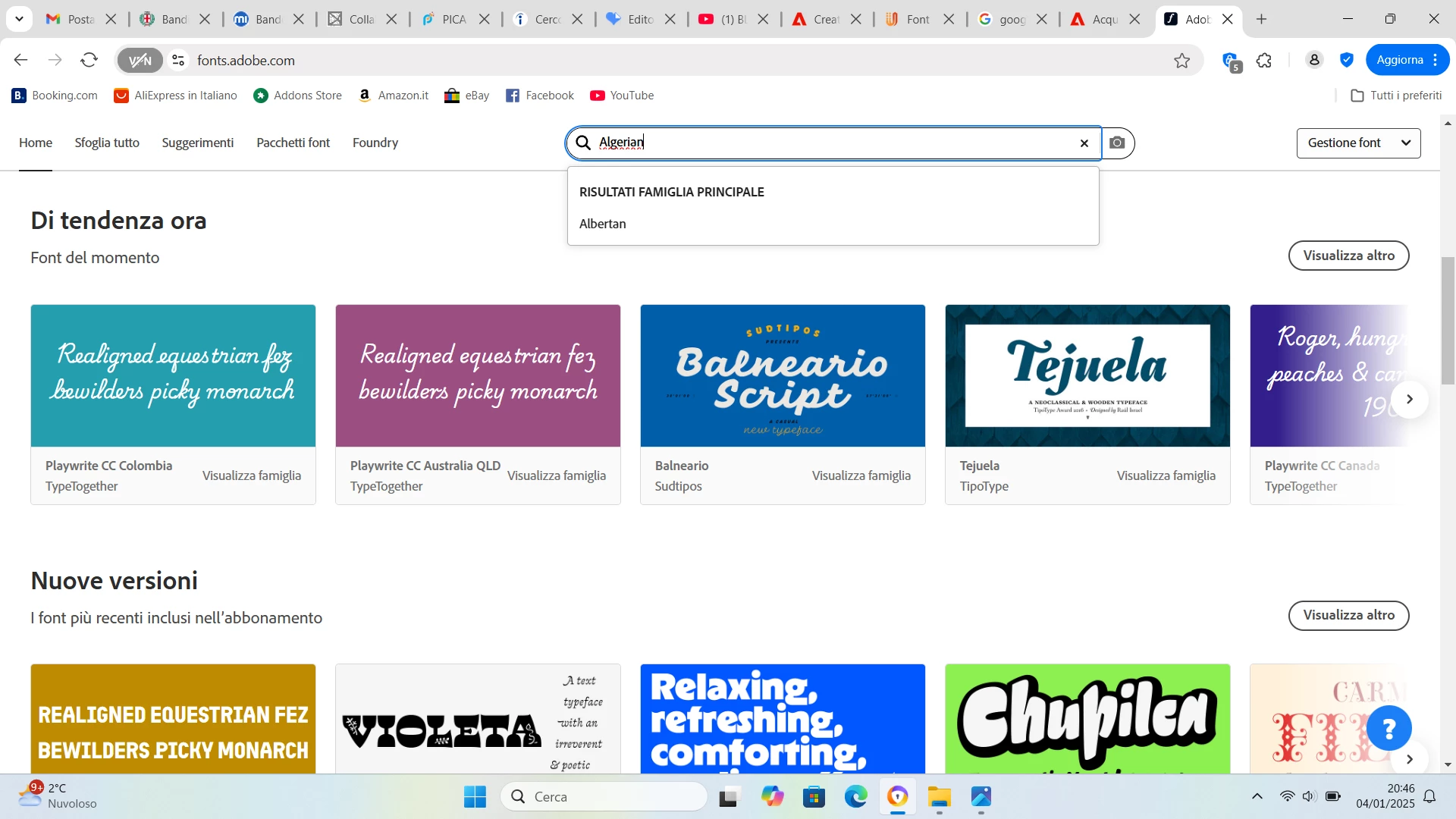
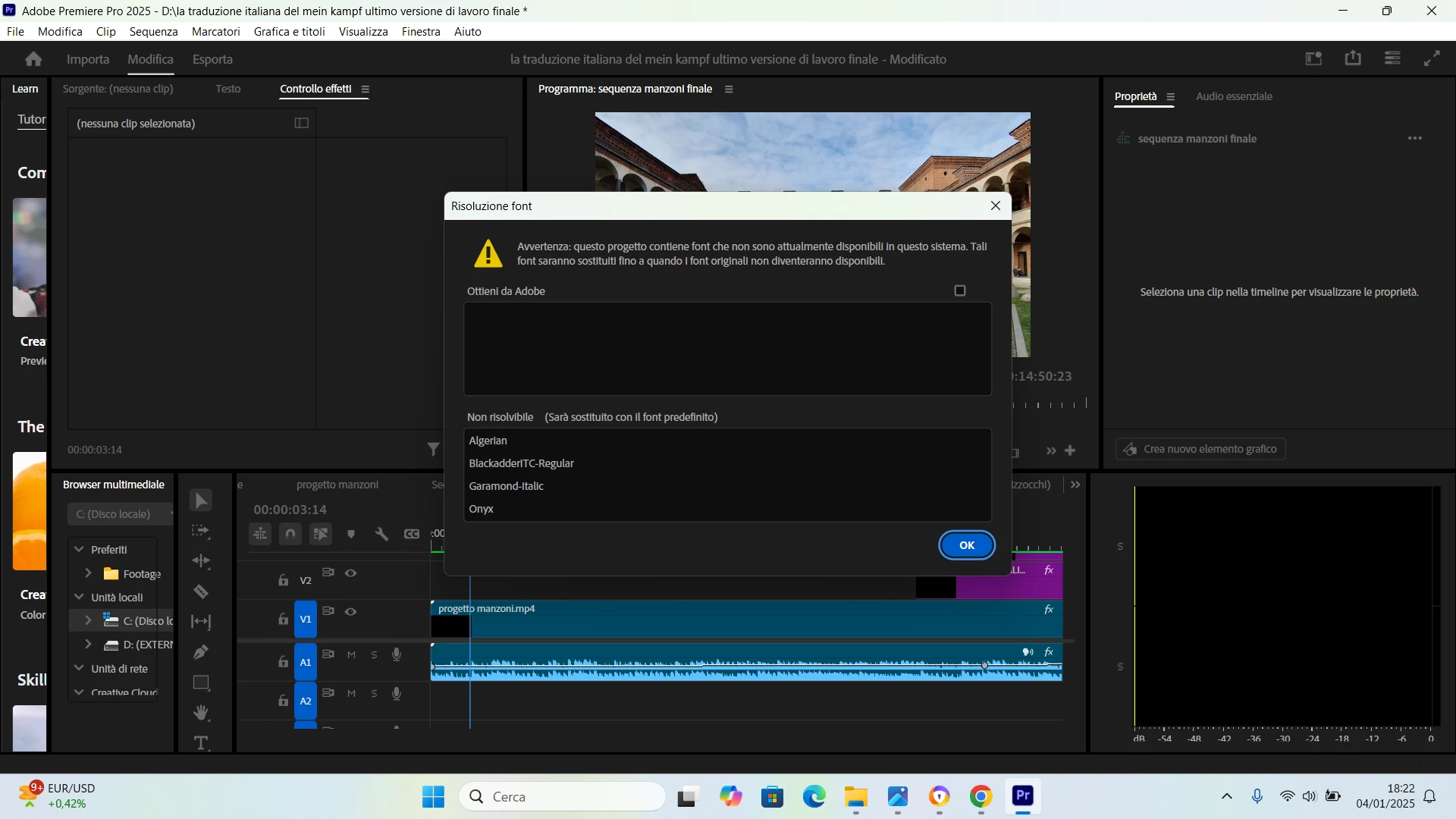
Hi Adobe community a few weeks ago I updated a new Adobe Premiere version and since then the font I was using has changed and I can no longer find it among those available. The fonts that i need are: Algerian, BlackadderlITC-Regual, Garamond-Italic, Onyx. I try to download these fonts as if they were extensions from the official page of Adobe, but I couldn't find the Algerian font in this way either... Can anyone help me or give me advice? 
 

    Correct answer Bobby Henderson

    Are you using a Windows-based PC? The fonts you mentioned are often included as system fonts in the Windows OS and they may also be included in Microsoft Office. Most of those fonts are not included in MacOSX. And the Monotype cut of Garamond bundled in Windows is different from Apple's version of Garamond included in OSX.

    2 replies

    Bobby HendersonCommunity ExpertCorrect answer
    Community Expert
    January 6, 2025

    Are you using a Windows-based PC? The fonts you mentioned are often included as system fonts in the Windows OS and they may also be included in Microsoft Office. Most of those fonts are not included in MacOSX. And the Monotype cut of Garamond bundled in Windows is different from Apple's version of Garamond included in OSX.

    J E L
    Community Expert
    Community Expert
    January 5, 2025

    @federico_6966, is Algerian installed on your local system? It's not an Adobe font, but you can download it for free here: https://fontyfonts.com/algerian-font/