
Participant
December 31, 2021
Question

20 second clip takin 2 hours to render

  • December 31, 2021
  • 2 replies
  • 379 views

Hello everyone, so I ran into some deep trouble that I can't get our of. I have been working on a project in After Effects and the time to render came and my 20 second clip is taking 2 hours to render, this is not normal at all, something is completly wrong with something that I can't debug.
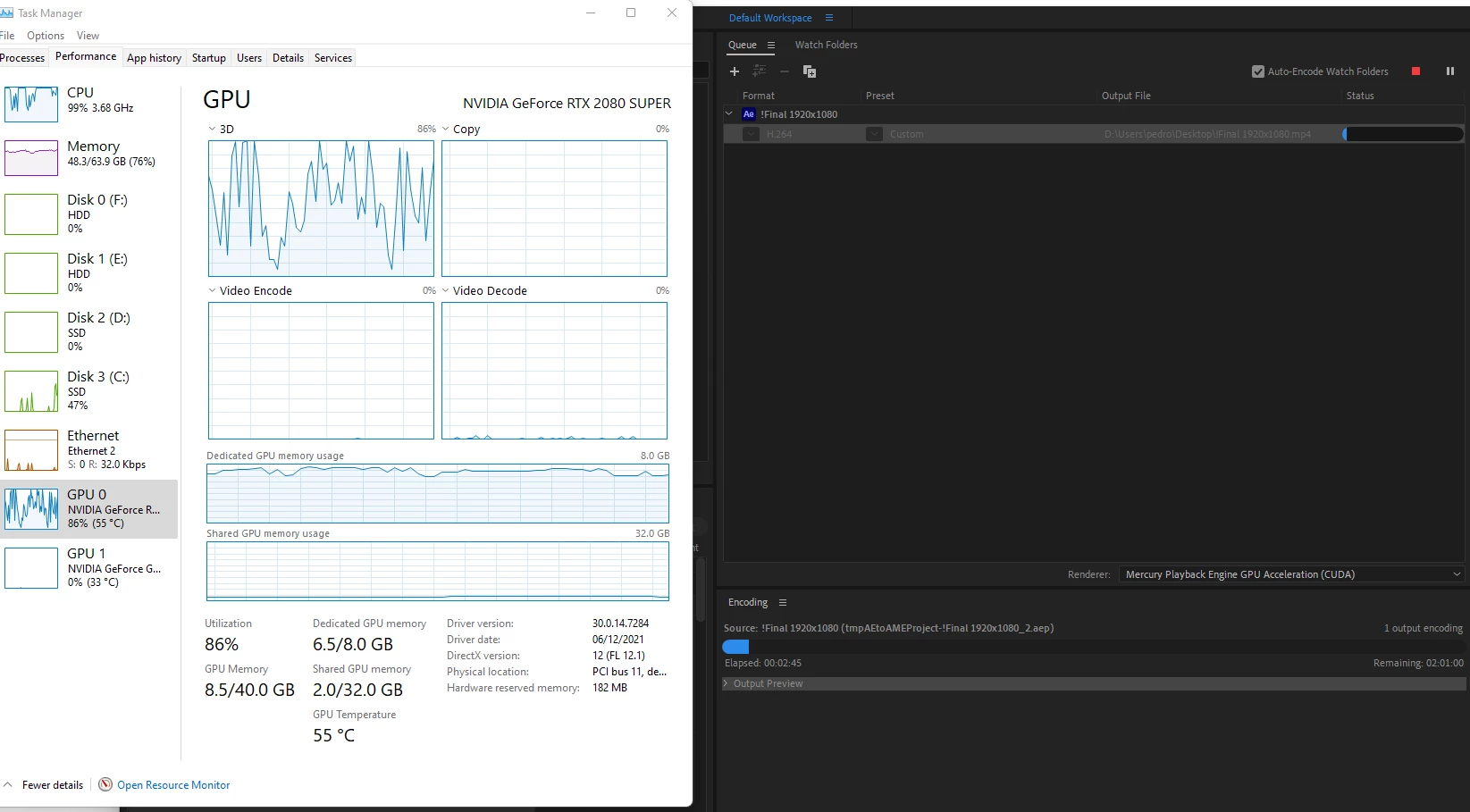


My PC:

CPU: AMD Ryzen 9 3950x

RAM: 64GB

GPU: Nvidia 2080 Super


I am in deep need of help here, many thanks!

This topic has been closed for replies.

2 replies

Warren Heaton
Community Expert
Community Expert
January 6, 2022

Try exporting the Comp with the After Effect Render Queue using the Best Settings Render Settings template and Lossless Output Module template or High Quality Output Module template.  It will be a large file, but that's why it should render faster.  Then add the resulting movie file to the AME Queue.  If you find that this is working better, you can set an AME Watch Folder to automatically transcode your AE renders.   


Also, are you using the newest version of After Effects with Multi-frame Rendering?  That should render faster in either AE or AME.  It also has a Render Time pane that can be shown in the Timeline panel to see exactly how much time each Layer is taking to render.  The button to show/hide Render time is in the lower left of the Timeline panel.


Community Manager
December 31, 2021

Hi petahmike,


Sorry to hear about this. Let us know more about the complexity of the After Effects project & the effects/plugins that you have used in the comp. We're here to help, just need more info.


Thanks,

Sumeet

petahmikeAuthor
Participant
January 2, 2022

Hello, this is exactly what I am trying to render https://videohive.net/item/glitch-intro/21531102