


Participant
November 15, 2022
Answered

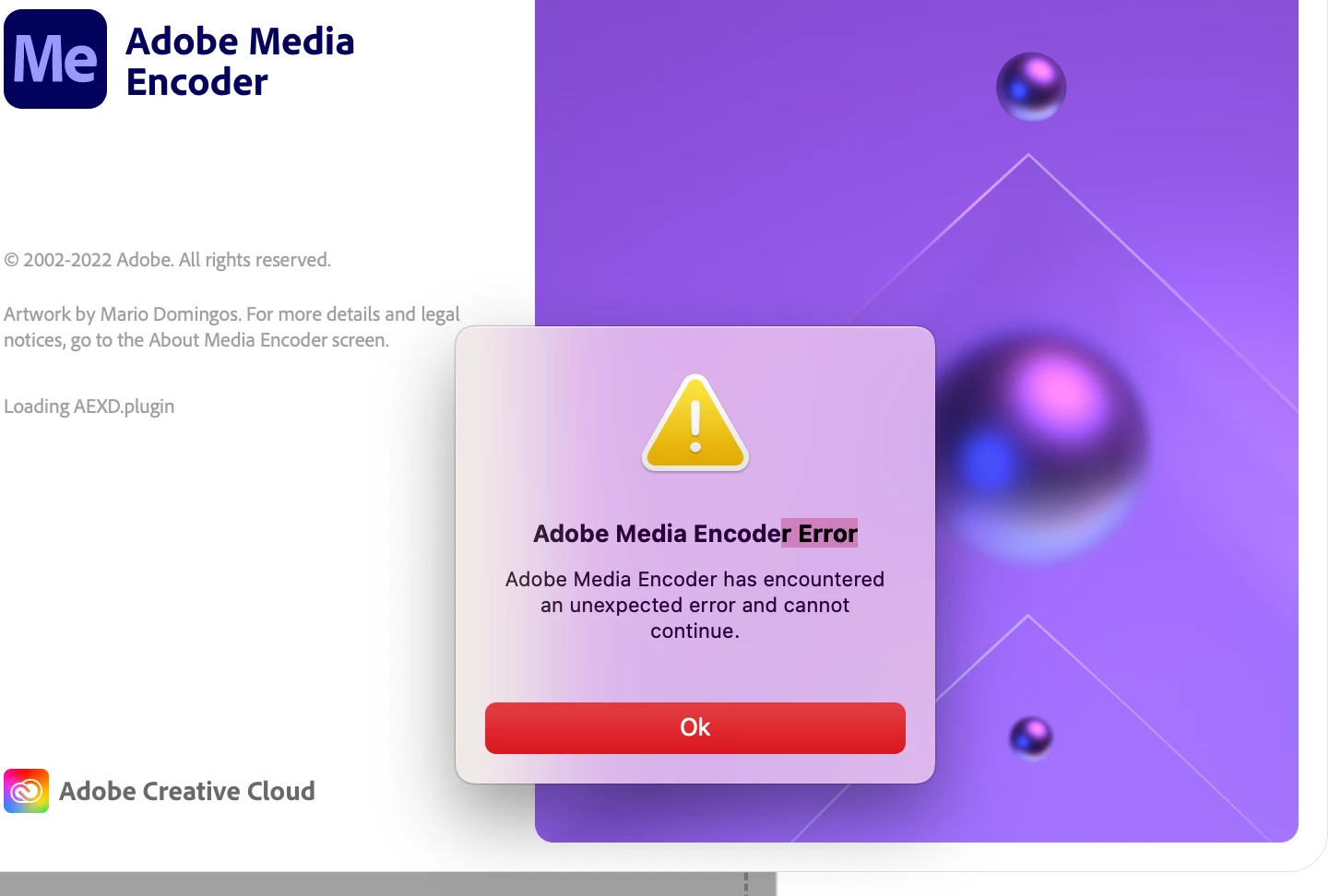
Adobe Encoder 2023 wont open at all

  • November 15, 2022
  • 4 replies
  • 8525 views

I am using a MacBook pro, I have enough space in my computer

Processor: 2.3 GHz 8-Core Intel Core i9.

Mac OS Ventura: 13.0


I have updated all the adobe apps to 2023.

I have been working on 6-sec videos and they are short. Somehow my Encoder doesn't open and it keeps saying error. I have tried deleting and reinstalling. Shut down my computer and update. Nothing seems to work. I closed my after-effects and tried only opening the media encoder and it still doesn't open. Someone, please help me. 


This topic has been closed for replies.
Correct answer mrBadosa

Here's the location on macOS where third-party plug-ins are stored: HD/Library/Application Support/Adobe/Common/Plugins/7.0/MediaCore

If it doesn't help, provide Media Encoder Full Disk Access in  System Settings > Privacy & Security. Feel free to contact us via phone or chat as suggested by expert.

Let us know how it goes.


Thanks,

Nishu


Someone told me to give permission to Media Encoder to access documents in the computer and it worked.
So problem solved.
Thanks for your answers!

4 replies

Participant
August 3, 2023

I tried that it didn't work for me for some reason.

EckiAME
Community Manager
Community Manager
April 23, 2024

Sorry for your issues. Do you have AntiVirus software installed? Can you share your specs (OS, CPU, GPU, memory)?

Inspiring
February 18, 2023

Hello,

I have the same problem but I've tried unistalling while reseting my preferences and it doesn't work.

About the second solution, I did not find any Plug-ins in that location that nishu_kush is suggeting, maybe because I'm using Mac?

I noticed that the error comes when the program is loading "ImporterQuickTimeBundle". I don't know if that's relevant...

Any ideas on how to solve this?
Thanks

kglad
Community Expert
Community Expert
February 18, 2023

@mrBadosa 


did you select "remove" while uninstalling ame?


Inspiring
February 18, 2023

Hello. Yes I did

nishu_kush
Community Manager
Community Manager
November 16, 2022

Hi Karma25830725oci6,


Welcome to the community and sorry for your issue.

Did resetting the preferences help? If not, go to the following location and see if there are any plug-ins installed for After Effects or Premiere Pro: Windows: C:\Program Files\Adobe\Common\Plug-ins\7.0\MediaCore
Any folder or file in the MediaCore folder (except dummy.txt) belongs to a third-party plug-in. Remove them temporarily from the folder and try to launch Media Encoder.

Let us know the outcome.


Thanks,

Nishu

Participant
November 16, 2022

Thank you so much.

kglad
Community Expert
Community Expert
November 15, 2022
Participant
November 16, 2022

Thank you so much it worked.

kglad
Community Expert
Community Expert
November 16, 2022

you're welcome.