
Answered
Adobe Media Encoder has encountered an error. [cutlistrenderer.cpp-839]
Whenever I export a sequence longer than 10 minutes a whole bunch of these pop outs com up - like 20 times. Please assist, thanks ahead of time.
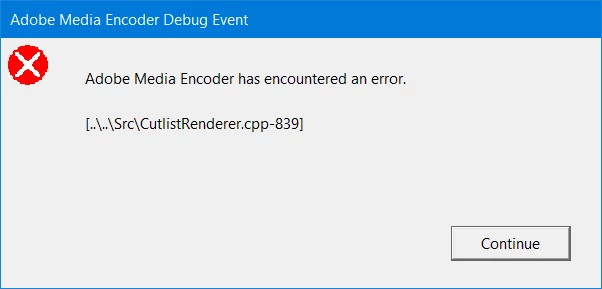

Whenever I export a sequence longer than 10 minutes a whole bunch of these pop outs com up - like 20 times. Please assist, thanks ahead of time.
Hi noahgreenwood,
I understand your concern. It seems strange to know that the export crashes specifically when you render a sequence longer than 10 minutes. I researched the error code that you've mentioned and found that this issue usually occurs with the video renderer settings or the preferences for AME. Here are the suggestions to try:
1. Change the video renderer to Software only and then test the issue.

2. Make changes to the preferences for Premiere Pro sequences. Please follow these steps
Let me know if it helps.
Thanks,
Shivangi
Already have an account? Login
Enter your E-mail address. We'll send you an e-mail with instructions to reset your password.


 AdChoices