


Adobe Media Encoder is not connecting with After Effects.
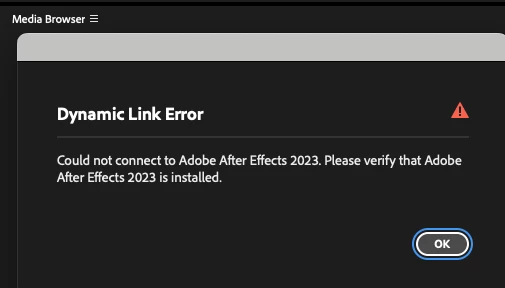
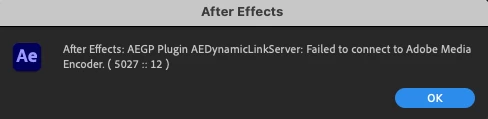
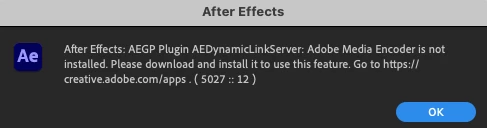
Hello, I'm using After Effects 2023 and Media Encoder 2023 to use a custom plugin. I also installed the 2026 version. However, during installation, I accidentally clicked the "delete old version" button. I restored After Effects and Media Encoder on my Mac using TimeMachine, and they are working, but when I try to send a composition from After Effects to Media Encoder, I get a warning that the program is not installed. When I try to add an After Effects composition from Media Encoder, I get the same error. When I click "synchronize settings" in Media Encoder, the online login screen appears, but the button to send the confirmation code doesn't work, and it doesn't send a confirmation email. Is there a solution to recover these versions of After Effects and Media Encoder?
 AdChoices