
ravenb67773699
Participant
January 7, 2018
Question

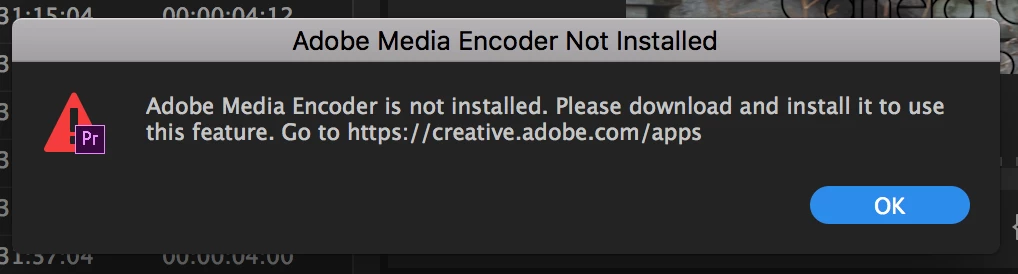
Adobe Media Encoder is not installed

  • January 7, 2018
  • 3 replies
  • 1512 views

I keep getting a pop up saying that my adobe media encoder is not installed, even though I have it. I have tried uninstalling and reinstalling it, though this keeps appearing. If anyone could let me know how to fix this that would be amazing!

.
This topic has been closed for replies.

3 replies

simony25502011
Participant
December 13, 2018

Yeah, that's annoying.  If you're trying to render for a Premiere or AE project, a work around I've found is opening Media Encoder from the apps page, and opening the project directly from there and for me it renders fine.  Not perfect, but it works.

Participant
March 23, 2018

I have exactly the same problem !

Peru Bob
Community Expert
Community Expert
March 23, 2018

estellev24338369  wrote

I have exactly the same problem !

Please help us to help you and answer kulpreet singh's questions.

kulpreet singh
Inspiring
January 8, 2018

Hi ravenb67773699,

Are you able to launch/open Adobe Media Encoder from Applications ​list?

What is the exact version of Premiere Pro & Media Encoder (check from the help menu)?

Thanks,

Kulpreet Singh