Participant
February 9, 2022
Question

Adobe Media Encoder Quality Bar Disappeared when exporting as GIF

  • February 9, 2022
  • 2 replies
  • 459 views

Hi everyone, I am currently having trouble when exporting GIFS in Media Encoder.
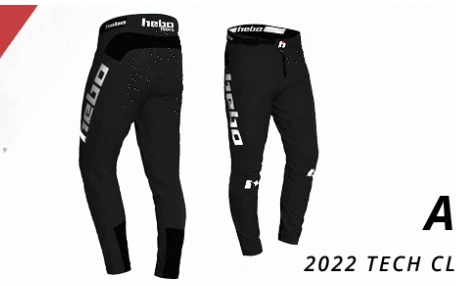
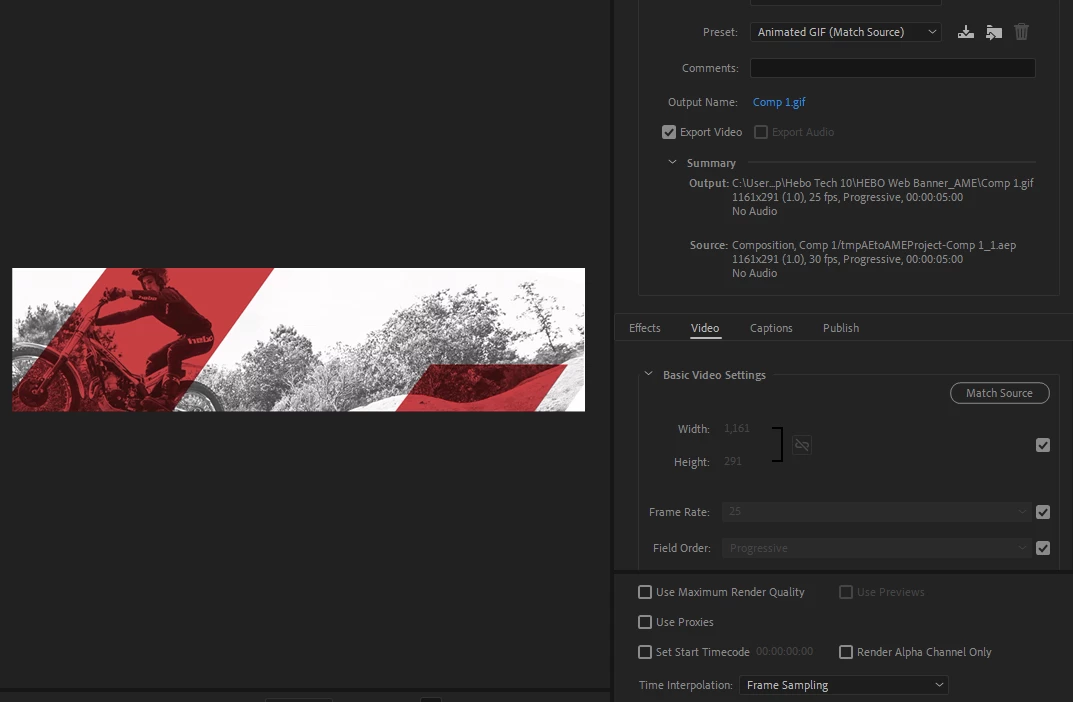
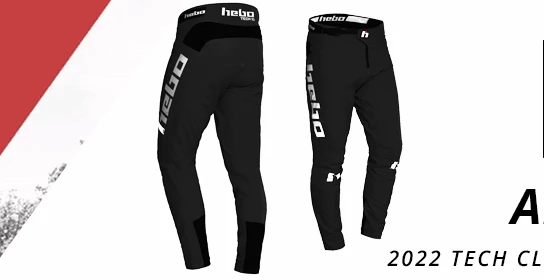
The GIFS i have been exporting are loosing some quality from the original artwork (green dashes/dots appearing). After seeing this I wanted to up the quality as my GIFS are only coming out at around 2.5mb, I have used the Quality Bar (Basic Video Settings) before in Media Encoder to increase/decrease the quality of GIF but can't see any option to do so anymore? I am not sure if this is from a new update or settings I have set when starting my animation. I will attach photos to show what I mean. Any help to get the quality bar back would be great. If that is not the issue, then any help to remove the poor quality (green dots and dashes) and up the fize size of my GIFS would be great.

Thanks
    This topic has been closed for replies.

    2 replies

    Jeff Bugbee
    Community Expert
    Community Expert
    March 10, 2022

    Take a look here: https://medium.com/@samuelbader/adobe-media-encoder-animated-gif-quality-slider-does-exactly-nothing-304e1f932461

    Basically, that slider never really did anything so I'm guessing that's why they removed it.

    Can you try bringing your animation into Photoshop and exporting your GIF that way?

    Participant
    March 18, 2022

    Just read up on this and its a great/interesting read so thanks! I have now just turned to using Photoshop to create GIFs instead as the file size and quality seemed to be perfect. Although I still think this is a shame as AAE animation options are so SO much better! Thanks again

    Jeff Bugbee
    Community Expert
    Community Expert
    March 18, 2022

    I certainly don't disagree, seems odd to have to use Photoshop but I'd rather have something work than nothing! I'm guessing they don't want to re-invent the wheel in AE when PS already does the job.

    Peru Bob
    Community Expert
    Community Expert
    February 9, 2022

    I've moved this from the Using the Community forum (which is the forum for issues using the forums) to the AME forum so that proper help can be offered.


    Participant
    February 9, 2022

    Thank you!

    Participant
    March 7, 2022

    Hello, I have the same problem with you...have you found any solutions ? 🙂

    Thanks in advance.