Participant
July 7, 2011
Answered

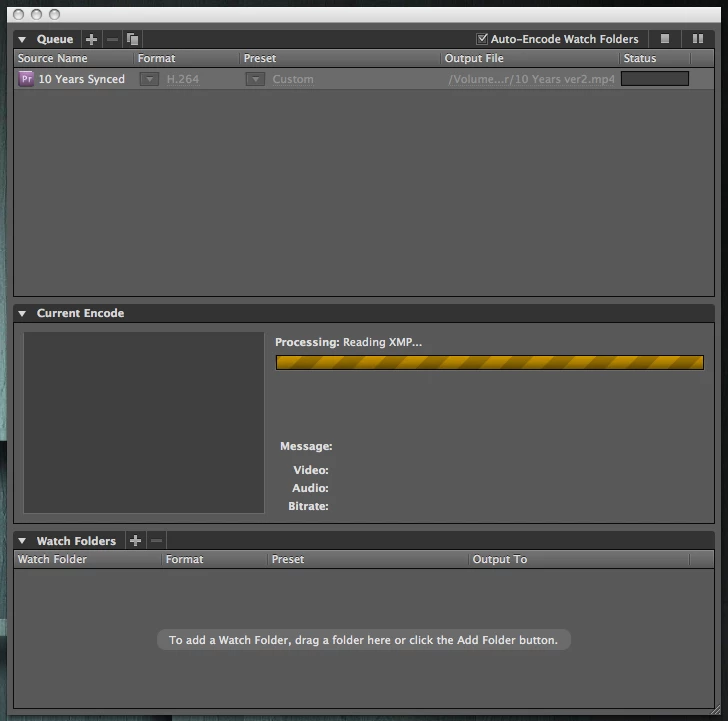
AME CS5.5 hangs on "Reading XMP"

  • July 7, 2011
  • 12 replies
  • 23760 views

Been having this issue ever since I upgraded to 5.5...

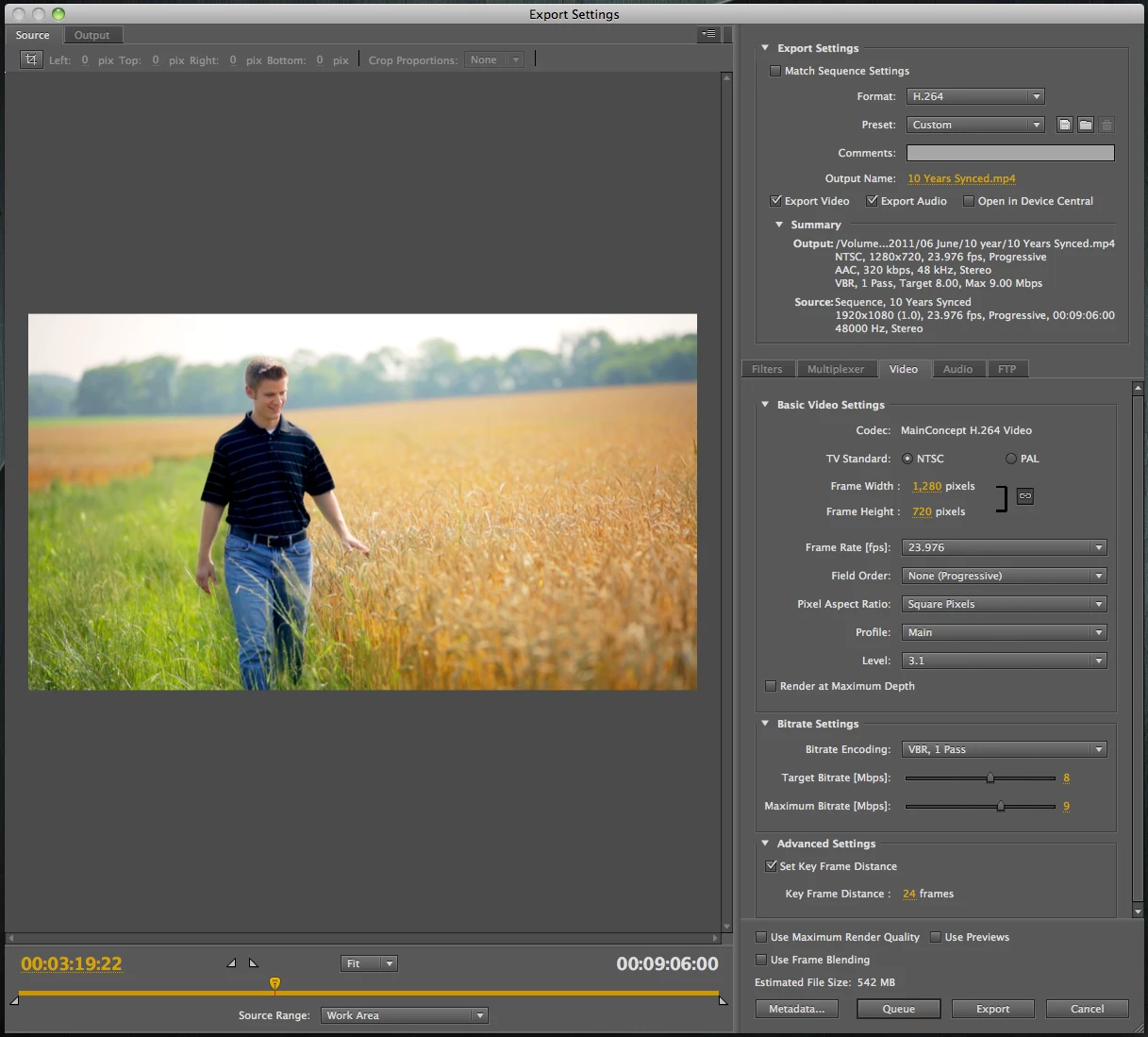
Finish a video in Premiere, export to AME, click the play/start encode. In the encode status, it gets to "Processing: Reading XMP" and simply hangs there indefinitely (hours). Clicking to stop/pause the encode doesn't actually stop it, only way to do anything is to force-quit AME. Then it won't re-open until a restart. Only way I can export my final video from Premiere is the direct export, which works well enough when it's a single video basis, but when I want to do a batch of exports, or continue editing something else while exporting, this completely puts me at a stand-still.

Any idea what's with AME just stalling out on me here?
    This topic has been closed for replies.
    Correct answer Dan LaDue

    Had the same issue...added 4 frames of black to the start of my video because I started with a time lapse and gfx over it..seems to have fixed the problem..

    12 replies

    Inspiring
    October 12, 2011

    I had the same problem with a project that was originally setup in CS5, which had no problems with exporting in that version, but is halting when I start the encoding in Media Encoder for CS5.5.

    I found that the problem was a few images that were really large. I was able to identify the images as Media Encoder created "new" jpg files in the directory with the images and gave them the prefix ._00_ in front of the file name. Resizing these images allowed the render to go through without any problems.

    Mark Mapes
    Community Manager
    Community Manager
    July 15, 2011

    Please tell us a bit about the PPRO sequence that you're exporting. Are any of the following in play?

    1. is GPU acceleration enabled?
    2. does the sequence contain one or more high resolution image sequences (at least 3600 x 2400)?
    3. are any motion effects applied?

    If so, then disabling GPU acceleration should get around a known bug.

    Participant
    July 16, 2011

    NO gpu acceleration

    NO high-res sequences (everything is 1920x1080)

    three video layers, simple cross dissolves, two audio layers (various simple crossfades)

    several AE-linked clips for stabilization, several clips slowed to 80%