



AME won't encode MOGRT's (motion graphic templates)
I've set up AME on a second PC that I want to use for all rendering. Got watch folders set up. I save PPro projects to watch folder and it gets processed automatically.
The problem is, our videos all end with a MOGRT (motion graphics template) and as an outro, but this AME won't render this, I get "Media offline" error as below.
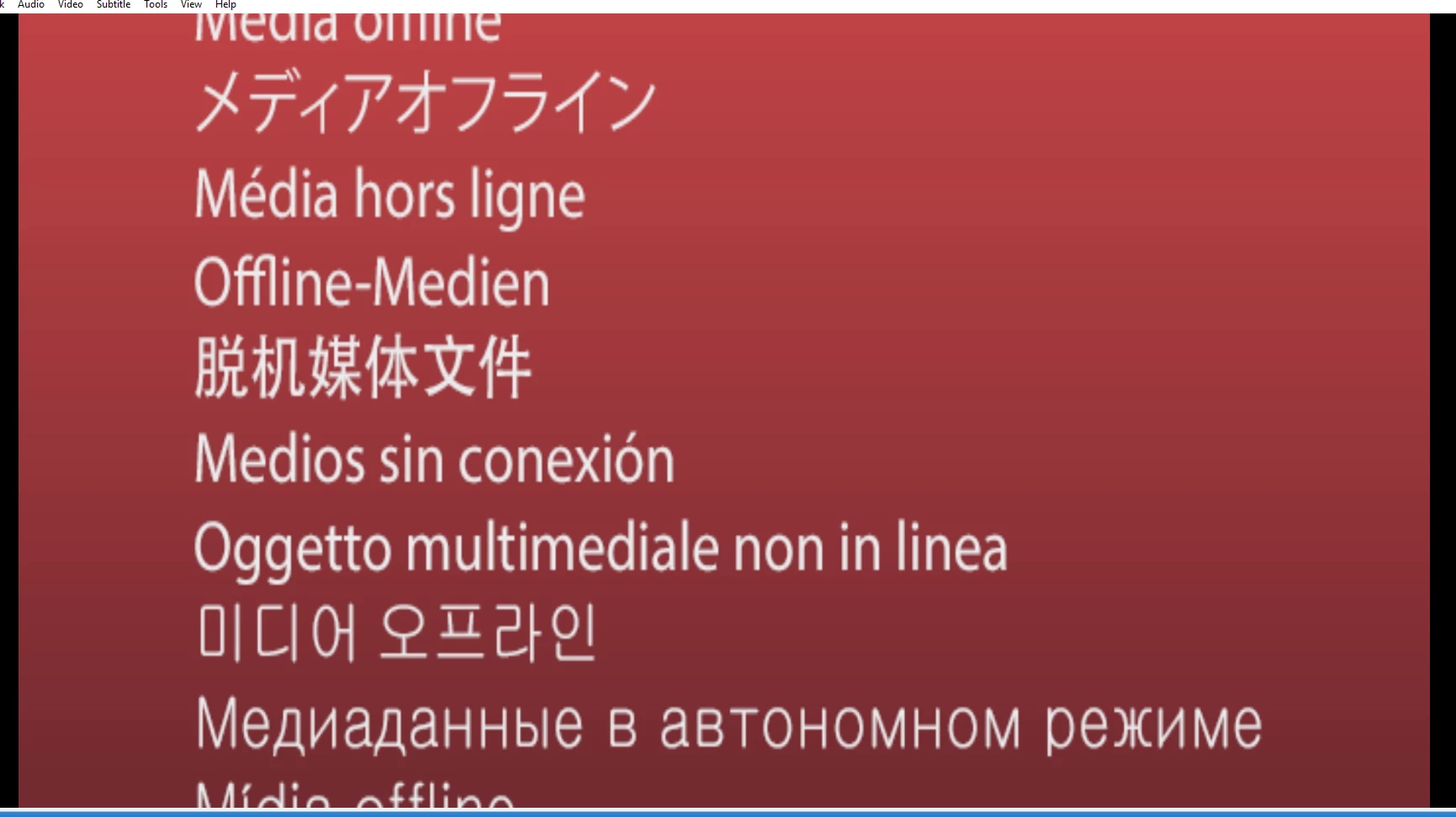
I can export fine from my PC, either exporting direct from PPro or queuing to AME. The projects I work on are all on a network drive, and on both PC's the drives are mapped to the same letter so the locations use exactly the same url. The MOGRT is saved in my Creative Cloud libraries, and I drag into any projects that I'm working on, as it's a standard outro template.
How do I get this working? The whole point of rendering on a second PC is to free up my own so that I can carry on working.
Thanks in advance.
 AdChoices