


Participant
Mar 17, 2017 12:12 AM UTC
Question

Error Import & encode HEVC files in Media Encoder CC 2017

Hello,

I am asking you because I have a problem encoding my HEVC files to Cineform.

Until now I used media encoder 2015.3 with 8-bit MPEG-4 / HEVC video files (see capture) for encoded to a CINEFORM format.
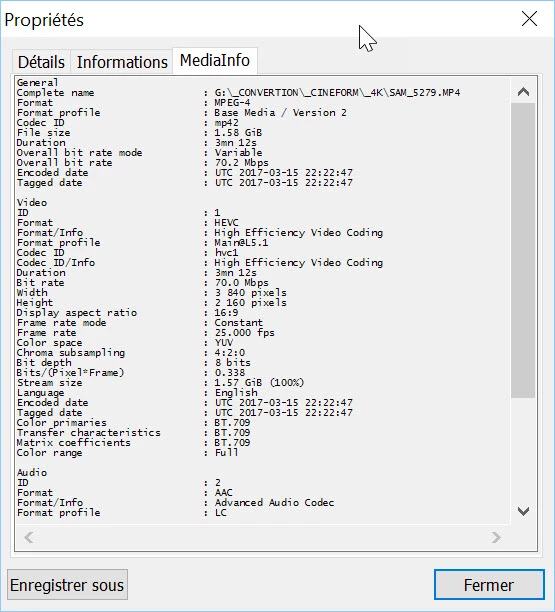
Since upgrading to Media Encoder CC 2017, I have systematically this error when importing these same video files.
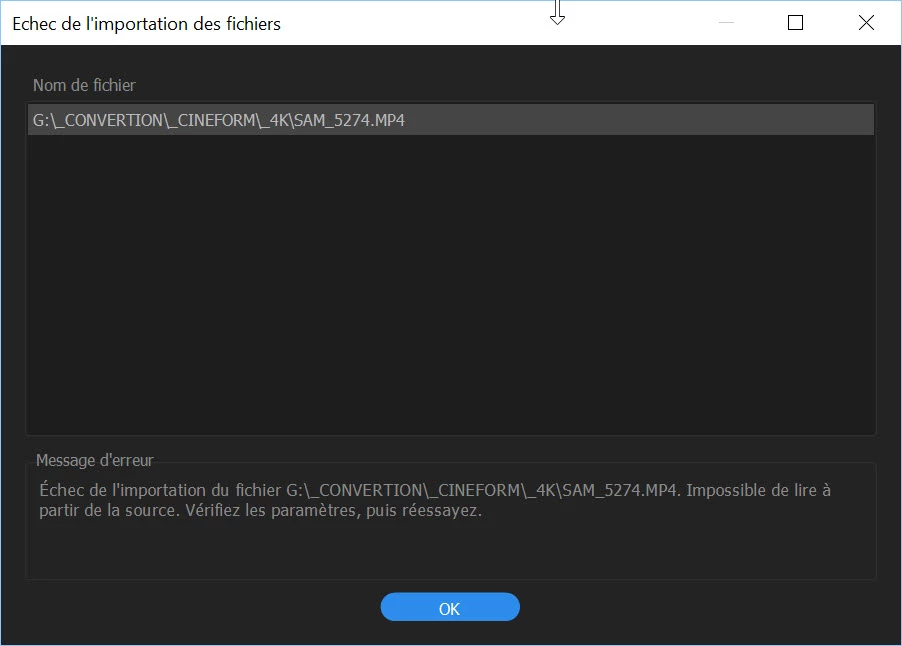
Thanks for your help because I can not work with this 2017 version !

This topic is closed to new replies. Start a new post to keep the conversation going.

2 replies

Dmitri Graf
Adobe Employee
Adobe Employee
Mar 17, 2017 1:29 AM UTC

Hi Robert,

This seems like an activation issue.

Do you have Premiere Pro 2017 installed?

If No, install and launch it.

If Yes, sign out of PPro, then sign back in and relaunch AME.

If that doesn't work, re-install PPro.

Also, please rename one of your files and then try to import again to make sure it's not a cache issue.

I'll have more suggestions if none of this works, but this should do it.

Let me know how it goes. Cheers.

Translate
iakasura
Participating Frequently
Dec 27, 2017 3:42 PM UTC

then rename .mov file to .mp4 or .m4v

Translate