Inspiring
September 12, 2017
Answered

Estimated File Size Not Showing

  • September 12, 2017
  • 3 replies
  • 12807 views

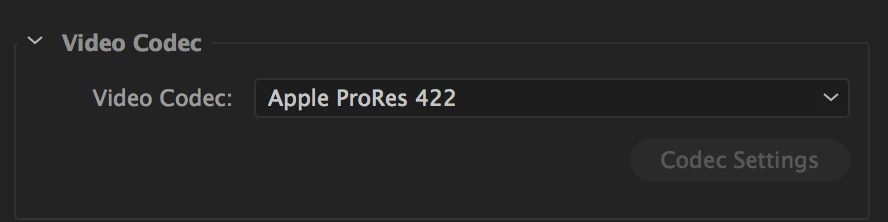
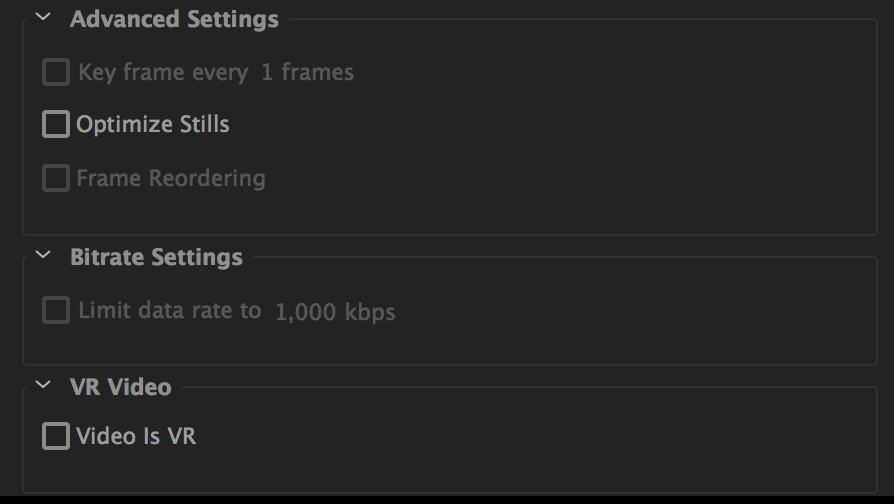
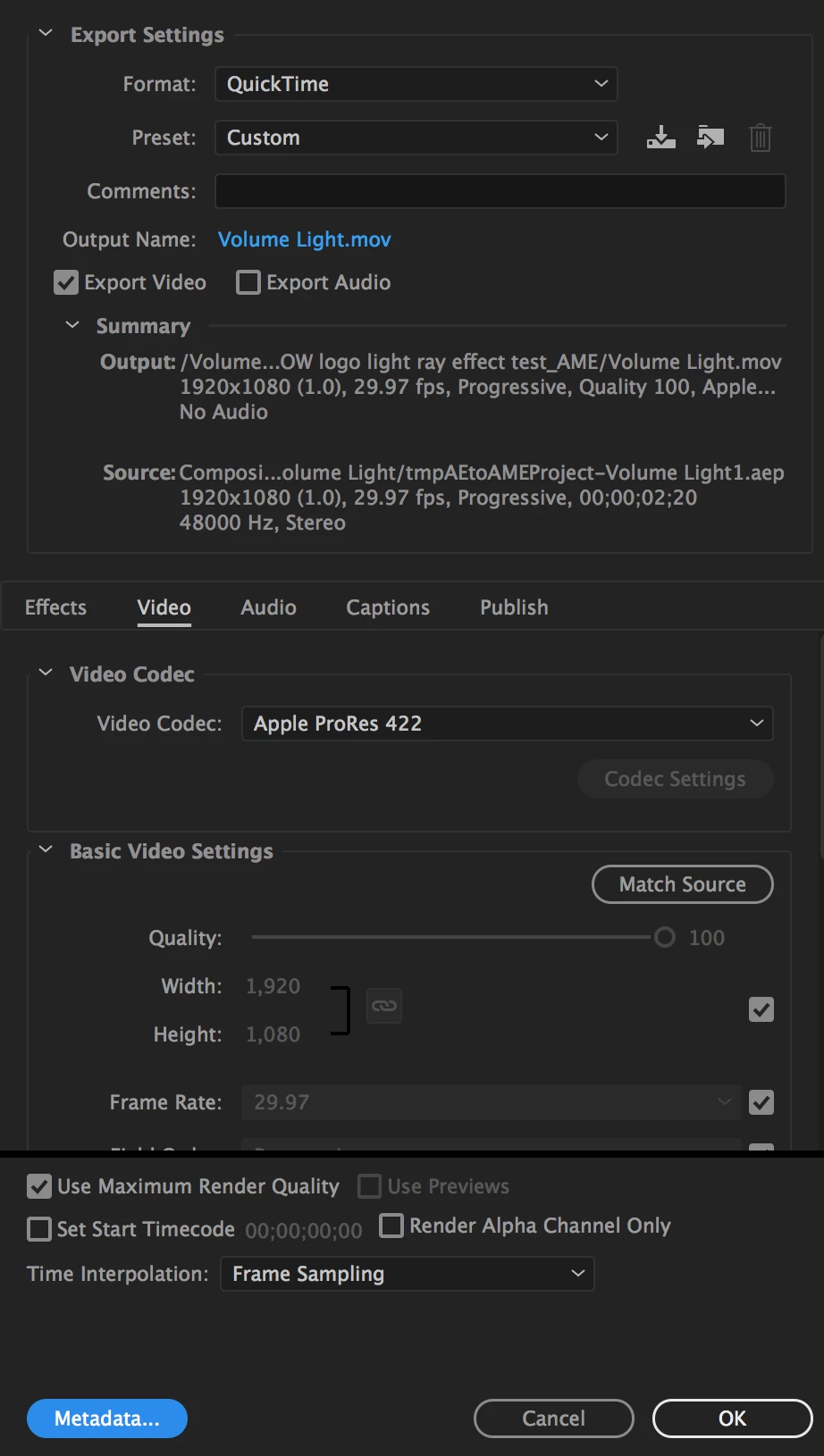
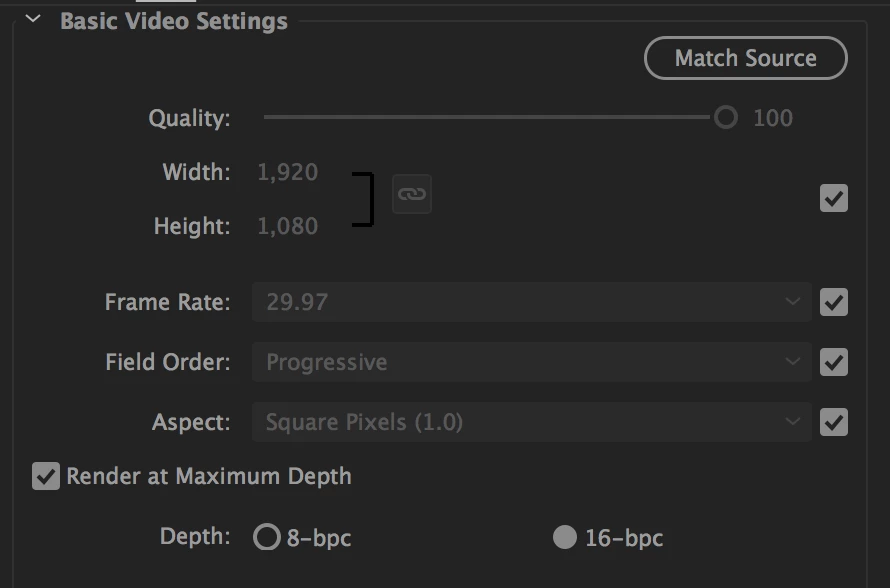
The estimated file size in my render settings isn't showing. My guess is that the file size is too large? The whole thing takes about 2 or so hours to render. I've attached screen shots. My video is 3D and from After Effects. I am using the C4D renderer. Thank you.
Correct answer kulpreet singh

Hi Romealstrong,

The estimated file size in my render settings isn't showing.

That option (Estimated File Size) is available for only a few formats/presets, not for all.

We deliberately removed it from some formats as we were getting a lot of complaints about the accuracy.

You can raise a feature request to get this option here.

Thanks,

Kulpreet Singh

3 replies

Warren Heaton
Community Expert
Community Expert
August 24, 2021

For what it's worth:

  • 1080p ProRes422 HQ is about 1.3GB per minute
  • 1080p ProRes422 is about about 1GB per minute
  • 1080p ProRes 422 LT is about 700MB per minute
  • 1080p ProRes422 Proxy is about 330MB per minute


Apple's ProRes White Paper covers just about everything you'd want to know about ProRes: Apple ProRes


Jeff Bugbee
Community Expert
Community Expert
September 14, 2017

ProRes never shows the estimated file size. H.264 always does for me, however.

Inspiring
September 14, 2017

How do you unmark the correct answer? I meant to check it for kulpreet, no offense jeff.

Thank you both for replying. I get it for neither ProRes nor H.264, which are the only codecs I use.

Inspiring
September 14, 2017

nvm figured it out.

kulpreet singh
kulpreet singhCorrect answer
Inspiring
September 14, 2017

Hi Romealstrong,

The estimated file size in my render settings isn't showing.

That option (Estimated File Size) is available for only a few formats/presets, not for all.

We deliberately removed it from some formats as we were getting a lot of complaints about the accuracy.

You can raise a feature request to get this option here.

Thanks,

Kulpreet Singh

peterf622338
Participant
August 22, 2021

Hey Kulpreet, 


The feature request link you've attached is a link to other softwares. How Can I get this file estimate reattached to my premier. Or can is it somethign i can just turn on through the settings?


Kind regards, 

Stan Jones
Community Expert
Community Expert
August 22, 2021

This is a really old thread and the page changed. For Media Encoder, it is now:

https://adobe-video.uservoice.com/forums/911308-media-encoder


Stan