


Answered
exporting a video mp4
Hello, I am using Adobe Animate 2022
When exporting a video, choose
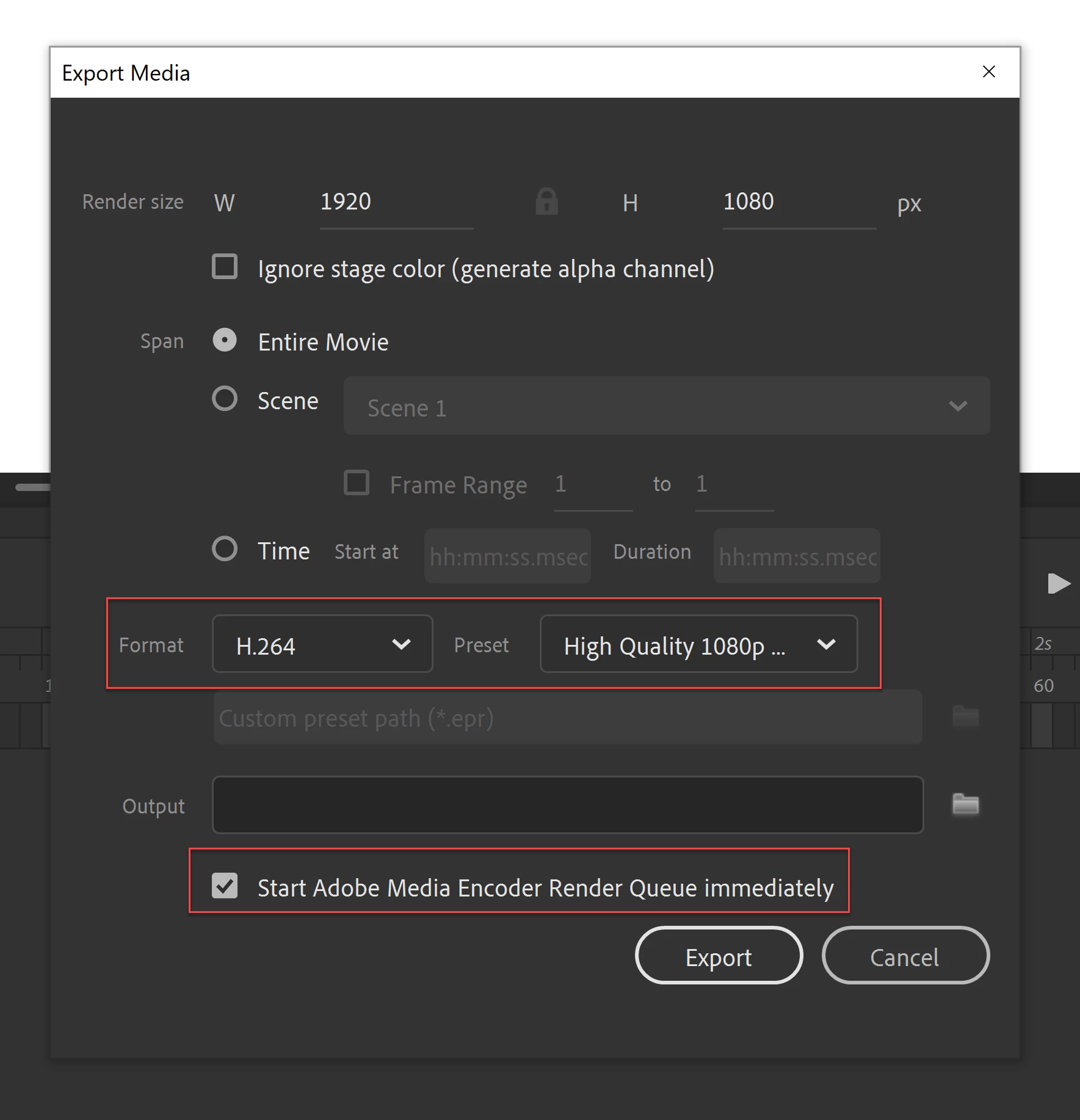
The clarity of the images and the design are weak when issued
But the quality appears poor
please help (^_^)
I want the video in mp4 version
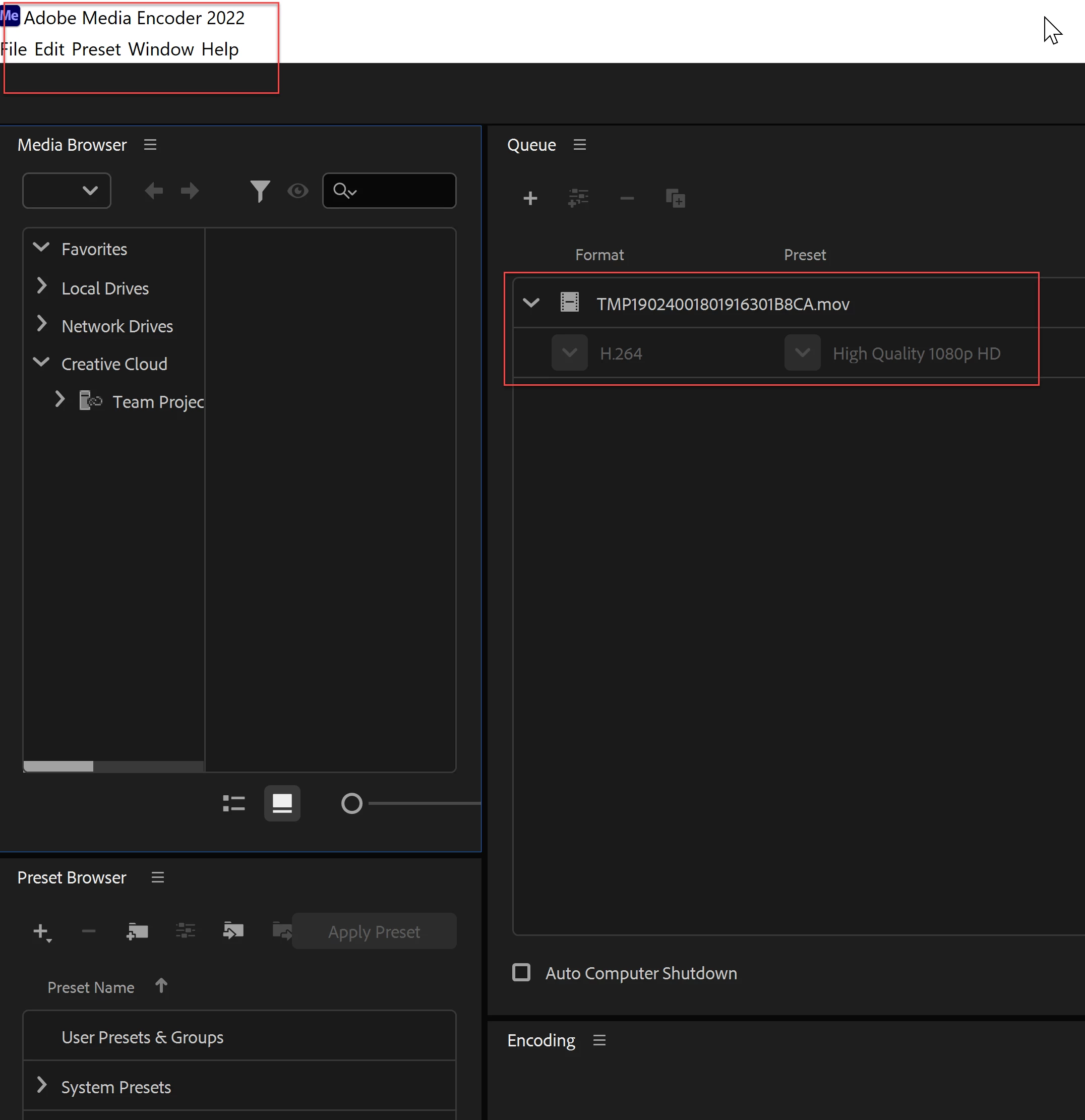

Hello, I am using Adobe Animate 2022
When exporting a video, choose
The clarity of the images and the design are weak when issued
But the quality appears poor
please help (^_^)
I want the video in mp4 version
Already have an account? Login
Enter your E-mail address. We'll send you an e-mail with instructions to reset your password.
 AdChoices