


Question
Glitchy GIF Render
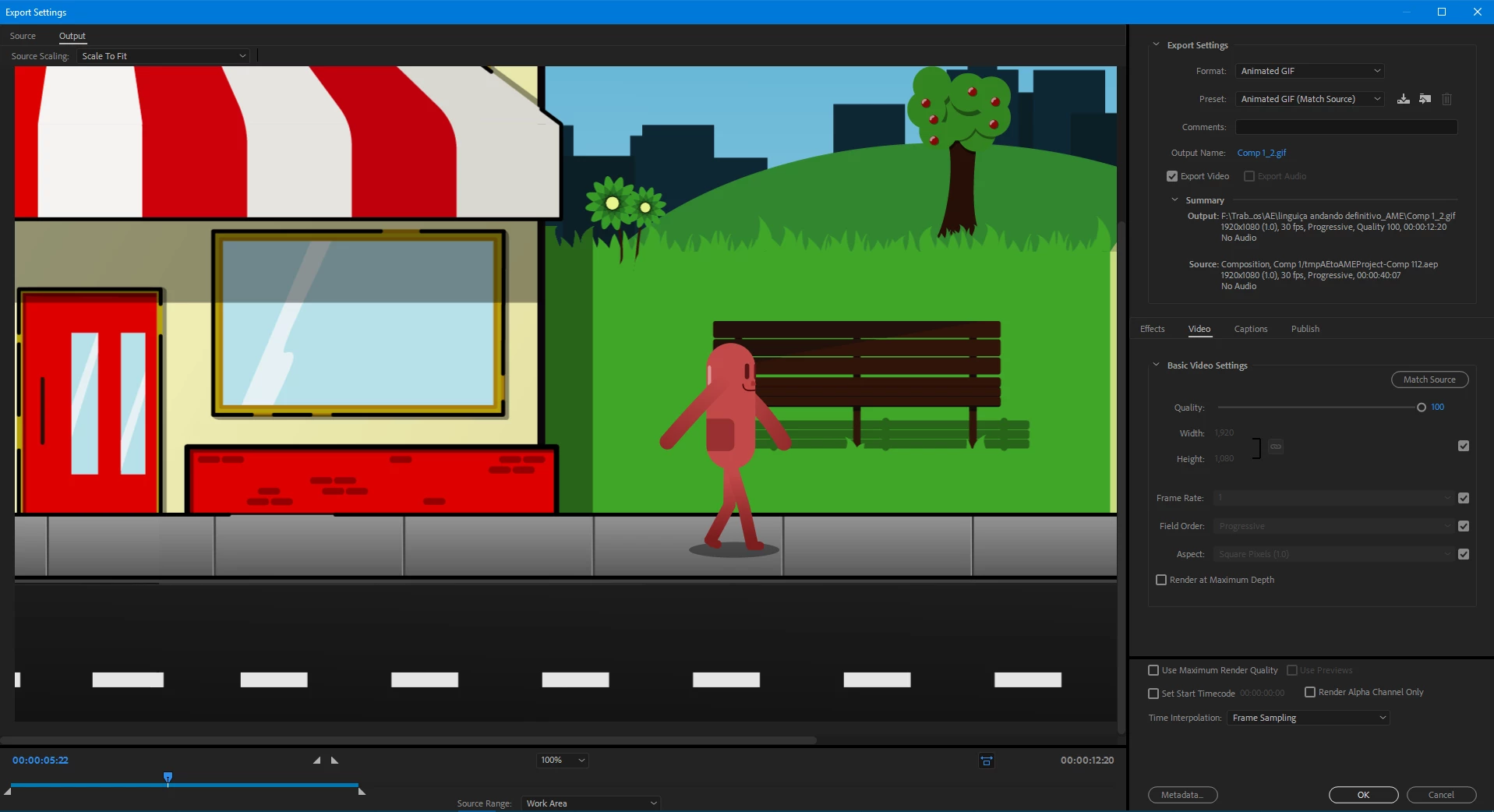
So, I just made a quick loop animation in AE and when i try to render it as a GIF with AME, it gets kinda choppy. In both the AE preview and the AME render preview, the gif looks normal. The mp4 version is looking fine, too. I tried desabling and re-enabling the GPU acceleration in AME but i doesn't change a thing. Maybe i'm dumb and skipping something obvious? Idk. I'll link my render settings screenshot and the gif is here https://imgur.com/a/6cNL9LZ, this one i saved in a little smaller resolution but the glitch is the same
 AdChoices